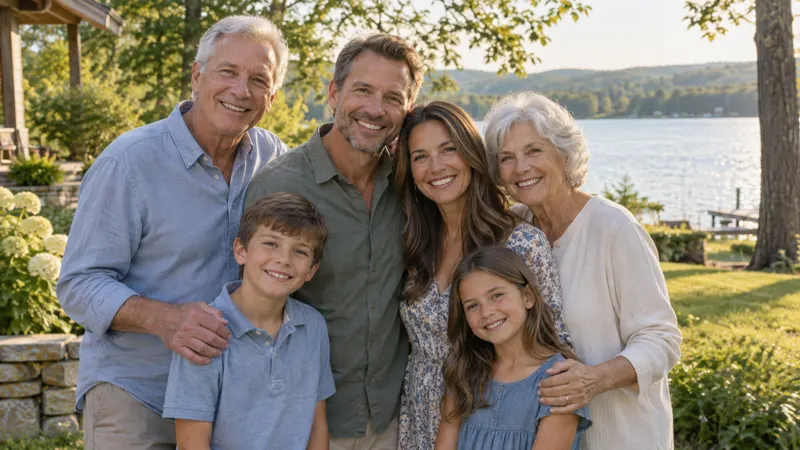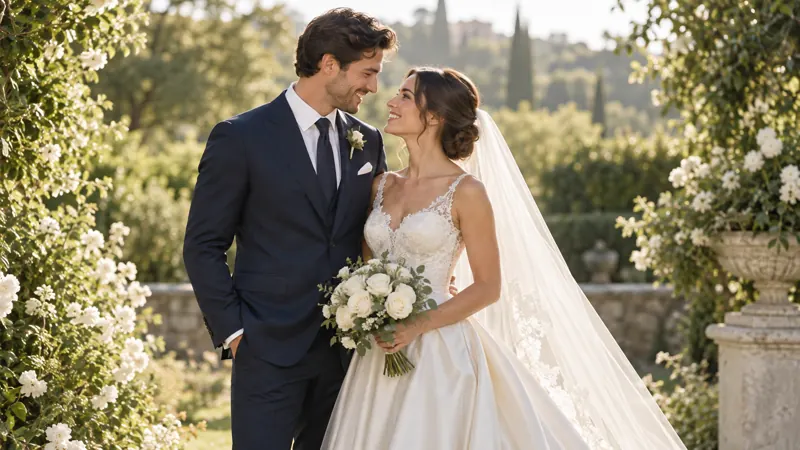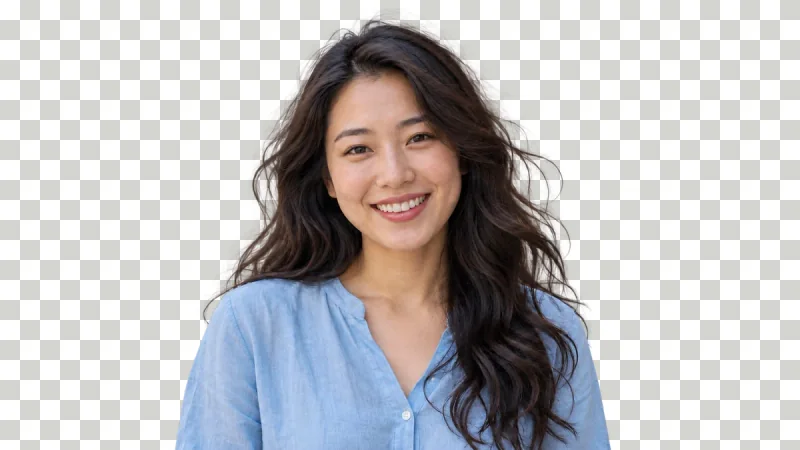
4K image upscale
Upscale an image to 4K for a wallpaper, a TV slideshow, or a video thumbnail. A 960 × 540 image upscaled 4x becomes 3840 × 2160, which is 4K.
Images 0/1
Upscale
Upscale an image 2x, 4x, or 6x in one click with a free AI image upscaler. Upload a JPG, PNG, or WebP and the AI upscaler returns a sharper, larger image with no watermark.


Anime frames and illustrations need clean lines and flat color. The AI image upscaler keeps outlines sharp and removes compression blocks as it upscales the image, so drawn faces and line art stay true to the original image.
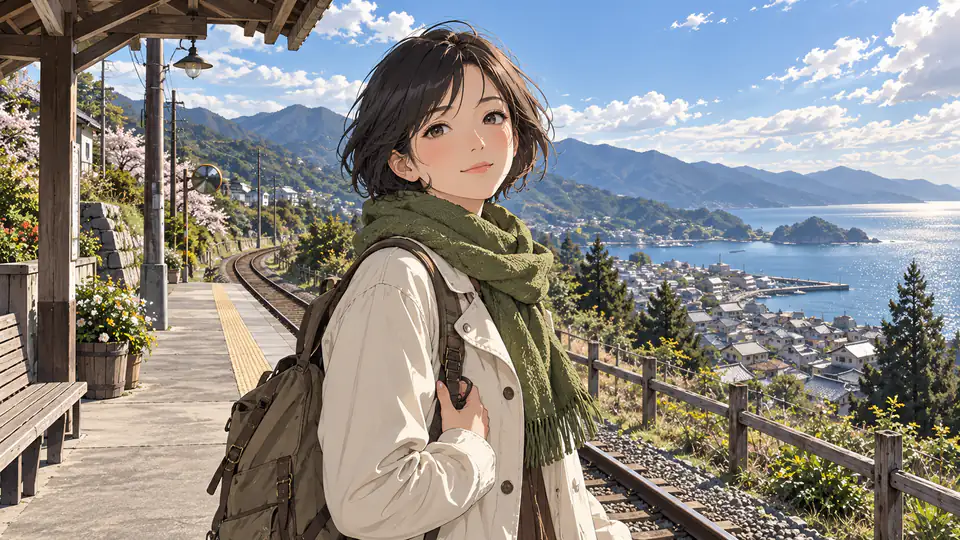
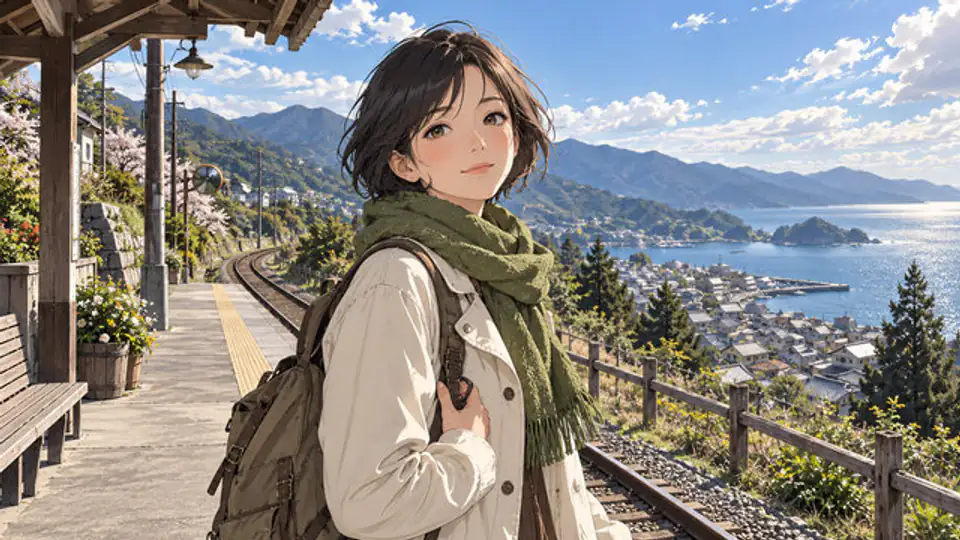
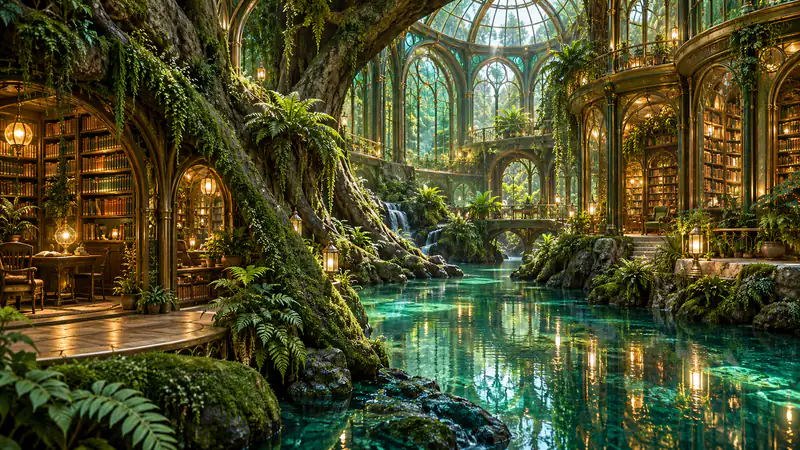
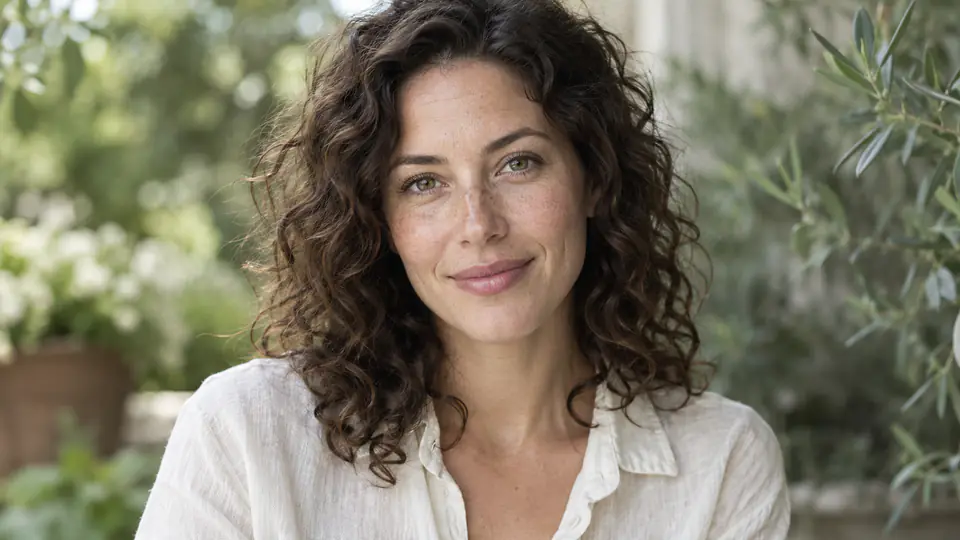
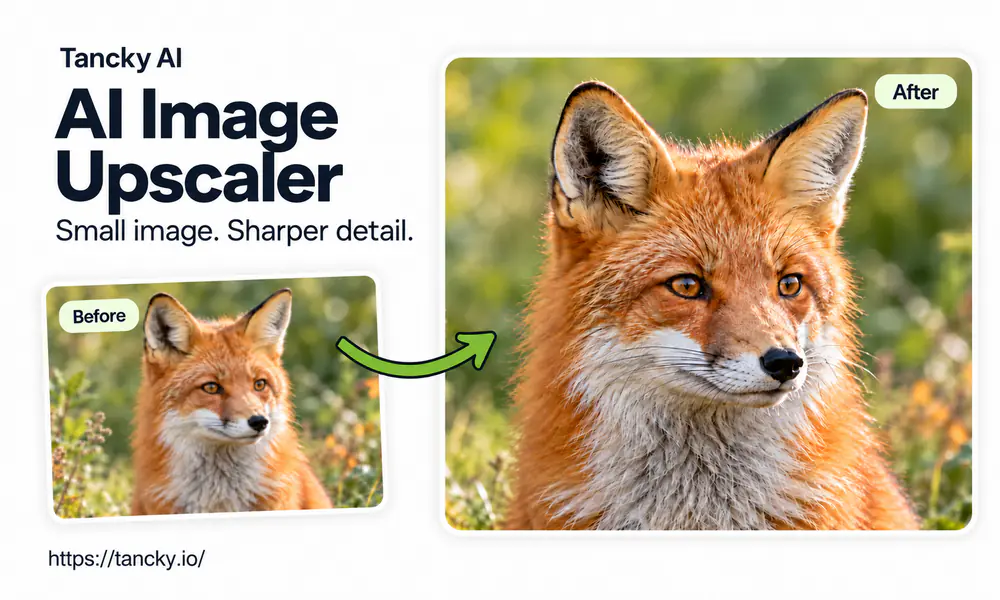
An AI image upscaler makes a small picture bigger without the blur you get from stretching it. Ordinary resizing spreads the same pixels over a larger area, which is why an enlarged photo looks soft and blocky. An AI upscaler is trained on pairs of small and large images, so when it upscales an image it rebuilds clean edges, hair, fabric, and fine lines where plain resizing leaves mush. People reach for it to AI upscale an image when the only copy they have is too small: an old phone photo, a product shot from a supplier, a picture saved from a chat.
This AI image upscaler works in the browser on a phone or a computer, with nothing to install. Upload the image, choose 2x, 4x, or 6x, and download the result with no watermark. Every image costs 1 credit, whichever scale you pick.
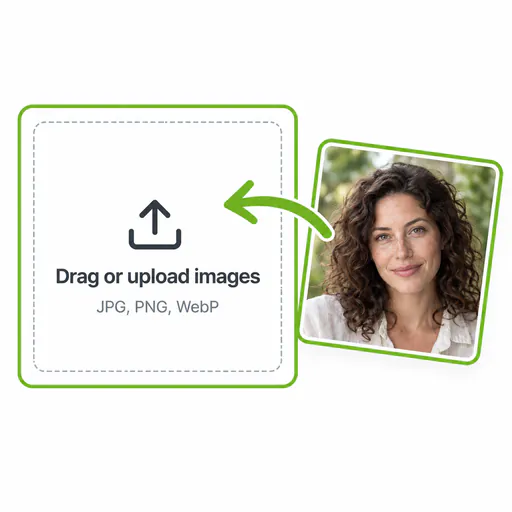
Drag an image into the AI image upscaler from your phone or computer. You can upscale JPG, PNG, and WebP images online.
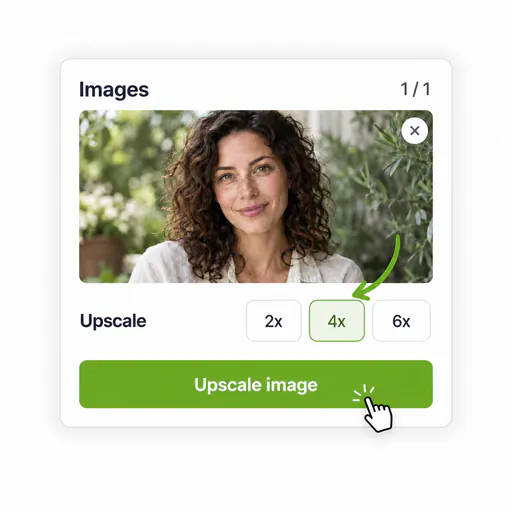
2x is selected by default and suits most photos. Choose 4x for a small image and 6x for one that is barely larger than a thumbnail.
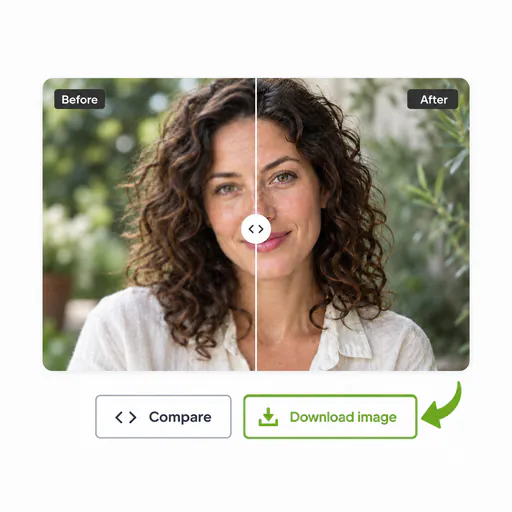
Most images upscale in seconds. Drag the slider to compare the image before and after, then download the upscaled image. The AI image upscaler adds no watermark.
A larger, cleaner file gives a small image more places to go. Here are six common jobs for an AI image upscaler.
Upscale an image to 4K for a wallpaper, a TV slideshow, or a video thumbnail. A 960 × 540 image upscaled 4x becomes 3840 × 2160, which is 4K.
Many AI image generators stop at about 1024 pixels. Use the AI image upscaler to upscale AI images 2x before you print them, post them, or use them as backgrounds.
Marketplaces ask for large images so shoppers can zoom in. Upscale a small supplier image so the listing meets the size rule and stays sharp when zoomed.
Old digital photos and small scans look soft on a modern screen. Upscale the image to bring back detail in faces, clothing, and backgrounds.
Print needs far more pixels than a screen. Upscale image resolution before you send the file to a print shop, so the poster or photo print does not come out blocky.
Images saved from chats and social apps are compressed and small. Upscale image quality with the AI upscaler before you reuse the image in a post or a slide.
A free image upscaler often adds a watermark or charges more for the larger sizes. Here is what this AI image upscaler gives you instead.
Free and paid accounts download the same clean upscaled image, ready to publish or print.
A 2x, 4x, or 6x upscale costs 1 credit per image. The largest upscale costs the same as the smallest.
A failed image is refunded automatically, so credits only go to upscaled images you can use. Results are saved to your projects, and uploads are used only to upscale your image.
Paid accounts upscale 4 images in one run with the AI image upscaler and download every result together.
Straight answers about the free AI image upscaler: blurry photos, which scale to choose, print sizes, 4K, and privacy.
Upload an image, pick a 2x, 4x, or 6x upscale, and download a larger, sharper image with no watermark.