
Product photos
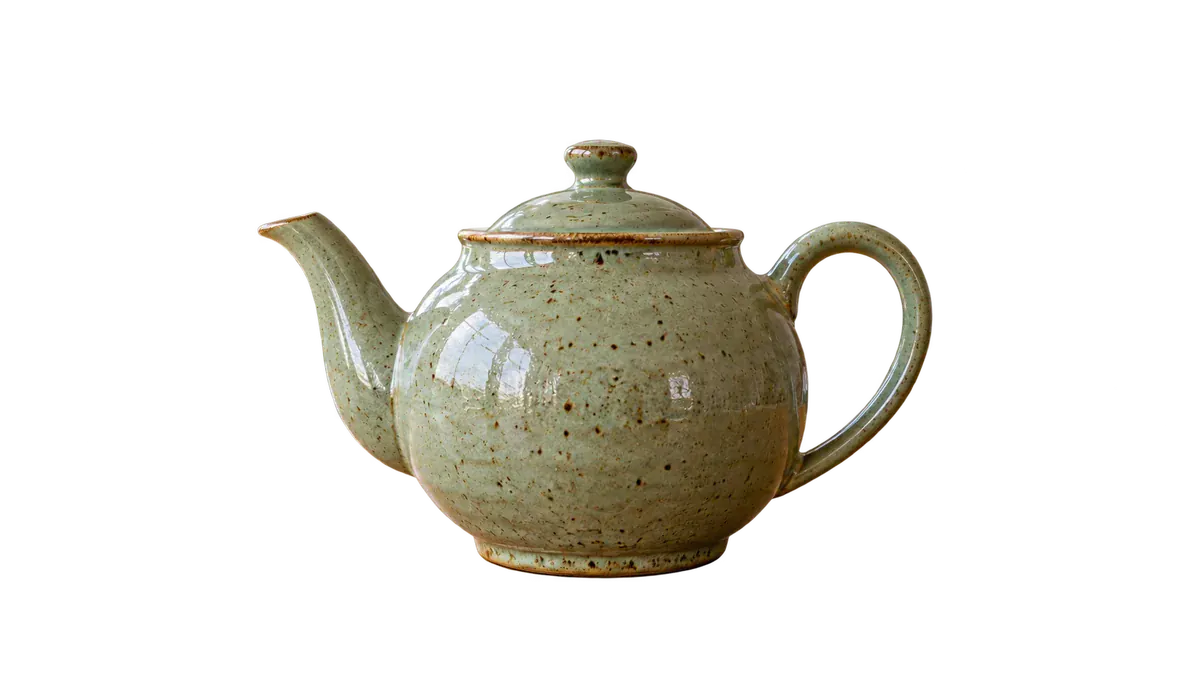
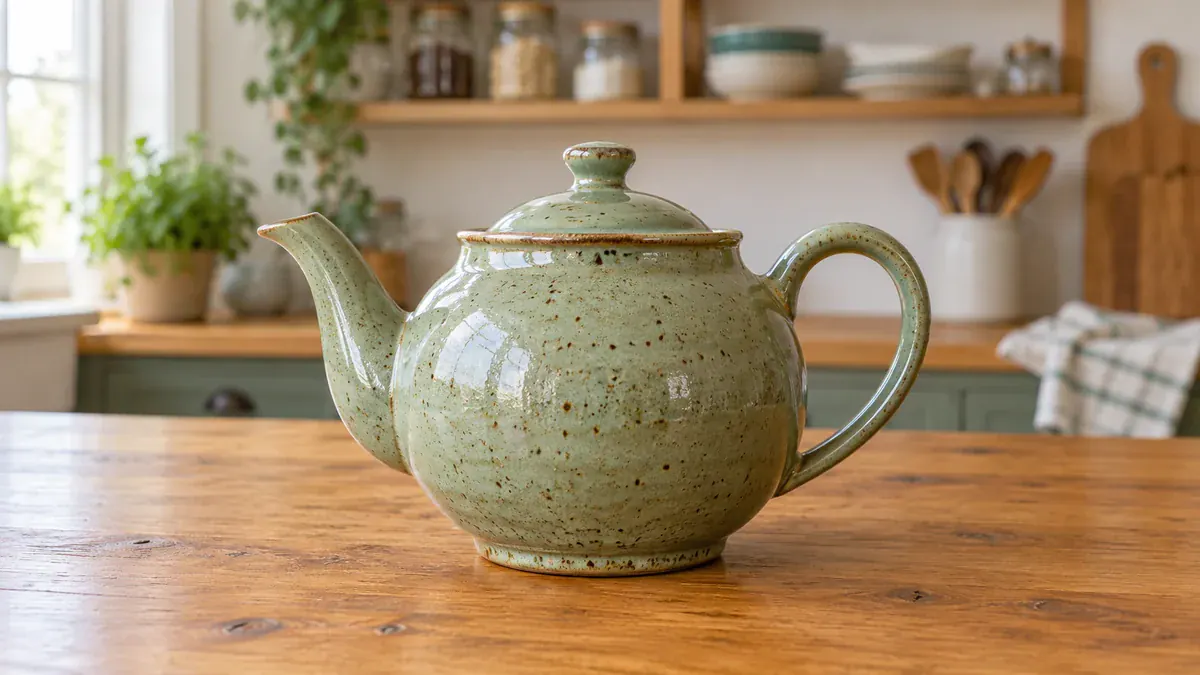
Remove background from a product photo and place the item on white or a branded backdrop, so every listing in your store looks consistent.
Images 0/1
Output
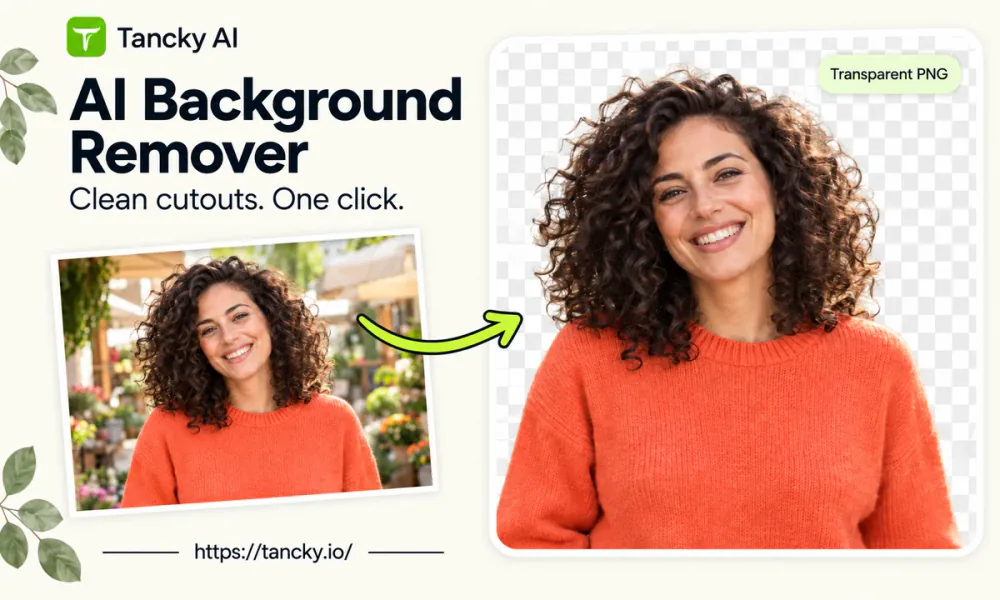
Remove background from image in one click with a free AI background remover. Upload a JPG, PNG, or WebP and download it with a transparent background and no watermark.


Shot on a kitchen table or a warehouse shelf? The background remover lifts the product out, so you can place it on clean white for your store, with no studio booking and no reshoot.


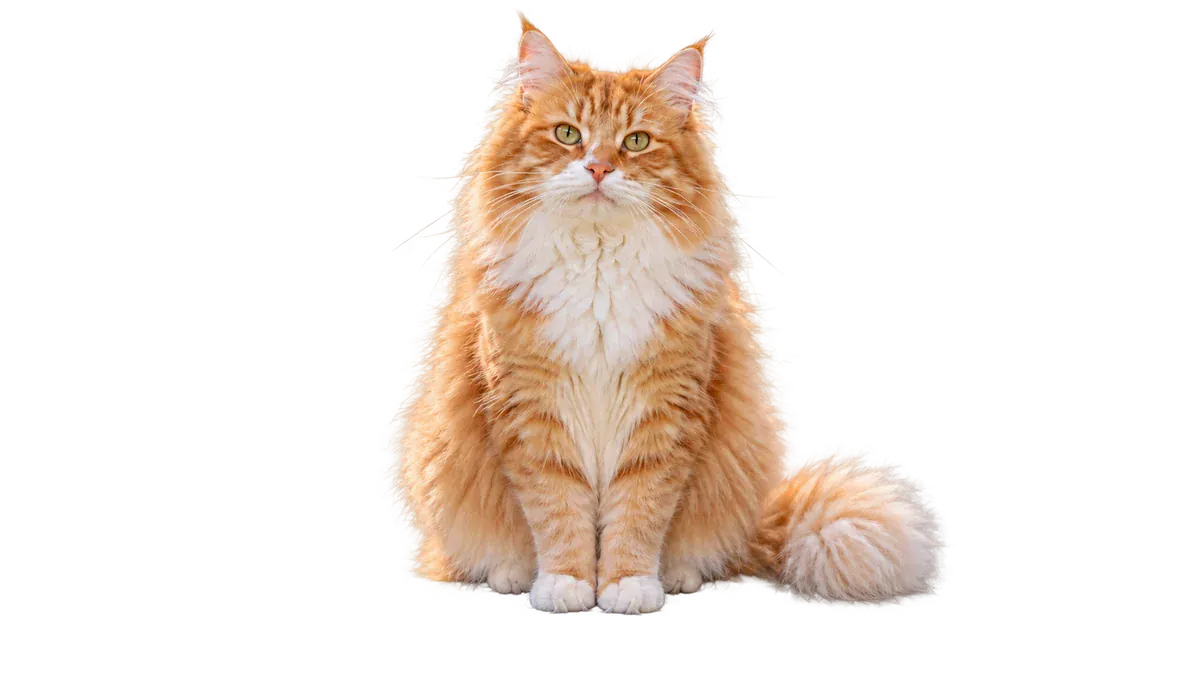
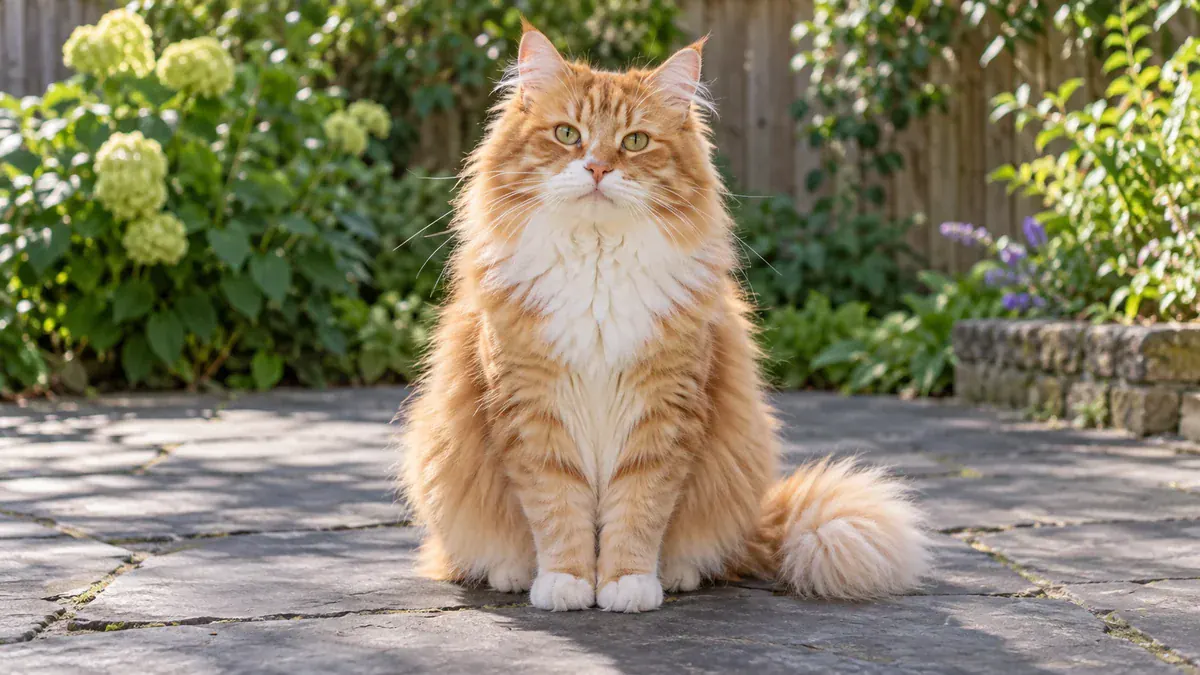


An AI background remover, sometimes called a background eraser, finds the main subject of a picture, such as a person, product, pet, or logo, and erases everything behind it. Tracing the same outline by hand with a pen tool can take an hour. Here you remove background from image files in one click.
This background remover runs in your browser on desktop and mobile, with nothing to install. Upload a JPG, PNG, or WebP and get back a PNG with a transparent background and no watermark. Each image costs 1 credit.
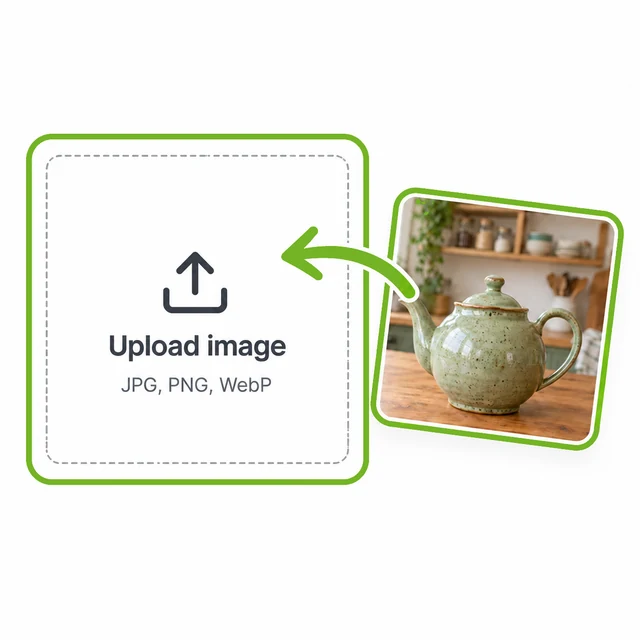
Drag a picture into the AI background remover from your phone or computer. JPG, PNG, and WebP files all work.
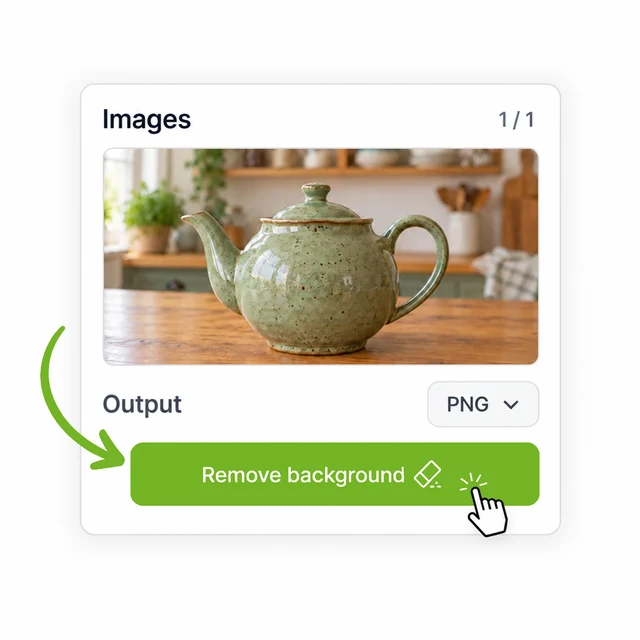
The AI finds the subject and erases everything behind it, with no brushing or manual selection. Most pictures finish in seconds.
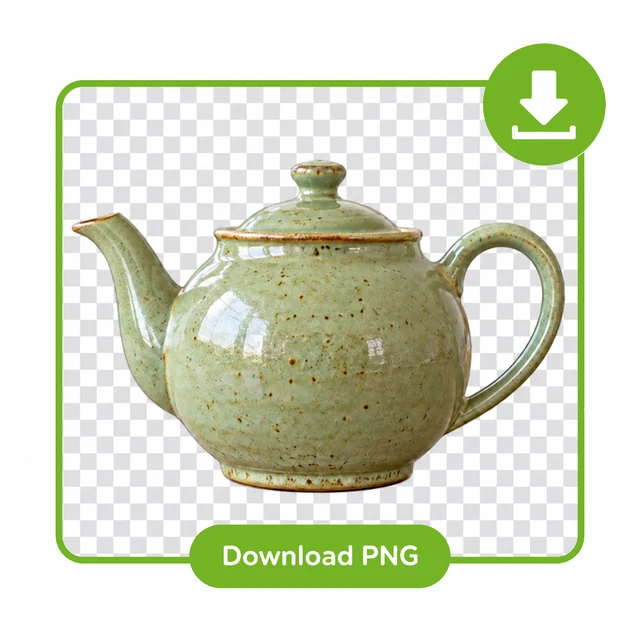
Compare before and after, then download the PNG. There is no watermark, so it is ready for your store, your design, or your next post.
With a transparent background, one cutout fits anywhere you need it. Here are six common jobs for a background remover.
Remove background from a product photo and place the item on white or a branded backdrop, so every listing in your store looks consistent.
Remove background from logo files so the mark stops showing up as a white box on colored pages. The same file then works on a site, a slide deck, or a packaging mockup.
Photograph a signature on plain paper and let the background remover lift the ink off the page, ready to place on a PDF, a letter, or an email footer. Dark ink on white paper gives the cleanest result.
Remove background from a picture of a person to build headshots, avatars, and team pages with one consistent look.
Need a transparent PNG maker for a design? Turn any picture into a cutout and drop it into posters, thumbnails, stickers, and social posts with no visible box around it.
Remove a white background from a scanned drawing, or remove a black background from a studio shot or a screenshot. A subject that stands out clearly gives the cleanest edge.
A free background remover often stamps a watermark on the result or keeps the full-size file behind a paywall. Here is what you get instead.
Free and paid accounts download the same clean PNG with a transparent background, ready to publish.
Hair, fur, and soft shadows are where a cutout starts to look fake. They are kept natural, so the result holds up in listings, print layouts, and profile pictures.
A failed image is refunded automatically, so credits only go to results you can use. Results are saved to your projects, and uploads are used only to process your request.
Paid accounts remove backgrounds from 4 pictures in one run and download every result together.
Answers about free use, sign-up, formats, image size, transparent PNGs, and privacy.
Upload a picture to the AI background remover and download a clean cutout with a transparent background and no watermark.