Last-Minute Costume Inspiration
Stuck on what to wear for the party? Describe any outfit in a sentence or select a preset to preview multiple styles on your own picture before buying.
Your photos
Not sure what to write? Try an example:
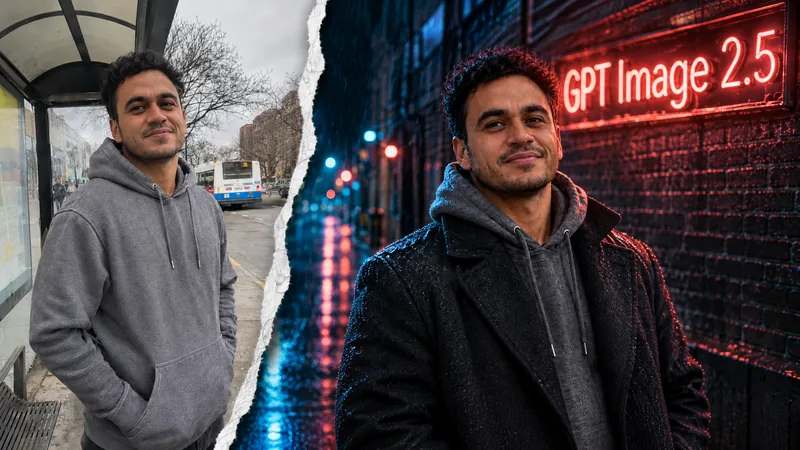
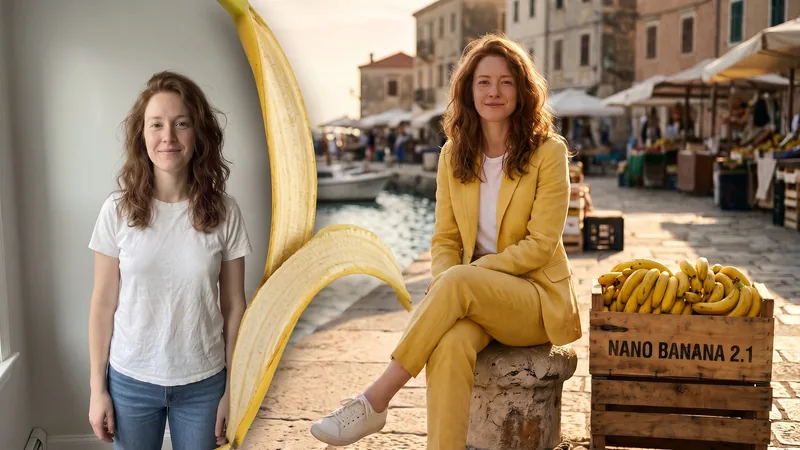
Tired of spending money on costumes you only wear once, or ending up with blurry, grainy phone photos from dark parties? Skip the expensive outfits and heavy makeup. Upload a clear photo of yourself, your friends, or your pet to instantly create photorealistic witch, vampire, or haunted house portraits with true-to-life facial likeness.

AI Halloween photos are photorealistic seasonal portraits generated directly from your everyday pictures. Unlike basic cutout filters or cartoon stickers, this tool recreates authentic costumes, theatrical lighting, and cinematic backdrops while faithfully preserving your natural facial structure, expression, and skin texture. It lets you test costume ideas before shopping, bring long-distance friends together in matching outfits, or create festive portraits of pets without the stress of real costumes.
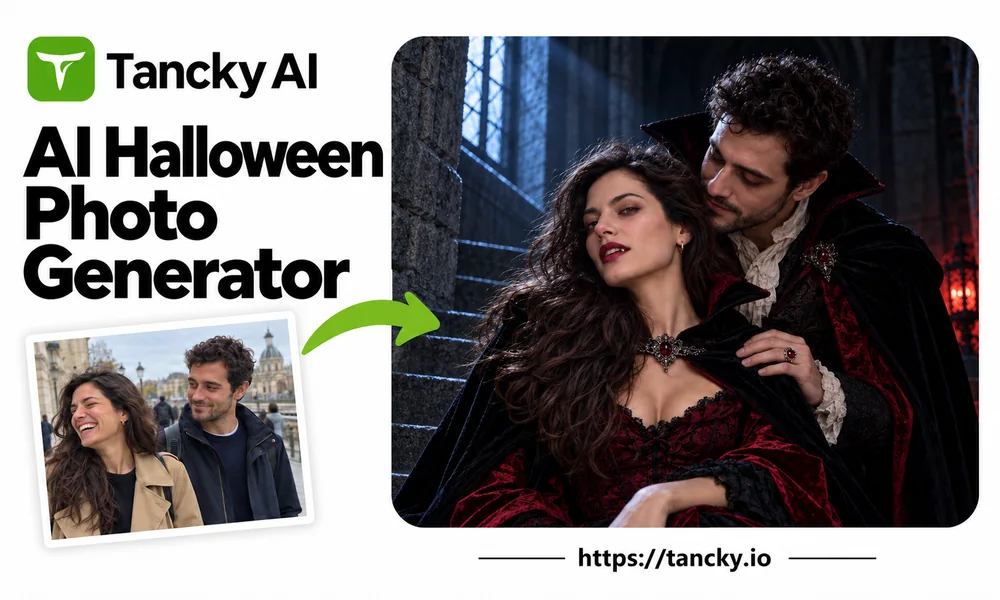
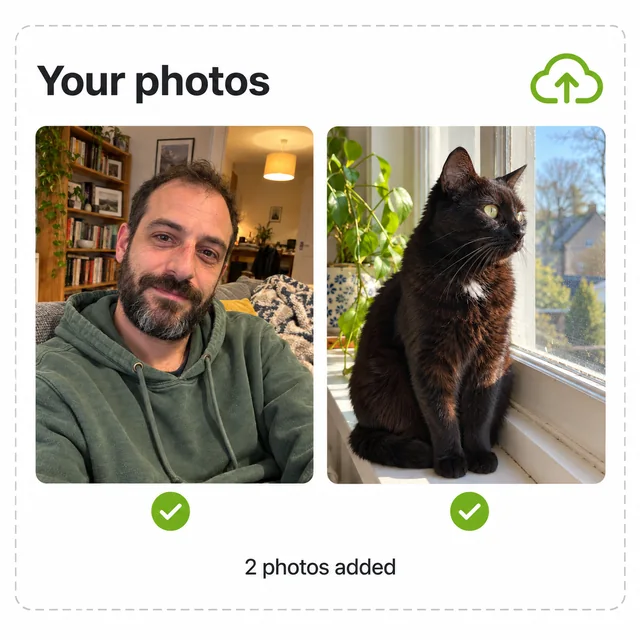
Add a selfie, couple photo, or pet picture. For groups, upload a joint photo or separate shots. Clear, well-lit photos without heavy sunglasses or masks give the sharpest facial likeness.
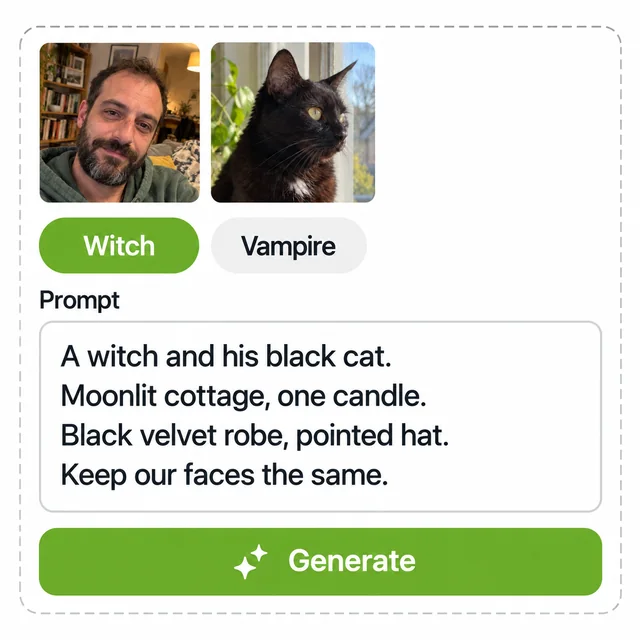
Choose from Witch, Vampire, Pumpkin Patch, Haunted House, or Halloween Party presets. Each includes tailored prompts that you can customize with specific clothing colors, fabrics, or settings.
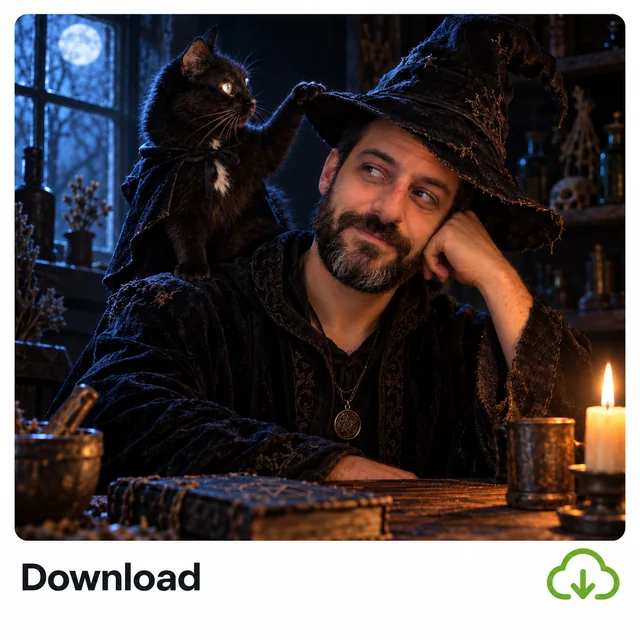
Zoom in to check facial likeness and clothing textures, then download your high-resolution portrait for avatars, party invites, or social posts. Easily tweak a detail in the prompt for another version.
Real costumes are expensive and clutter your closet, while dimly lit parties often result in noisy, unusable snapshots. Get studio-grade holiday portraits from home with zero hassle.
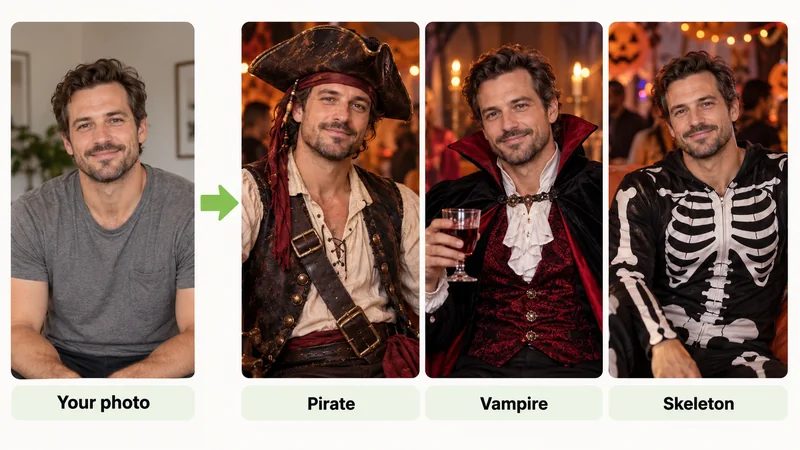
Compare a witch, vampire, or pirate look directly on your own face within minutes, ensuring you only invest in styles you genuinely love.
Our model preserves your authentic facial contours, eye shape, and skin texture. It updates only the attire and scenery, so friends instantly recognize you.
Specially calibrated portrait lighting ensures every face stays bright and sharp in candlelit halls or moonlit porches, avoiding grainy phone camera noise.
No apps to install. Run everything directly in your browser. New accounts receive free trial credits to test portraits before making any commitment.
Explore four popular ways people transform everyday photos into memorable Halloween portraits.
Stuck on what to wear for the party? Describe any outfit in a sentence or select a preset to preview multiple styles on your own picture before buying.
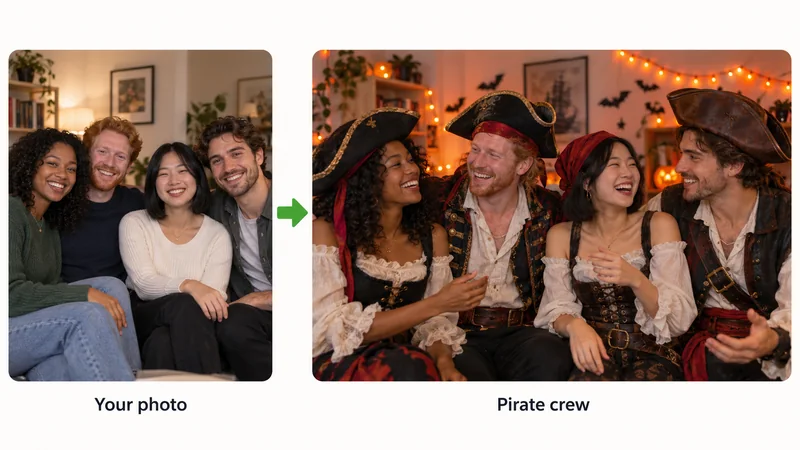
Coordinate group outfits effortlessly even if friends or family are apart. Upload separate snapshots and unify everyone into a vampire family or pirate crew.
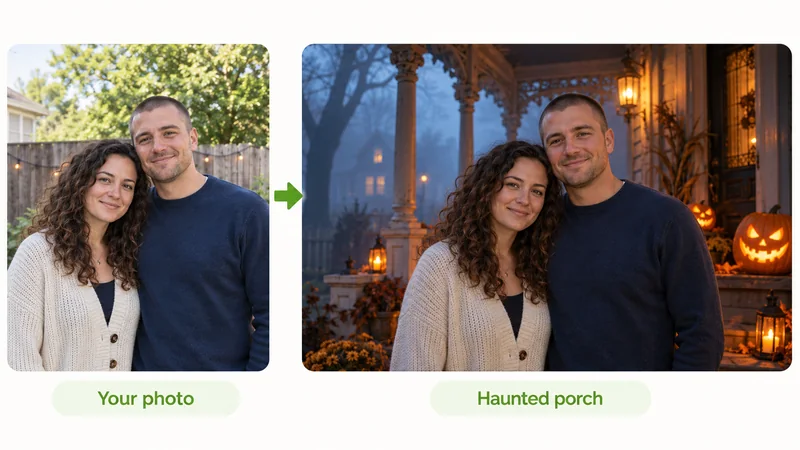
Love the smile in an old photo but dislike the cluttered background? Keep the natural expression and swap the setting for a pumpkin patch, misty gate, or haunted porch.
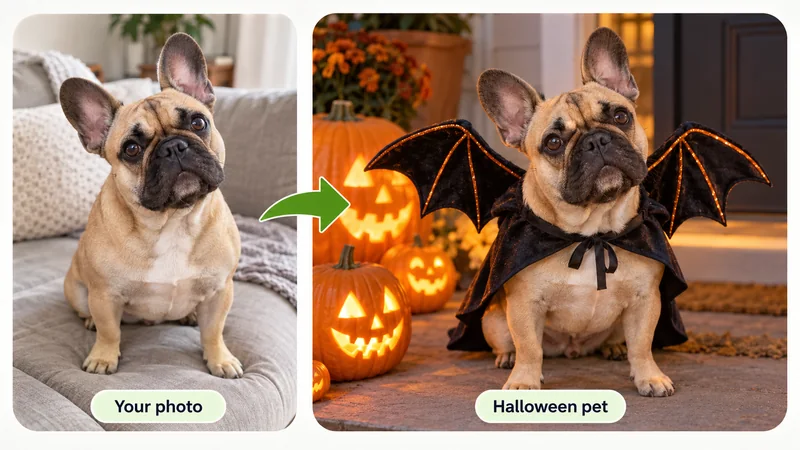
Avoid putting pets in uncomfortable outfits. Upload a clear picture and easily add bat wings, a pumpkin collar, or a wizard cape while preserving their breed markings.
Costume portraits require a balance between spooky ambiance and recognizable features. Follow these three habits for the best results.
Full masks and heavy face paint hide unique facial features. Opt for hats, high collars, capes, or subtle dark eye makeup so faces remain clear and recognizable.
Vague terms like "vampire" yield generic results. Specify "high-collared wool cape, deep red satin vest, and antique silver brooch" for rich, photographic texture.
Fog, cool moonlight, vintage architecture, and glowing jack-o'-lanterns create captivating mystery. Focus on ambient contrast rather than graphic elements.
Upload a photo, pick your favorite spooky style, and get studio-grade Halloween portraits in seconds.
Find answers to common questions about generation steps, free credits, facial likeness, pets, and content safety.