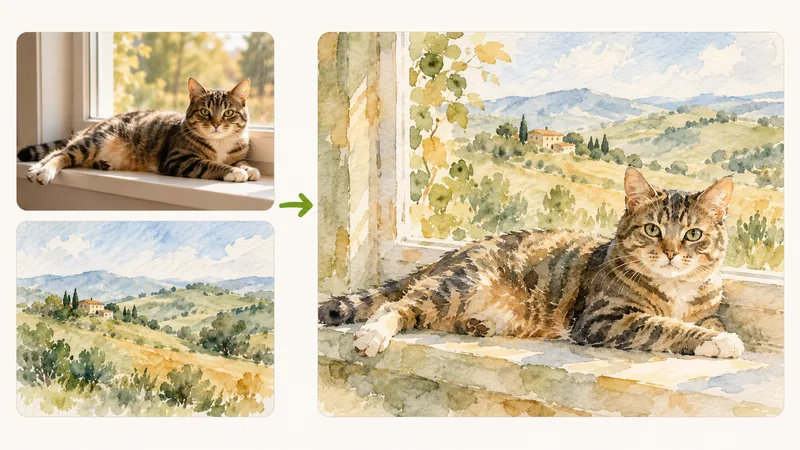
Artistic Style Transfer
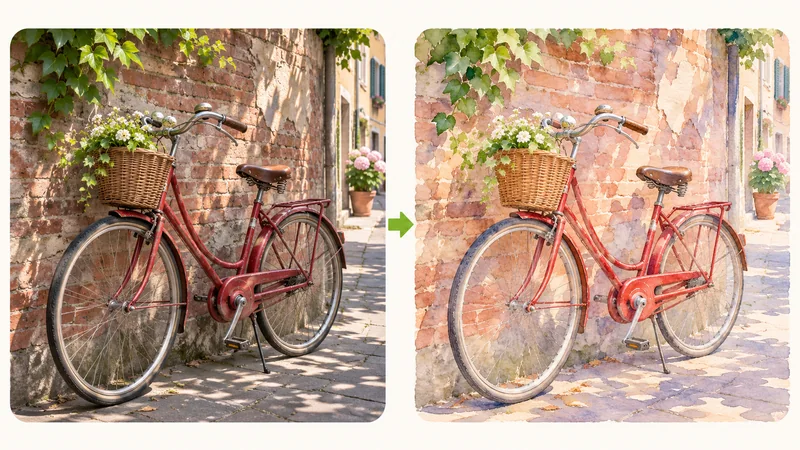
Preserve portrait poses or product structures while inheriting the expressive brushwork, color palette, and mood of famous paintings, vintage posters, or cinematic stills.
Images to blend
Not sure what to write? Try an example:
Upload two or more pictures to combine their visual strengths. Our AI image blender rebuilds lighting, colors, and textures from scratch, turning separate photos into one cohesive artwork without blurry overlapping seams.

Traditional image blending relies on layer opacity sliders, which merely stack semi-transparent pixels together, frequently creating muddy shadows, conflicting light sources, and harsh mismatched seams. Our AI image blender operates on deep visual comprehension. It extracts the compositional skeleton from one image and artfully synthesizes the color harmonies, artistic brushstrokes, and surface textures of another. By generating a completely new picture, the system unifies color temperature, shadows, and perspective depth into a natural visual masterpiece. Designers, content creators, and photographers can achieve studio-quality composite art in moments without tedious manual masking.
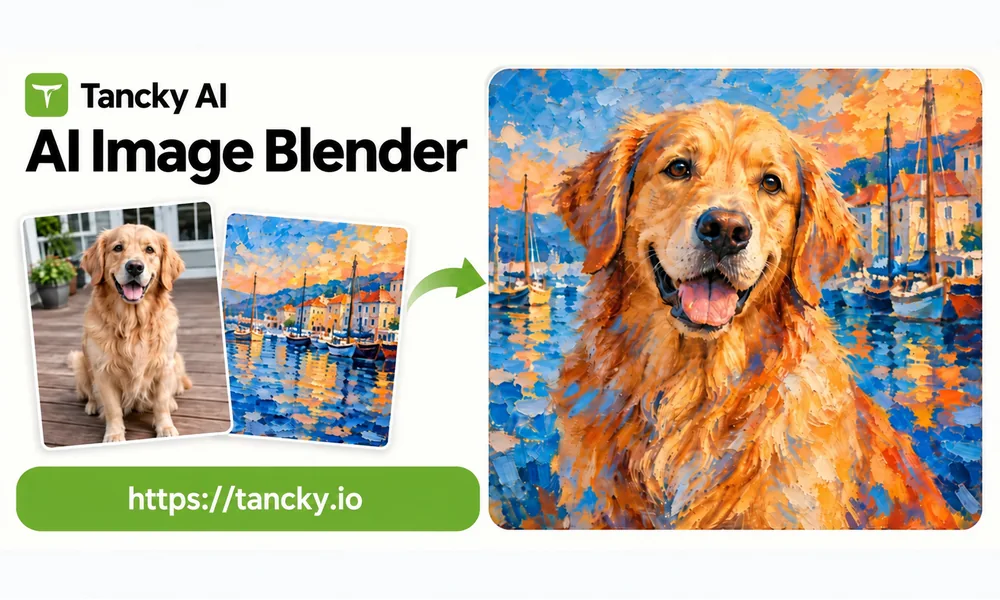
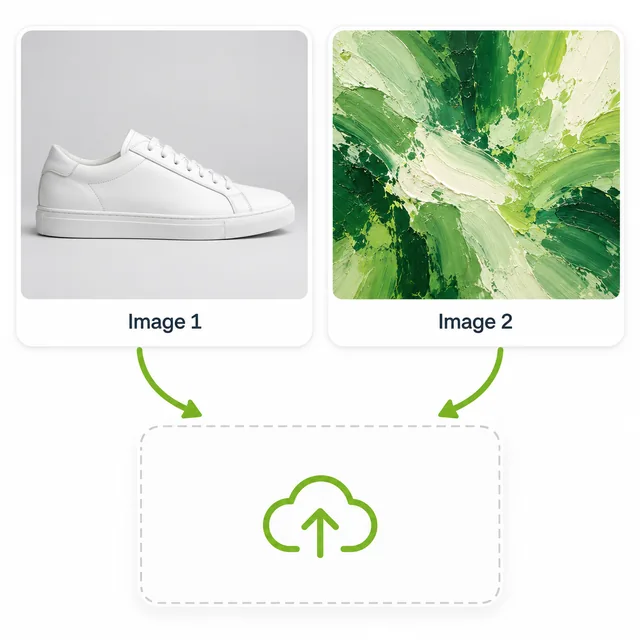
Add two to four images in common formats like JPG, PNG, or WebP. Placement matters: place your primary subject or structure photo in slot 1, followed by your style or atmosphere references in subsequent slots.
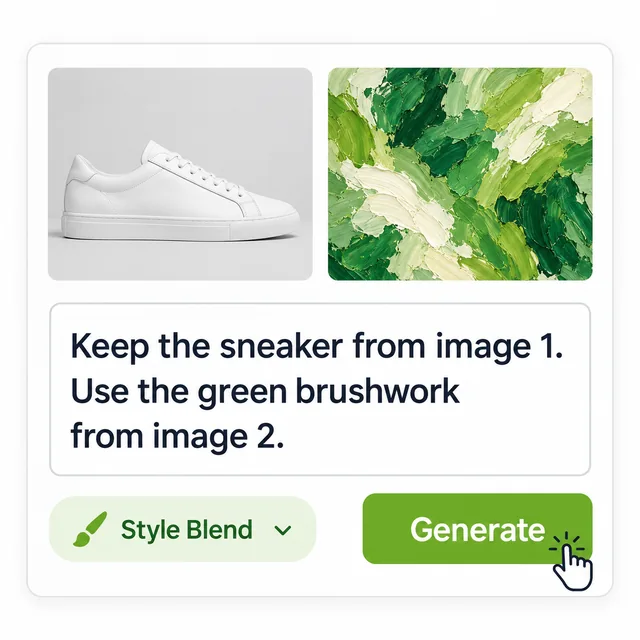
Choose from ready-to-use presets like Style Blend or Double Exposure, or express your exact vision in words. Type @ to cite specific uploads when directing which image brings subject, palette, or scenery.
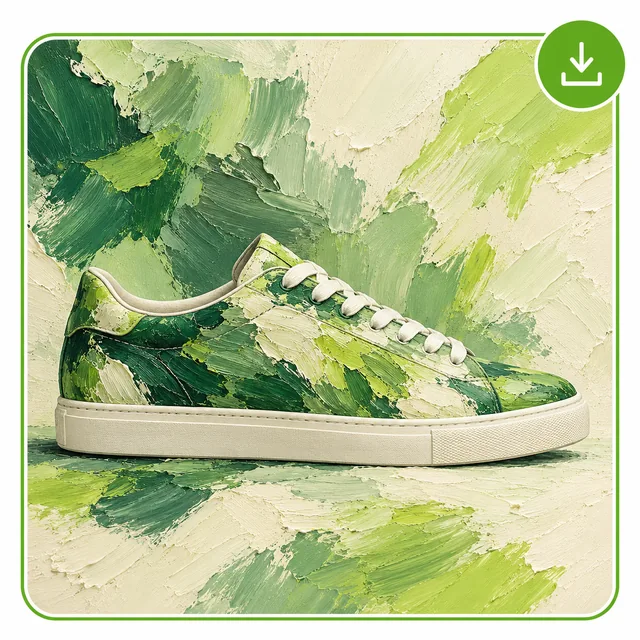
Select your preferred aspect ratio and start generating. Inspect your unified composition, adjust balance weightings if necessary, and download your high-resolution blended image immediately.
Explore four popular ways creators combine photos to produce striking visuals across commercial and artistic projects.
Preserve portrait poses or product structures while inheriting the expressive brushwork, color palette, and mood of famous paintings, vintage posters, or cinematic stills.
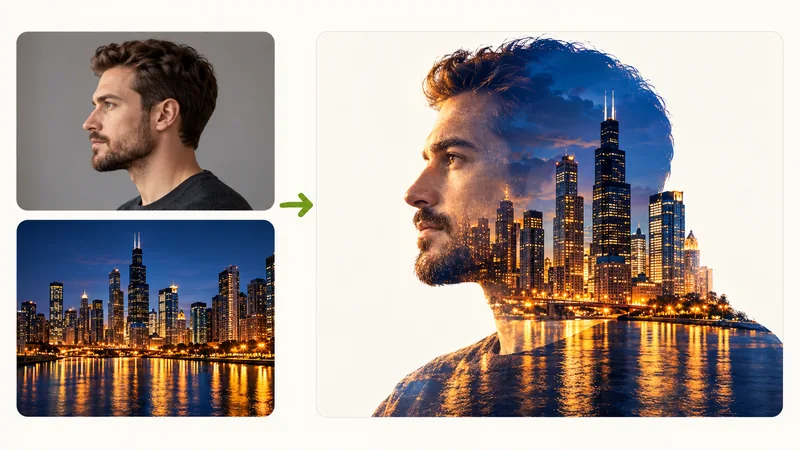
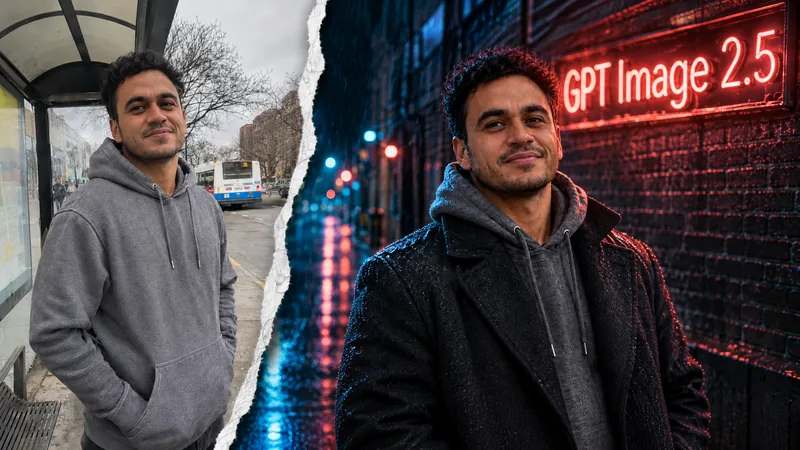
Silhouette silhouettes with metropolitan cityscapes, starry night skies, or dense forests, creating evocative cover art and promotional visuals without manual cutouts.
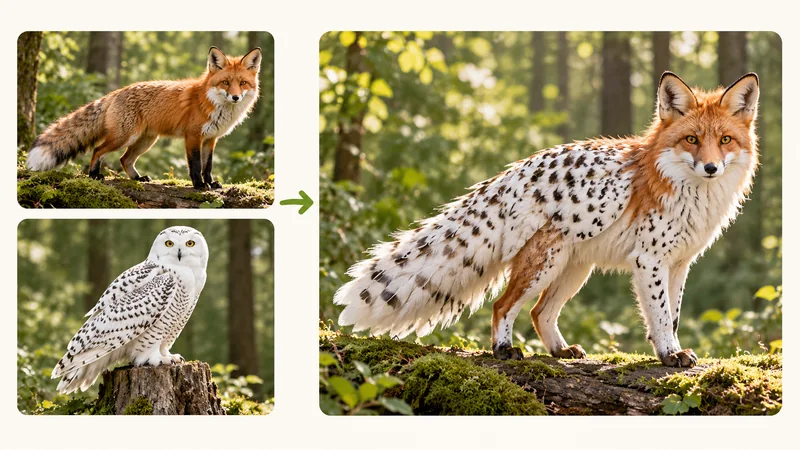
Fuse two animals, mythical concepts, or everyday objects into fresh character designs, company mascots, or game assets with anatomically unified features.
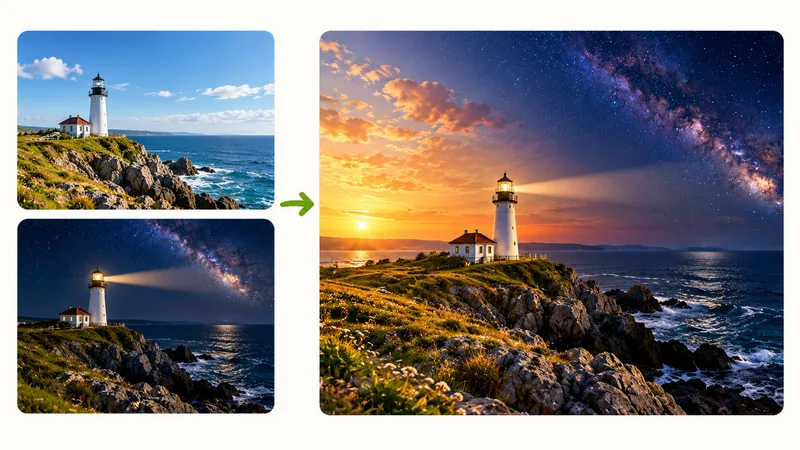
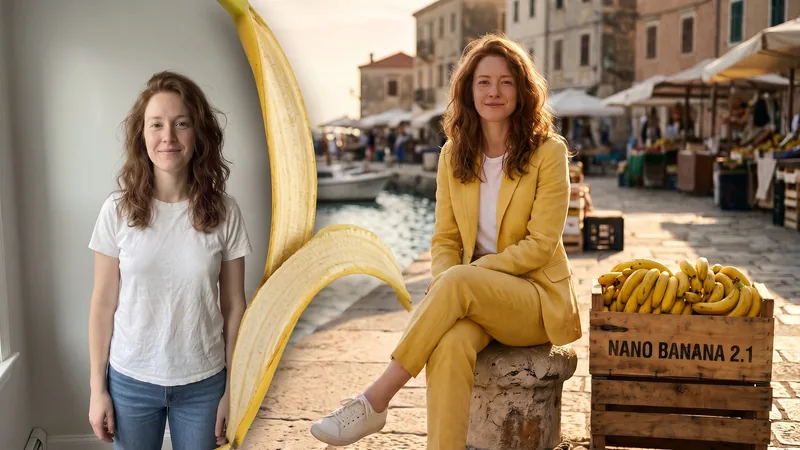
Connect distinct seasonal views, day-to-night transitions, or diverse environments like coastlines and mountains into a smooth wide-angle landscape.
While automated presets work effortlessly, these three practical guidelines give you maximum creative precision.
Clarify which photo provides primary composition, which offers color palettes, and which contributes background elements to prevent visual clutter.
Adjust influence using intuitive phrasing such as 'primarily retain subject from image 1' or 'subtly infuse the vintage color palette of image 2'.
Pay close attention to hair strands, silhouette borders, and light sources to guarantee a believable, gallery-ready presentation.
Discover why our intelligent image synthesis creates superior visual harmony over standard graphic editors.
Rather than stacking flat translucent layers, our engine rebuilds textures, shadows, and highlights so all visual components harmonize naturally.
Every preset comes with full prompt transparency. Edit freely or use @ references to direct precisely how each uploaded file should contribute.
No bulky desktop software or plugins needed. Process high-definition images smoothly across mobile and desktop browsers anytime.
New accounts immediately receive complimentary credits to test custom photo blends. Flexible plans are available for high-volume commercial scaling.
Upload your photos, select a creative preset or write your custom direction, and generate unified artwork in seconds.
Learn everything about blending images with AI, prompt adjustments, quality preservation, and free access.