Merge images side by side
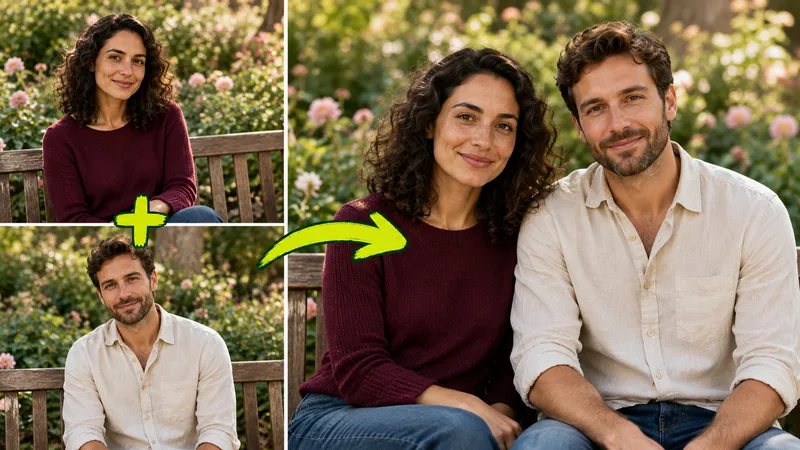
Show a before and after, two product colors, or a room from two angles in one frame. Match smallest keeps both photos the same height so neither one looks stretched.
Images 0/50
Max output size (px)
Merge images online, 100% free with unlimited use, no watermark, and no signup. Combine photos side by side, stacked, or in a grid and download in seconds. Everything runs in your browser, so your photos are never uploaded.
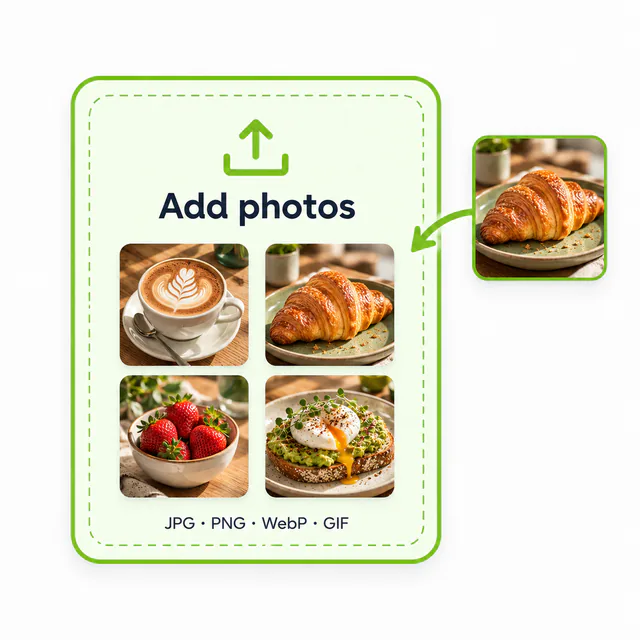
Drop in JPG, PNG, WebP, or GIF files, pick them from your device, or paste a screenshot straight from the clipboard.
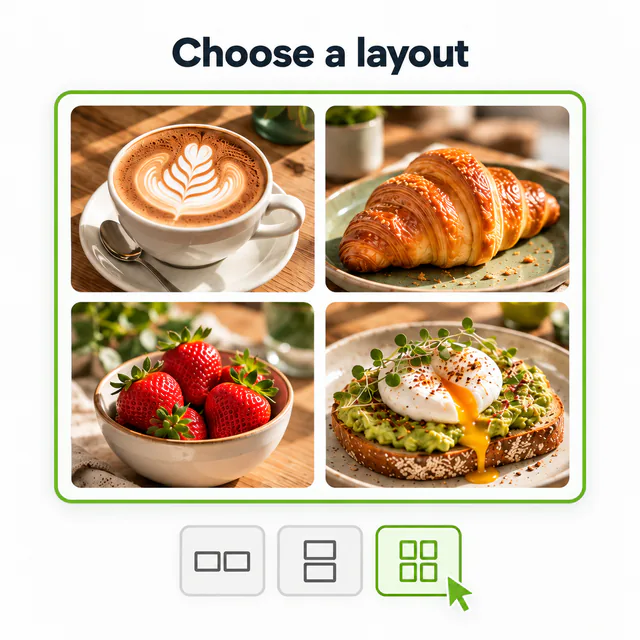
Place the pictures in a row, a column, or a grid. Match their heights, add spacing and borders, or switch to free layout and drag them by hand.
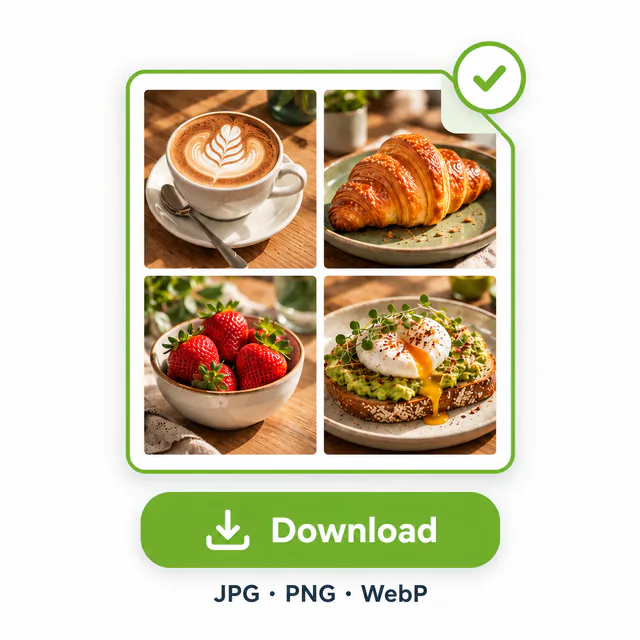
Save the result as JPG, PNG, or WebP, or copy it and paste it into a chat, document, or design file.
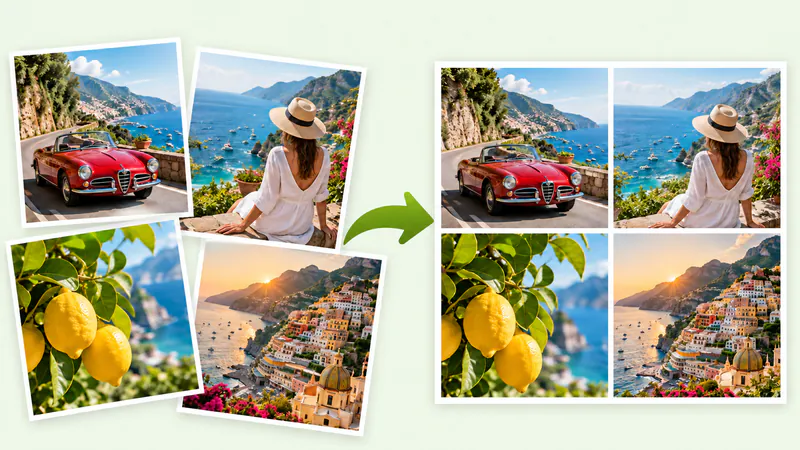
Most people merge images for a few everyday jobs. Each layout below was made with this tool from the photos shown.
Show a before and after, two product colors, or a room from two angles in one frame. Match smallest keeps both photos the same height so neither one looks stretched.
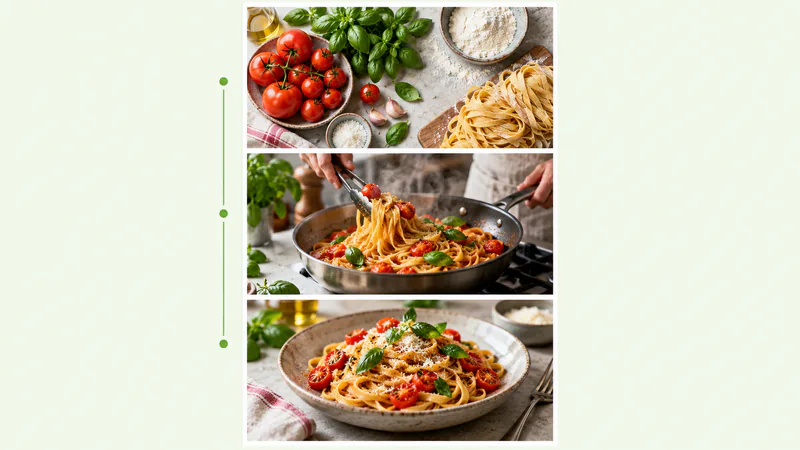
Stack recipe steps, outfit details, or a long story into a single tall image that people can scroll through in one go.
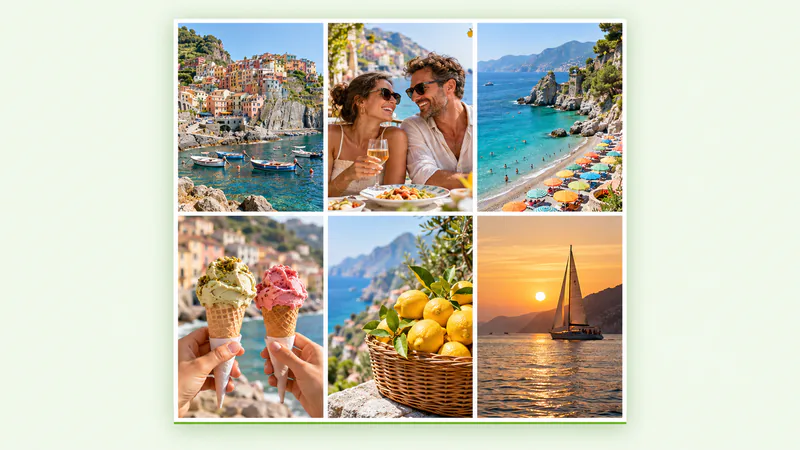
Turn holiday shots into a square grid for Instagram or a family update. Crop to fit gives every tile the same size, and the 1:1 canvas ratio keeps the post square.
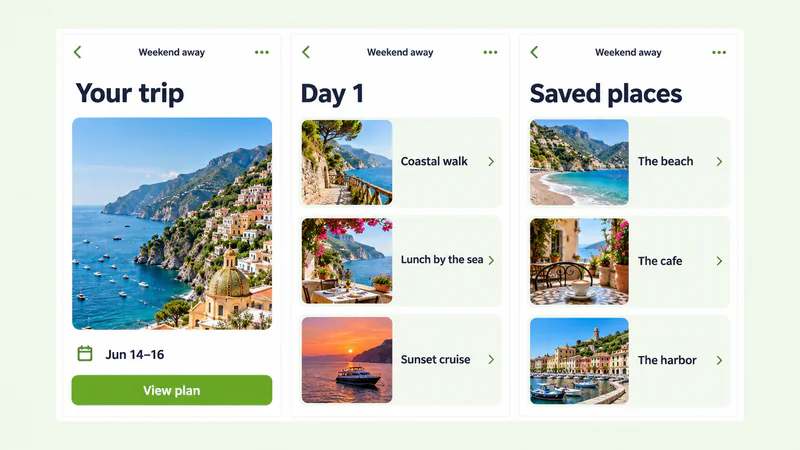
Join several phone screenshots into one picture for a bug report, a tutorial, or a chat thread you want to share without sending ten files.
An image merger joins separate pictures into one file without changing what is in them. It lines up the photos, resizes them so their edges meet cleanly, and fills any gaps with the spacing and background you choose. That makes it different from an AI photo blender, which repaints people and scenes into a new picture: here every pixel comes from your own photos, so faces, text, and screenshots stay exactly as they were.
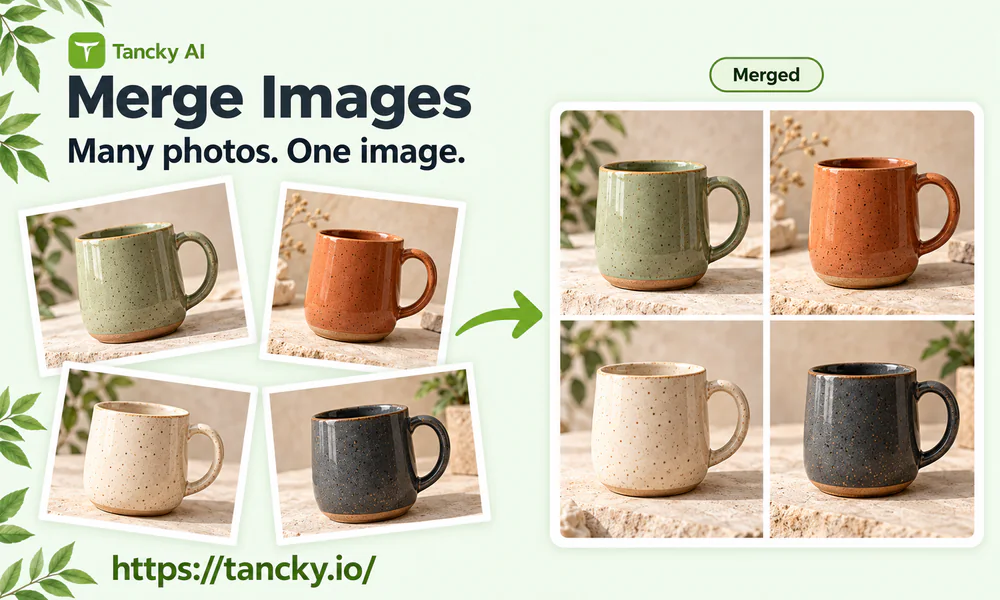
When you merge images from different phones and apps, they rarely share a size. This photo combiner handles the usual problems without opening a photo editor.
Scale every photo to the smallest or largest one, keep the original sizes, or crop from the center so all tiles are equal.
Turn each picture into a square or a circle for profile collages, team pages, and product swatches.
Set the spacing, border width and color, corner radius, and a soft shadow, then pick any background color.
Export a PNG or WebP with clear gaps, ready to drop onto a slide or a web page with its own background.
Drag photos anywhere, overlap them, and resize each one with the corner handle when a fixed row or grid is too strict.
Fix a sideways photo, mirror a shot, duplicate a tile, and step back with Undo or Ctrl+Z whenever a change looks wrong.
This image combiner runs on your own device, which is why it can stay free with no daily cap and no account.
No credits, no daily cap, and no paid tier for higher resolution. Merge images as often as you need.
Your photos are processed in the browser tab and never sent to a server, so private pictures and work screenshots stay with you.
Open the page and start. There is no form to fill in and no email to hand over.
The download is clean, with no logo stamped on the corner and no reduced quality for free users.
How to merge images in each layout, plus answers about file types, privacy, and the size of the final picture.
Drop your photos in, pick a layout, and merge images into one clean picture.