Changelog

Tancky AI Updates

Every release since Tancky AI went live on September 21, 2026. New AI photo tools, workflow improvements and fixes, newest first.

Latest update4 releases

  1. AI Wedding Photo Generator and bulk delete in Projects

    A wedding photo tool joins the lineup, and cleaning up a large image library takes a few clicks.

    AI wedding photo generator result: a couple in wedding attire created from two selfies
    • New

      AI Wedding Photo Generator

      Upload a selfie of each partner, pick a venue and get a realistic wedding portrait. Try on dresses and suits or plan engagement shots before the big day.

      Open the tool
    • New

      Bulk delete in Projects

      Switch Projects to manage mode, select several images and remove them together after one confirmation. On smaller screens the action bar stays pinned to the bottom.

    • Improved

      Clearer image references in prompts

      Photos mentioned in a prompt now appear as simple image 1 and image 2 labels, so you can see at a glance which photo each instruction points to.

    • Improved

      Results come into view on phones

      On narrow screens the page scrolls to the result area as soon as a generation starts.

    • Improved

      Richer link previews for blog posts

      Blog articles now show a title, summary and cover image when shared on social networks and messaging apps.

    • Fixed

      Dark mode card backgrounds

      Cards on the photo tool pages render with the correct background color in dark mode.

  2. Discover more AI photo tools

    Moving from one photo tool to the next is easier, and account deletion is simpler.

    A couple sharing a warm, realistic cafe moment created from separate portraits.
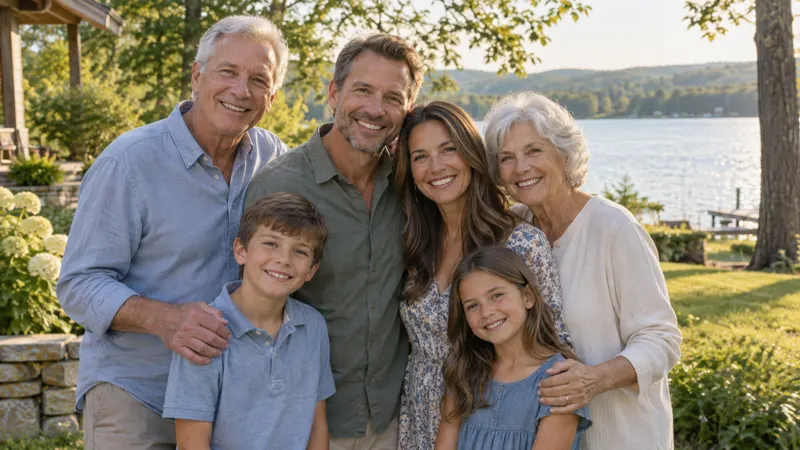
    A multigenerational family gathered together in a natural lakeside garden portrait.
    • New

      Photo tool cards on the home page and blog

      Jump to the couple and family photo generators from the home page and at the end of every blog article.

    • Improved

      Simpler account deletion

      You can now delete your account even with an unfinished checkout. Unpaid orders are cleared automatically.

    • Improved

      FAQ answers load with the page

      Answers in every FAQ section arrive with the first page load, so they are readable right away even on slow connections.

  3. Image combining guide and self-service account deletion

    Our first guide goes live on the blog, and you can now remove your account and your data yourself.

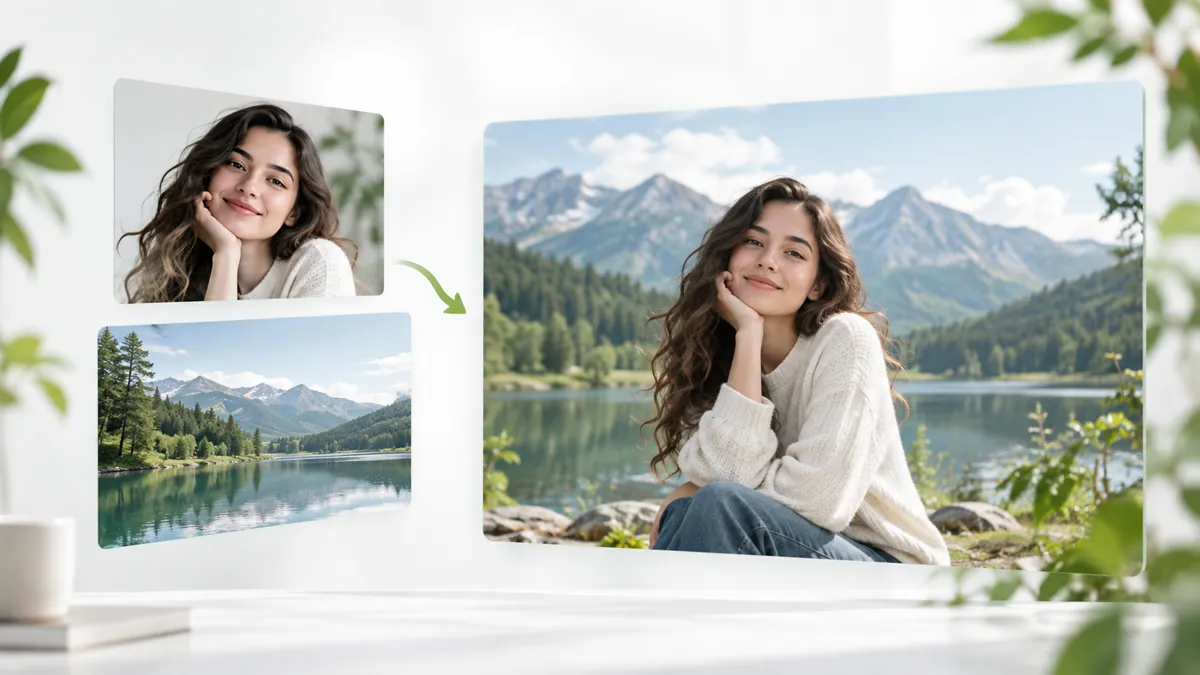
    How to combine two images with AI guide cover
    • New

      How to combine two images with AI

      A step by step guide in English and Chinese to merging two photos with AI, with prompt examples for people, portraits and product scenes.

      Read the guide
    • New

      Delete your account

      Remove your account from settings. Your generated images and uploaded files are cleaned up automatically afterwards.

    • Improved

      Smoother full size preview

      The previous and next arrows in the image viewer now respond on every click.

    • Fixed

      Previews stay after generation

      Generated image previews no longer disappear, and the generation settings panel stays steady while you edit.

  4. Launch

    Tancky AI is live

    Tancky AI launches as an all in one AI photo workspace with three photo tools, flexible credits and a personal project library.

    AI image combiner result: two people merged into one photo
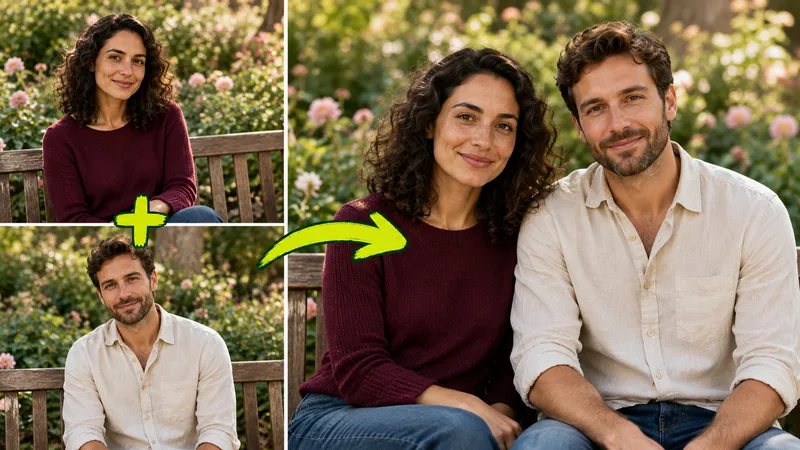
    AI couple photo maker result: a couple portrait made from two photos
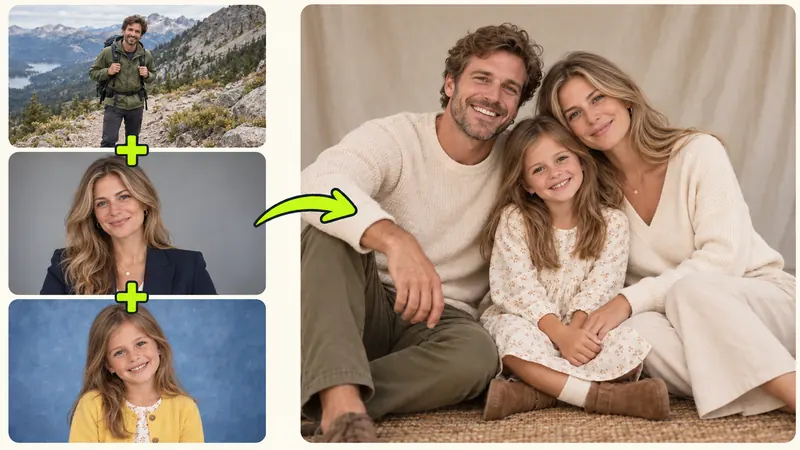
    AI family photo generator result: a family portrait made from separate photos
    • New

      AI Image Combiner

      Merge up to four photos into one scene with a text prompt. Mention each photo right inside the prompt to control who or what goes where, or start from a single image.

      Open the tool
    • New

      AI Couple Photo Maker

      Turn two separate photos into a natural couple portrait for travel, anniversaries or long distance moments. Only have your own photo? Start with one.

      Open the tool
    • New

      AI Family Photo Generator

      Upload up to 16 reference photos and bring the whole family together in one portrait, even when everyone was never in the same place.

      Open the tool
    • New

      Credits and plans

      New accounts get trial credits. Every paid option, from credit packs to monthly and yearly plans, unlocks batches of up to four images, watermark free results and permanent history.

      See pricing
    • New

      Projects library

      Every generation is saved to Projects with full size previews and downloads. History on the free plan is kept for 7 days.

    • New

      English and Chinese

      Use the whole product in English or Chinese. Max members can also open support tickets from their account.

Changelog

Try the newest photo tools

Combine photos, create couple portraits, bring your family together or plan your wedding look. Start free with trial credits.