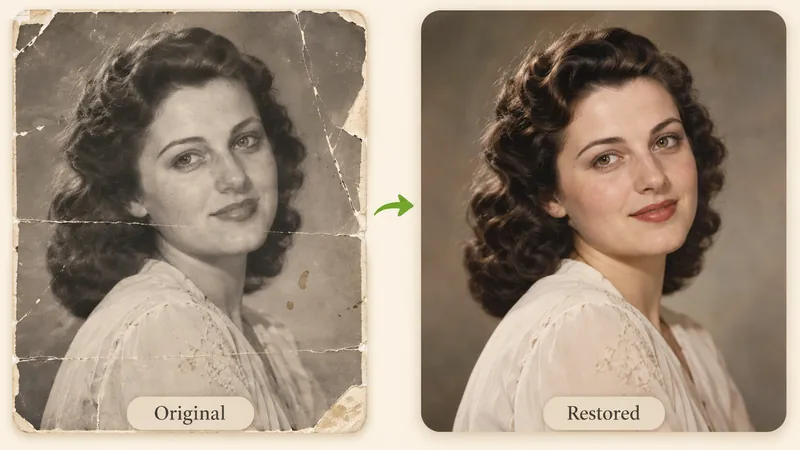
Rescue Out-of-Focus Faces in Group Photos
Fix group portraits where one crucial face came out soft. Reclaim sparkling eye expressions and clean hair strands for profile pictures and family prints.
Images 0/1
Turn blurry, shaky, and soft-focus snapshots into sharp, crystal-clear pictures in seconds. Our state-of-the-art AI unblur image engine intelligently reconstructs lost textures, facial contours, and fine text lines without noisy artifacts.


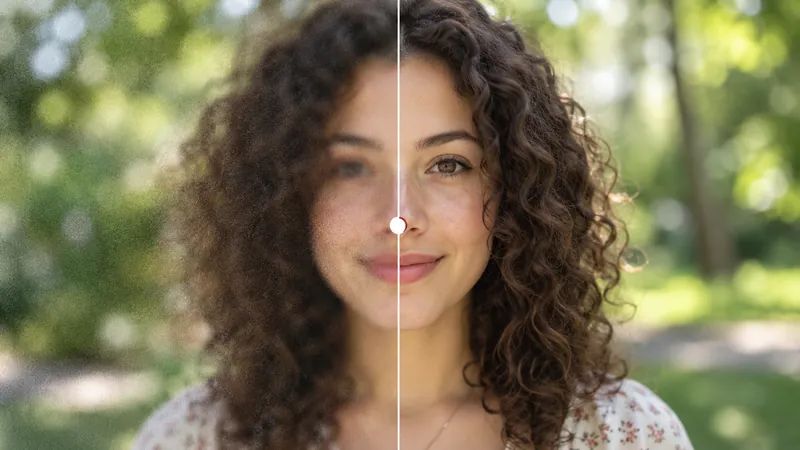
When the camera lens mistakenly locks onto the background curtains rather than the portrait subject, our AI engine recovers sharp eyelashes, expressive eyes, and natural hair strands.


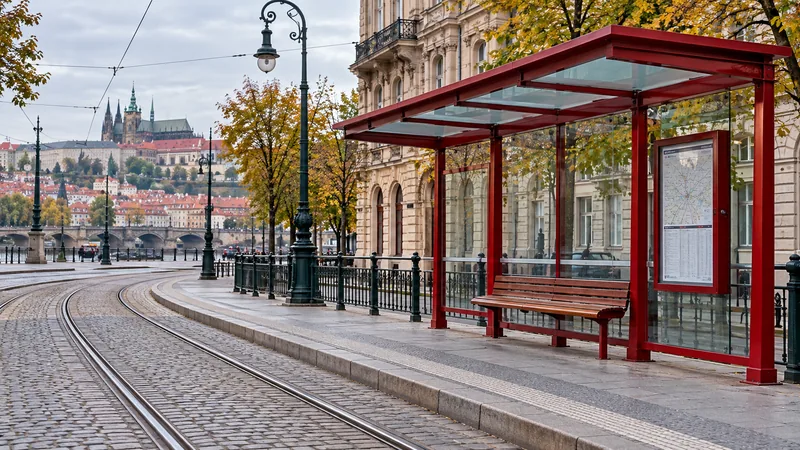
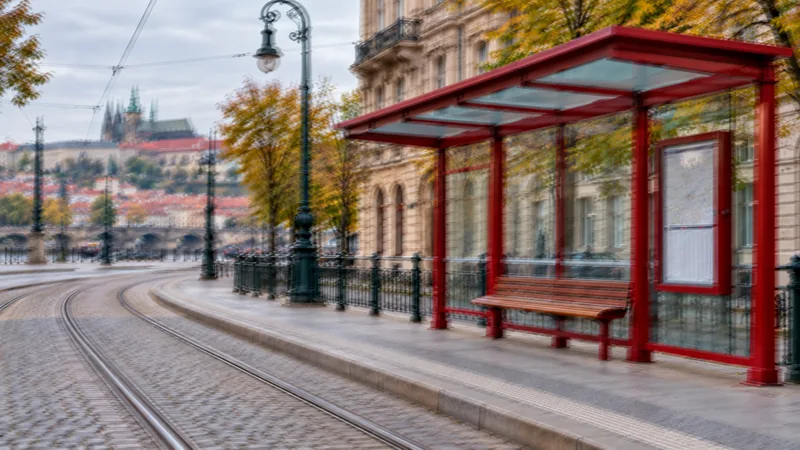
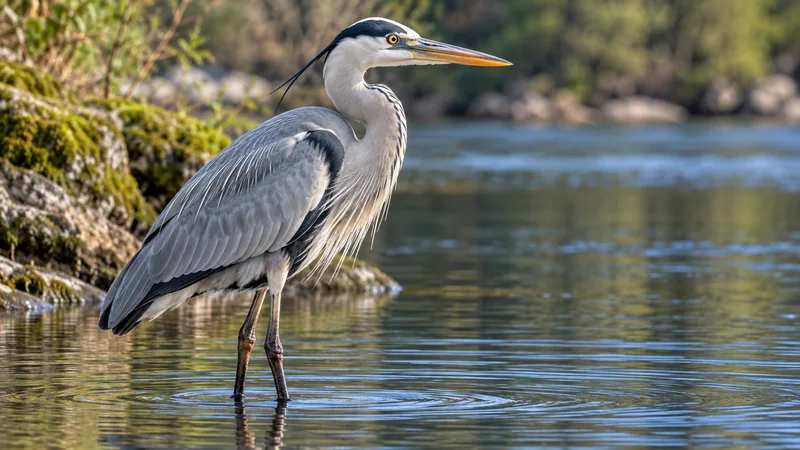
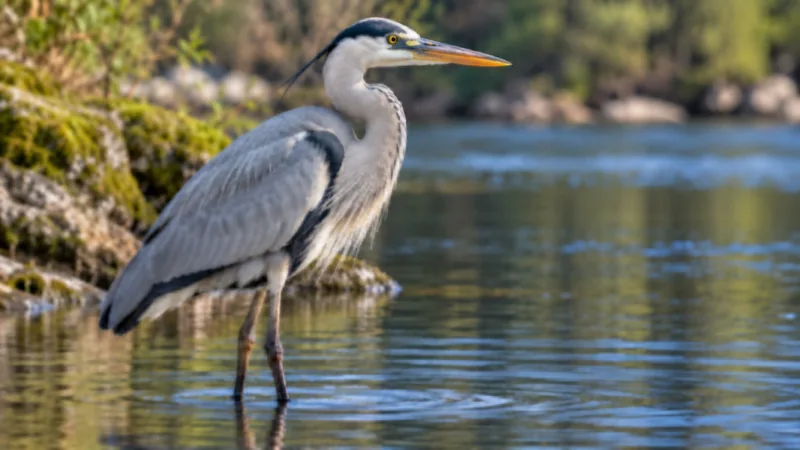
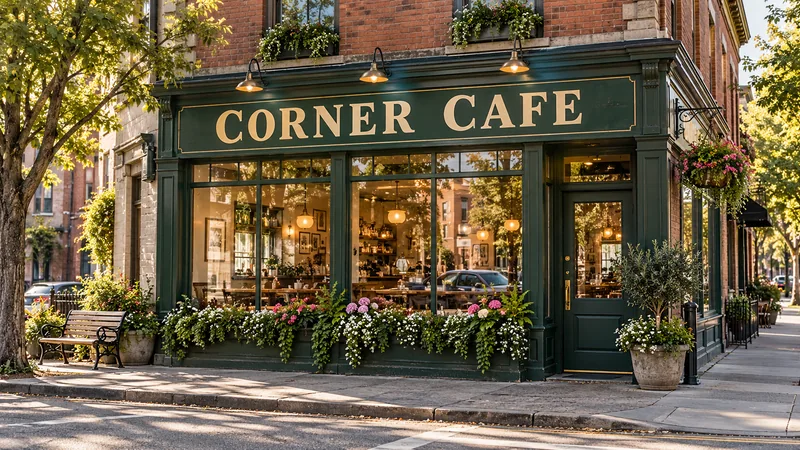
Traditional photo editing software relies on simple unsharp masks that merely raise contrast along adjoining pixels. That approach amplifies ugly noise grains and generates harsh white edge halos without recovering genuine visual details. In contrast, our AI unblur image technology leverages deep neural networks trained on millions of high-definition pairs. It identifies how light rays dispersed across the sensor, mathematically tracing edge paths to regenerate lifelike surface textures such as skin pores, fabric weaves, and typography lines. You achieve true photographic clarity rather than artificial pixel contrast.
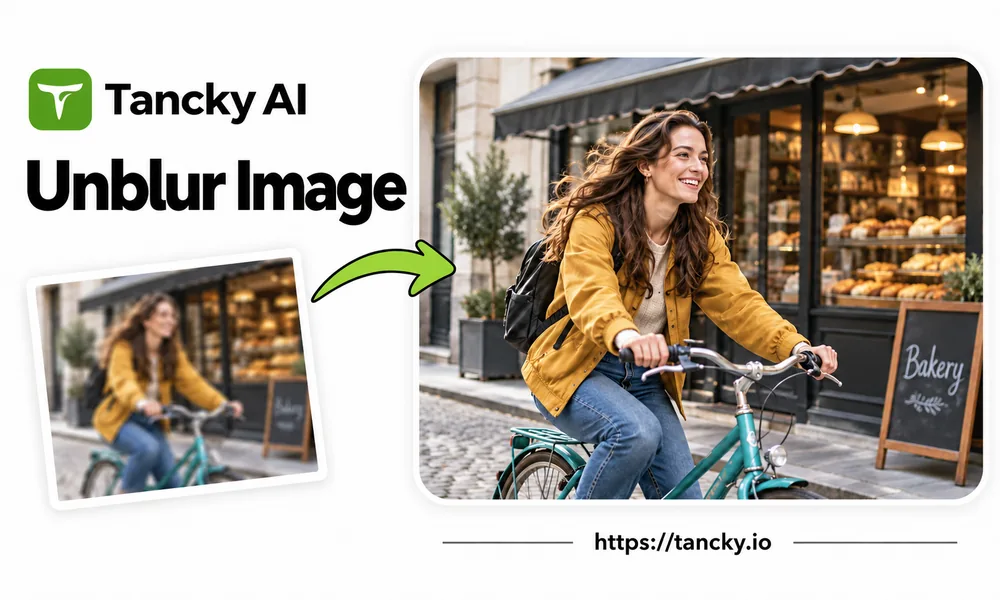
Inspect your photo's edges up close to understand how effectively our neural models can restore clarity:
Edges are evenly diffused across all directions with no doubled outlines. These pictures retain the highest volume of optical data, yielding breathtaking clarity across portraits and close-ups.
Light directional ghosts caused by slow shutters or unstable walking. The algorithm eliminates offset shadows, pulling crisp edges back together.
Long streaks produced by speeding traffic or athletic leaps. While AI significantly tidies motion trails and reinforces core subject outlines, it cannot fully simulate a 1/2000s shutter stop.
Pixelation or heavy blackouts intentionally destroy underlying pixels. Authentic data cannot be extracted from destroyed regions, ensuring security and technical realism.
Drag and drop any JPG, PNG, or WebP picture directly into the browser. For peak clarity, use original camera files rather than compressed messenger copies.
Click Generate without fiddling with complex technical sliders. Our neural network analyzes blur parameters and reconstructs crisp details in mere seconds.
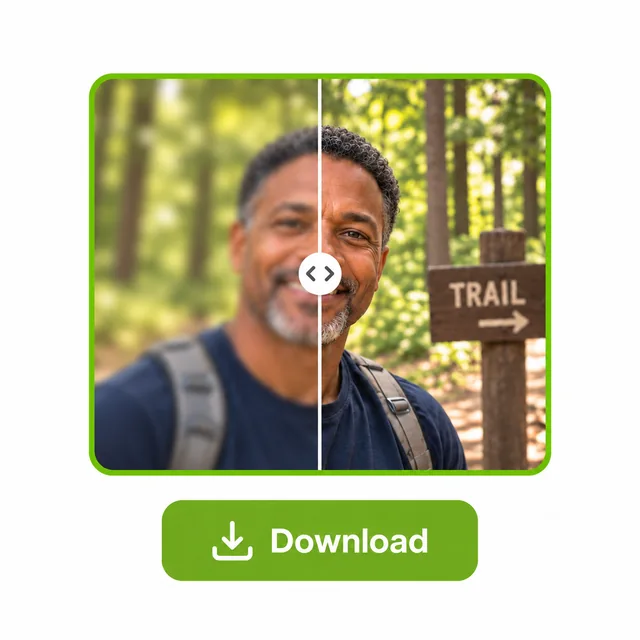
Slide the interactive divider to inspect facial details, eyelashes, and text clarity. Download your clearer result with zero forced watermarks.
Whether recovering cherished memories or enhancing workplace assets, explore popular real-world situations:
Fix group portraits where one crucial face came out soft. Reclaim sparkling eye expressions and clean hair strands for profile pictures and family prints.
Sharpen fuzzy whiteboards, conference projector slides, menus, and road signs shot from a distance, making essential text instantly readable.
Neutralize motion blur caused by slow indoor shutters or spontaneous walking snaps. Retain atmospheric ambient lighting without fuzzy doubled edges.
Tight crops and phone digital zoom frequently exaggerate softness. Restore edge definition and fine micro-textures to turn unusable crops into shareable gems.
Freeze-frames pulled from smartphone clips often combine motion trails with video compression. Turn selected video stills into crisp promotional thumbnails and wallpapers.
Run the complete process directly inside your mobile or desktop browser. No heavy desktop installations, and processed images remain securely organized in your projects.
Everything you need to know about photo deblurring quality, text enhancement, pricing, and browser privacy.
Don't discard those slightly blurry or shaky shots. Experience the power of AI image clarity in seconds with free credits and watermark-free exports.