Remove Tourists from Travel and Vacation Photos
Popular viewpoints, scenic beaches, and historic monuments are seldom empty. Erase visitors standing between you and the scenery to create breathtaking, private postcard memories.
Images 0/1
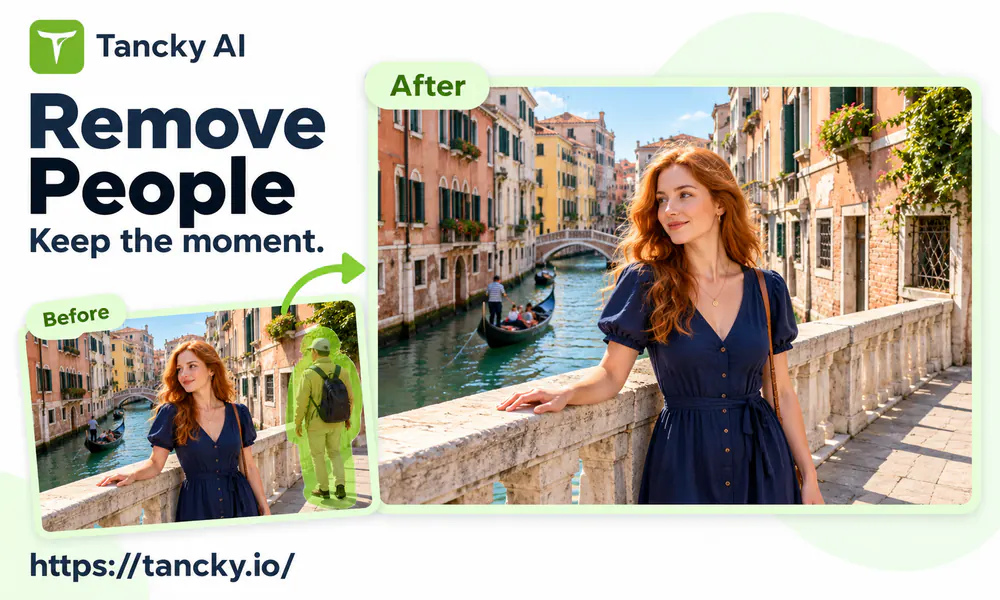
Never let unwanted crowds or strangers ruin your favorite memories. Simply upload your picture, brush over the person along with their shadow, and let our intelligent AI reconstruct the background flawlessly, keeping everyone you love completely untouched.


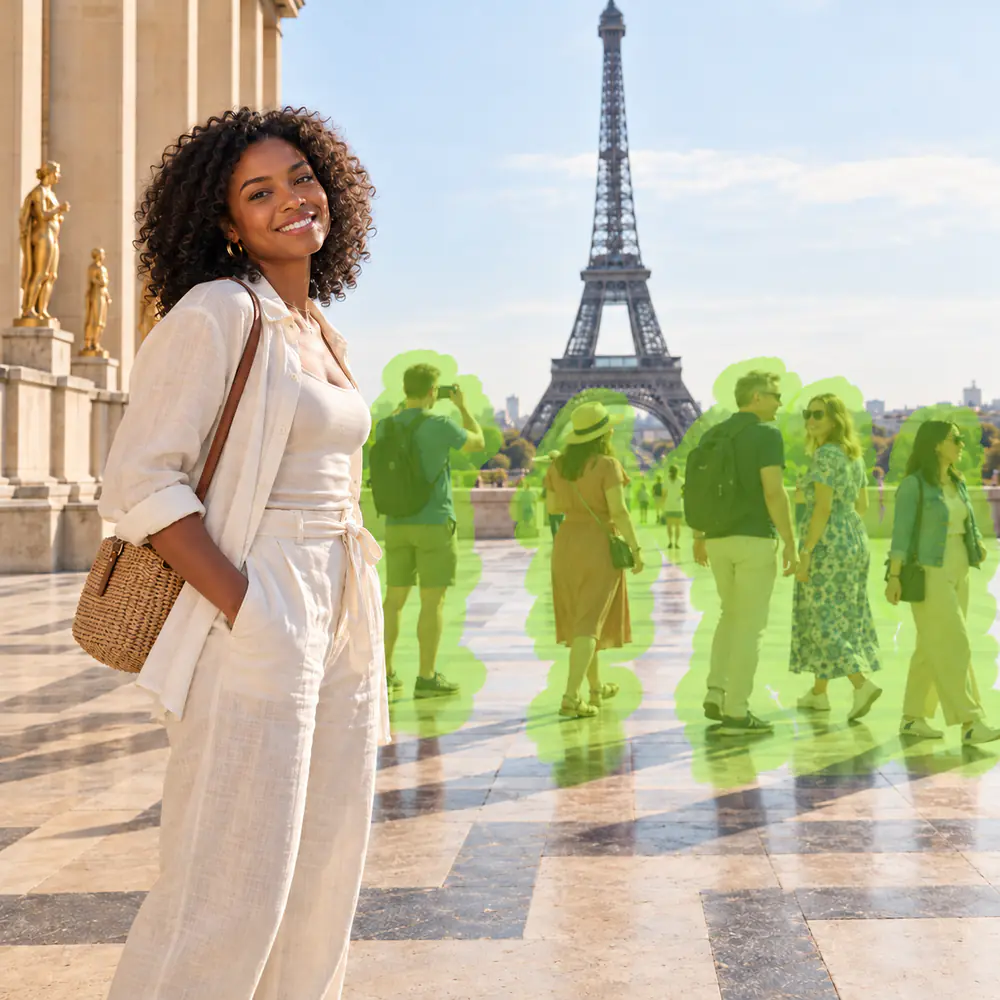

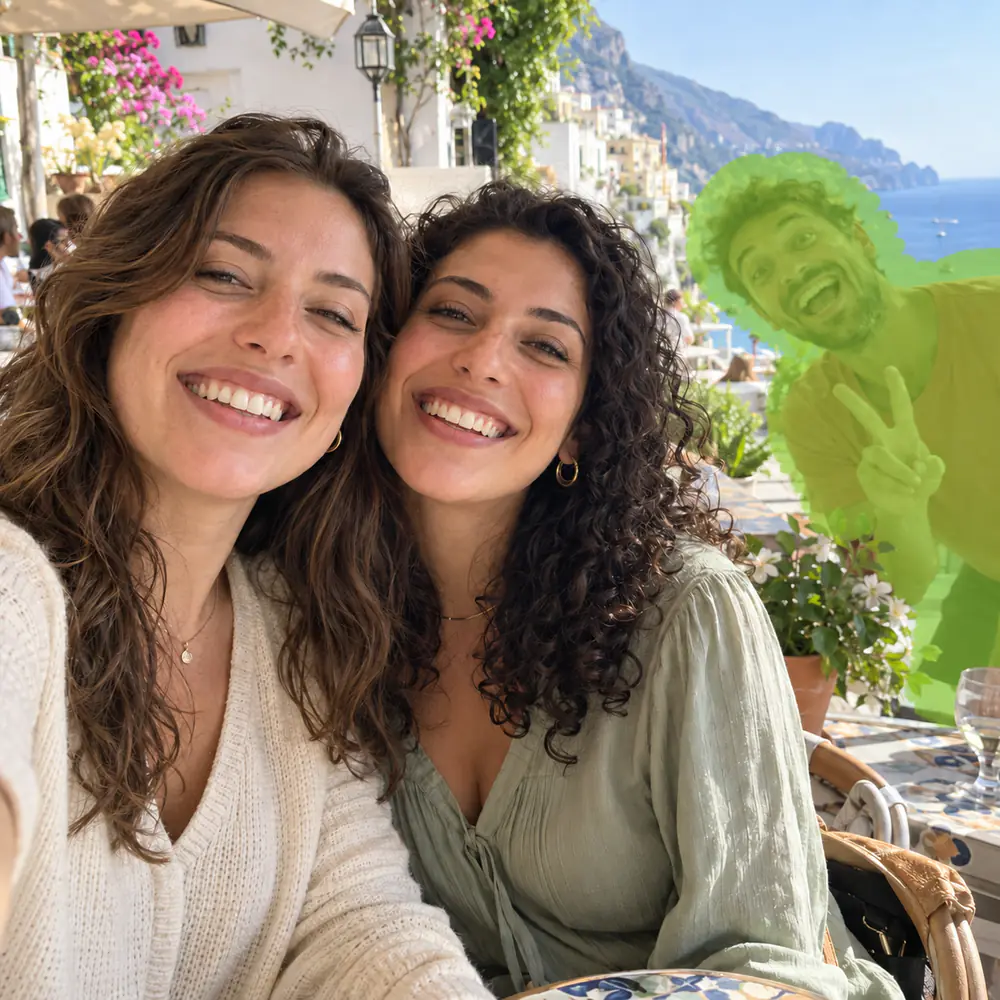
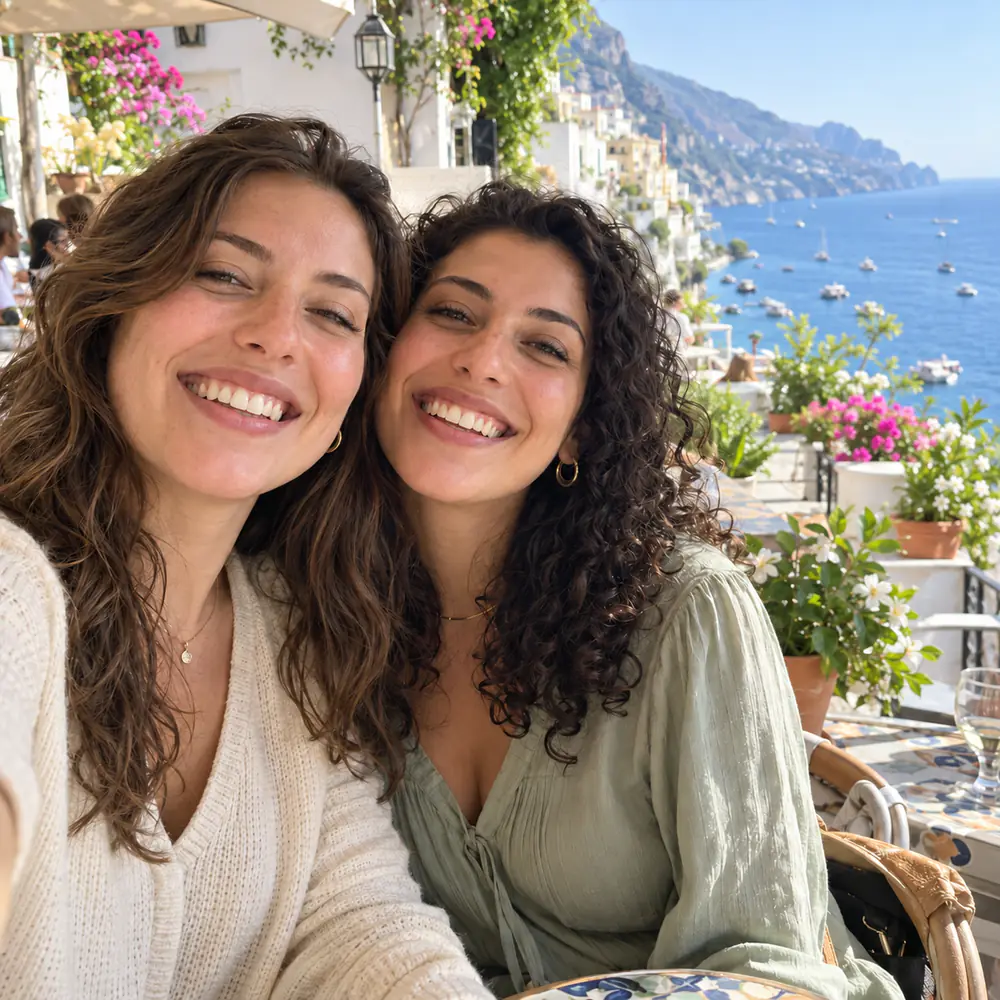
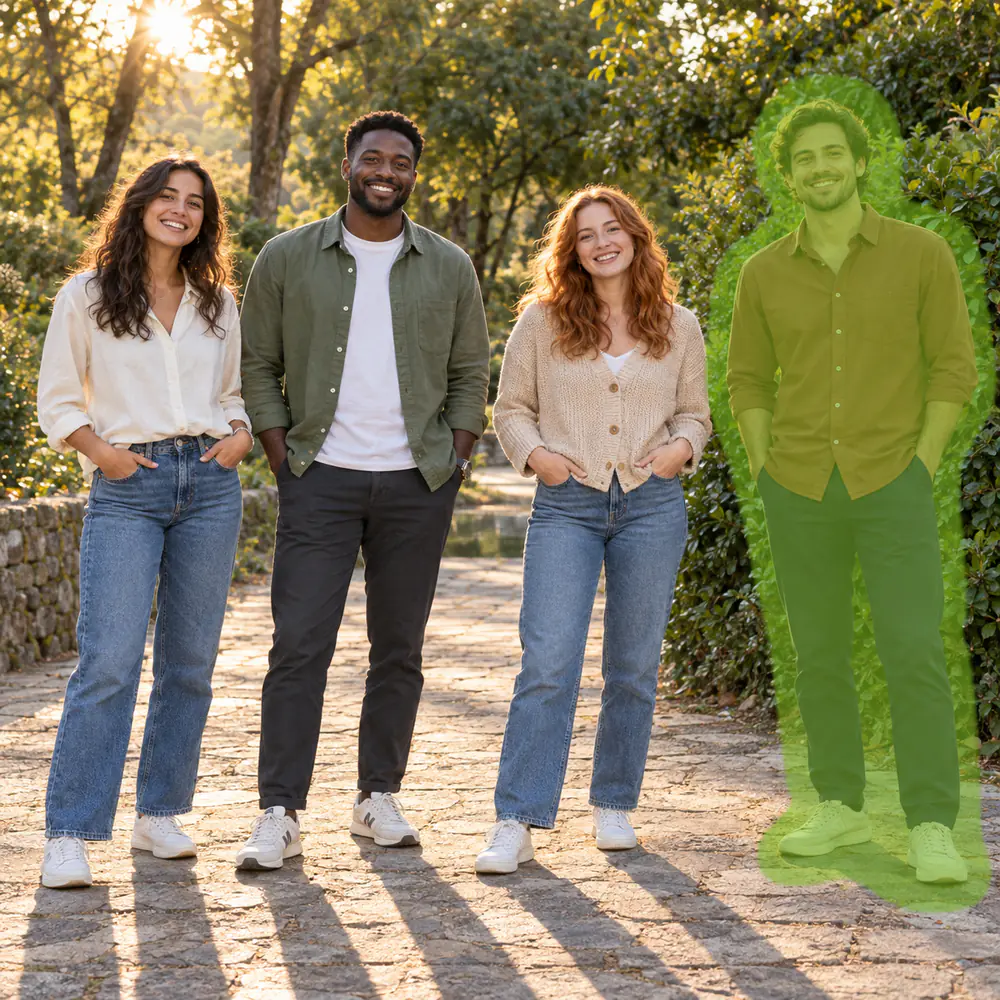
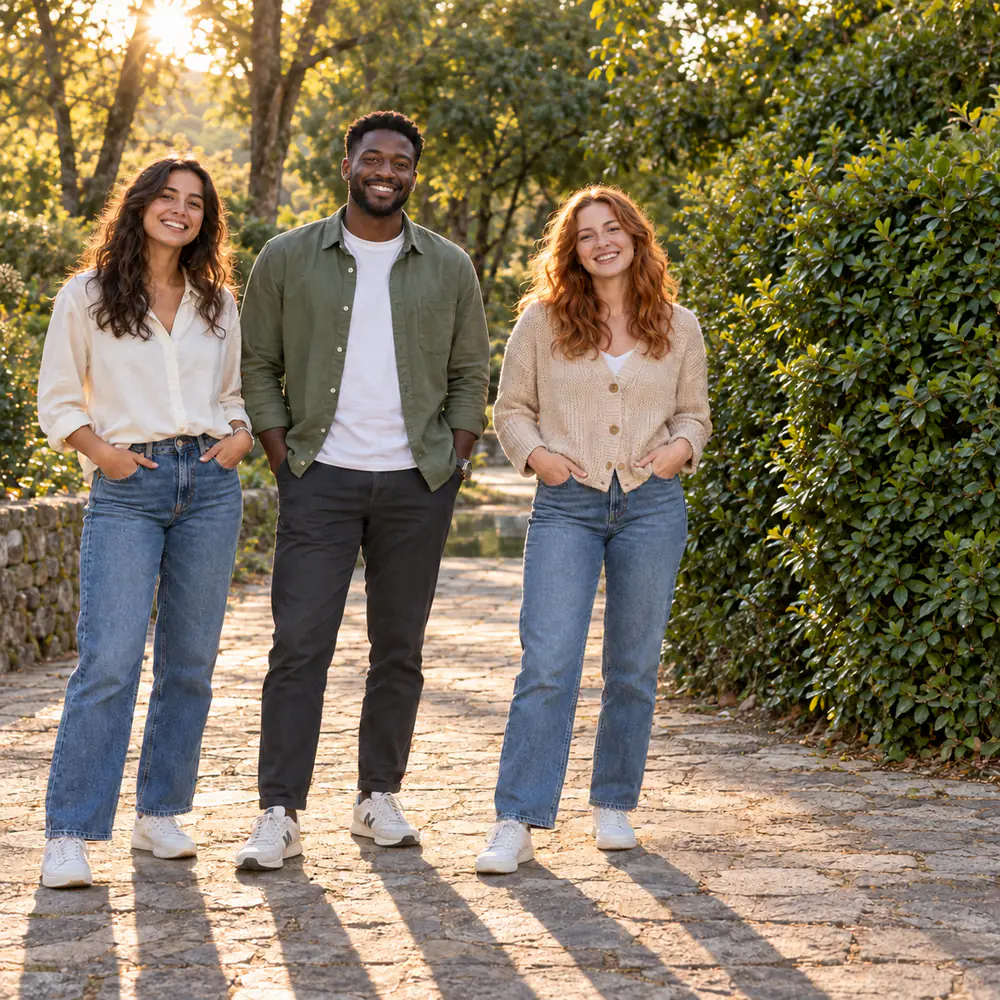
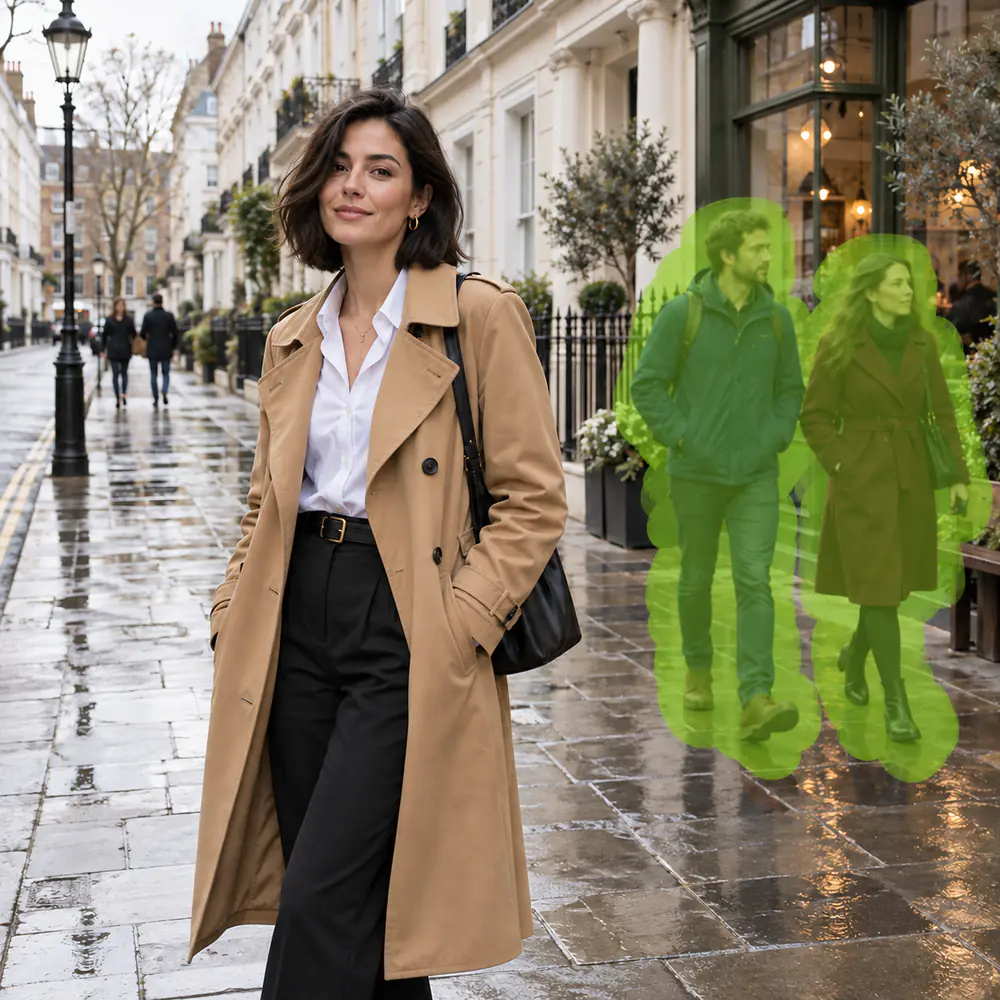
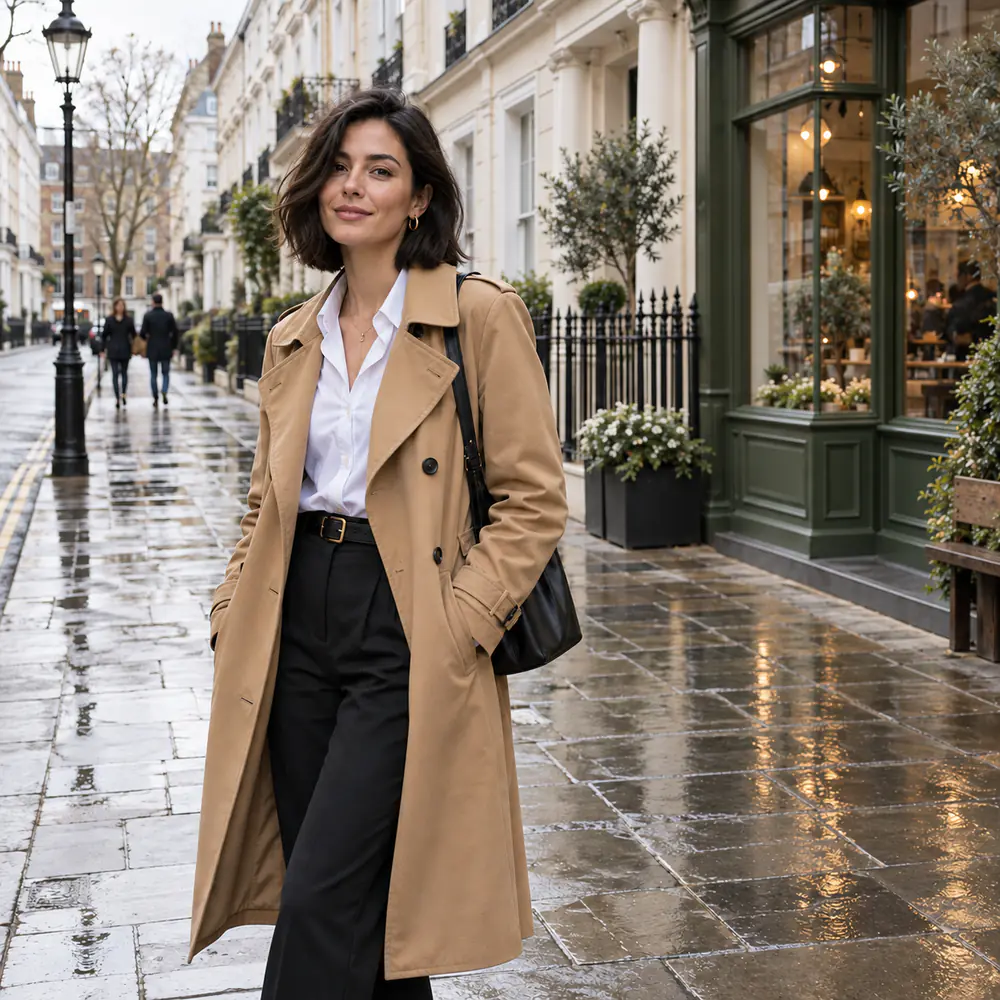
Famous monuments and scenic viewpoints are rarely deserted. Brush away visitors crowding your shot; our tool intelligently extends stone steps, railings, and horizons without blurry blotches.
Traditional clone stamps and simple smudge erasers merely blur nearby pixels across the subject, leaving smeared artifacts, distorted lines, and messy halos. Our advanced people remover uses texture-aware inpainting to understand the surrounding environment (such as geometric stone lines, sea waves, brick courses, or soft grass). When you brush over an unwanted person, the AI intelligently predicts and synthesizes what genuinely belongs behind them. Most importantly, every pixel outside your brush selection remains 100% untouched. Your original resolution, facial expressions, and natural skin textures stay razor-sharp, turning crowded snapshots into private, studio-grade captures.
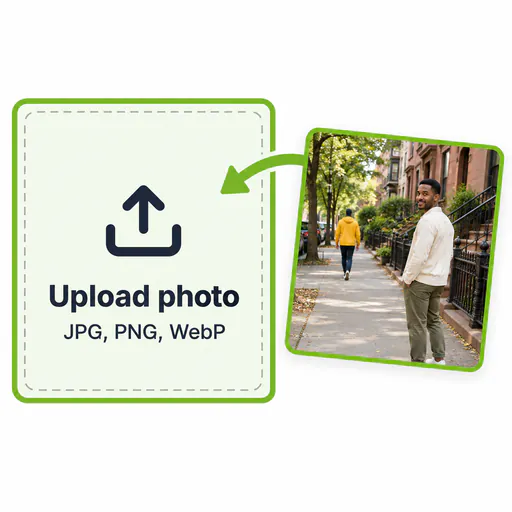
Select any JPG, PNG, or WebP picture from your computer or mobile gallery. Our interactive web canvas opens immediately.
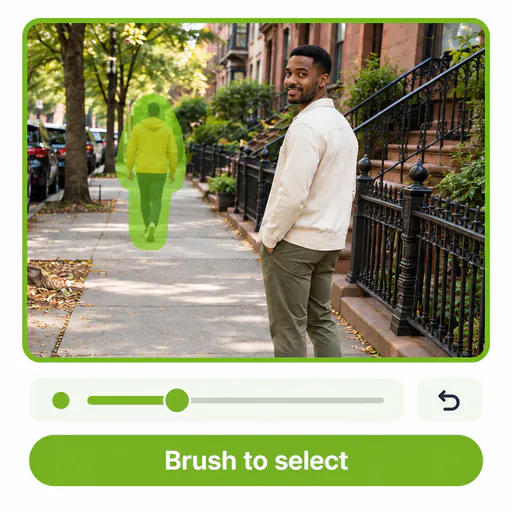
Paint over the unwanted person with a slight margin around the contours. Remember to cover cast shadows, reflections, and personal bags. Pinch or zoom in for intricate fingers and hair.

Click Generate to let AI erase the person in seconds. Compare the result with the original, and download your clean, watermark-free high-resolution photo.
From travel adventures to personal keepsakes, discover the six most common situations where our tool salvages your best photos.
Popular viewpoints, scenic beaches, and historic monuments are seldom empty. Erase visitors standing between you and the scenery to create breathtaking, private postcard memories.
A spontaneous smile ruined by an awkward stranger leaning into the lens? Cleanly eliminate photobombers and intrusive gestures without compromising your genuine expressions.
Sharp, recognizable faces in the background compete for visual attention. Brush away nearby pedestrians so your portrait draws instant focus to your subject.
Whether an employee left the company or an unknown passerby stood at the end of the line, take them out cleanly while keeping remaining friends and colleagues naturally positioned.
Keep the incredible vacation, beautiful restaurant, or family gathering while gently removing an ex-partner or estranged acquaintance. Reclaim your favorite photos with complete peace of mind.
No need to download bulky desktop apps or paid mobile subscriptions. Open this page in Safari or Chrome on your iPhone or Android, brush with your finger, and save high-resolution results directly to Photos.
Most visible remnants come from missed accessories or lighting traces. Always check these four elements before generating:
Bright outdoor sunlight casts shadows that extend far beyond the person. Brush all the way to the edge of the shadow, and cover reflections in water, mirrors, or storefront windows.
A hand resting on a shoulder or an arm around a waist belongs to the person you are removing. Zoom in close to paint right up to the border of the person you want to keep without masking their clothes.
Luggage, umbrellas, baby strollers, and pet leashes will stay behind as bizarre floating objects unless painted. Include all personal items in your selection.
When multiple people overlap tightly, remove the outermost individuals first. Each generation provides fresh, uninterrupted background data for the next pass to reference.
Common questions about trial credits, phone usage, complex selections, and natural background inpainting.
Upload your image, brush over strangers and distracting pedestrians, and download a pristine photo in seconds.