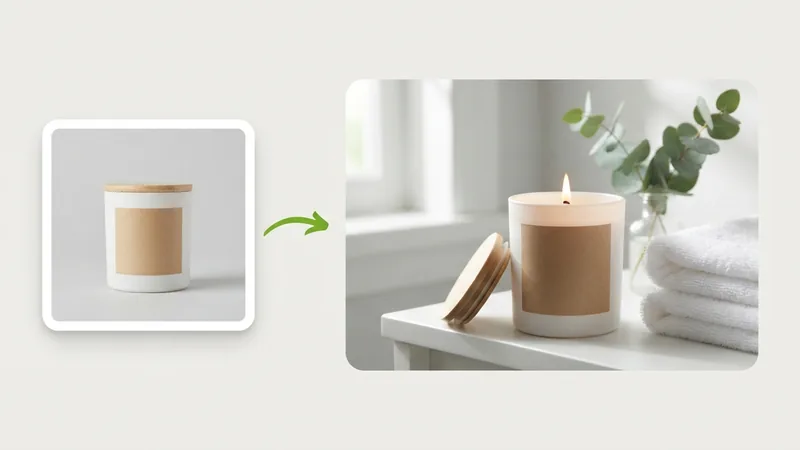
Show a product in a new setting
Start with a plain photo of a candle, a mug or a bottle and describe the room you want it in. Try a bathroom shelf, then a bedside table, and keep the version that suits the listing.
Models
Images (Optional)
Not sure what to write? Try an example:
Enter a text prompt or upload reference photos to generate vivid visual concepts and variations in seconds, designed for low-cost creative exploration and effortless product staging.

Nano Banana 2 Lite is Google's official designation for Gemini 3.1 Flash-Lite Image, built as the most agile and cost-efficient visual generation and editing model in the Nano Banana family. It understands plain-language instructions with remarkable precision, handling background replacements, color tuning, seasonal lighting shifts, and styled text overlays effortlessly. This makes it an indispensable asset for e-commerce testing, high-frequency social media creation, and rapid prototyping: stage plain product photos in stylish lifestyle scenes, generate consistent multi-format posts, or validate creative directions before committing to final rendering. Use it directly in your browser without any setup.
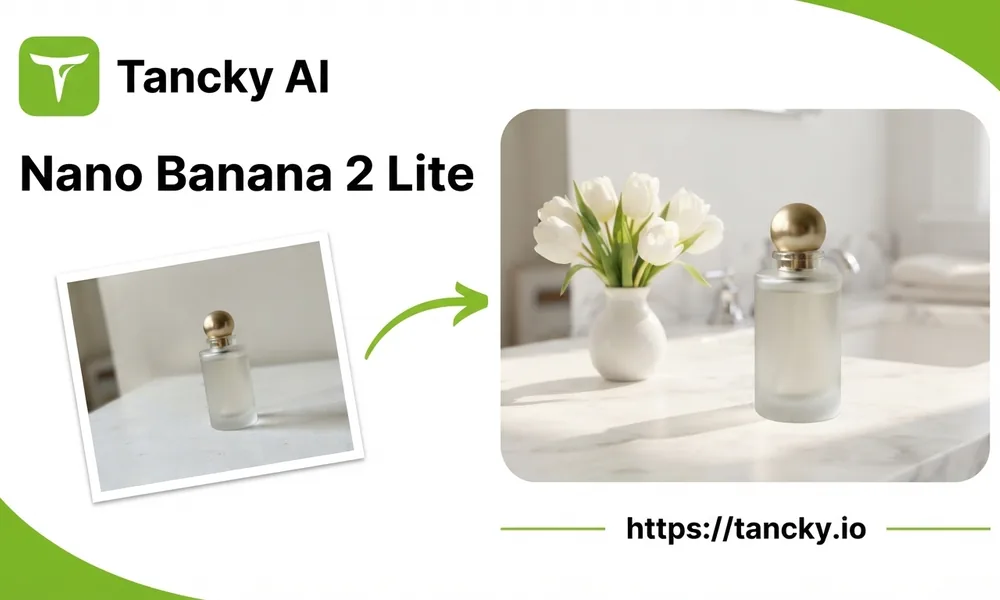
Lite is tuned for turnaround. These are the jobs where that matters more than the last bit of detail.
Fast turnaround in seconds lets you refine prompts and iterate while ideas are fresh, cutting creative cycle times dramatically.
Generate up to 4 variations in a single run to easily compare different lighting, angles, and styling choices side by side.
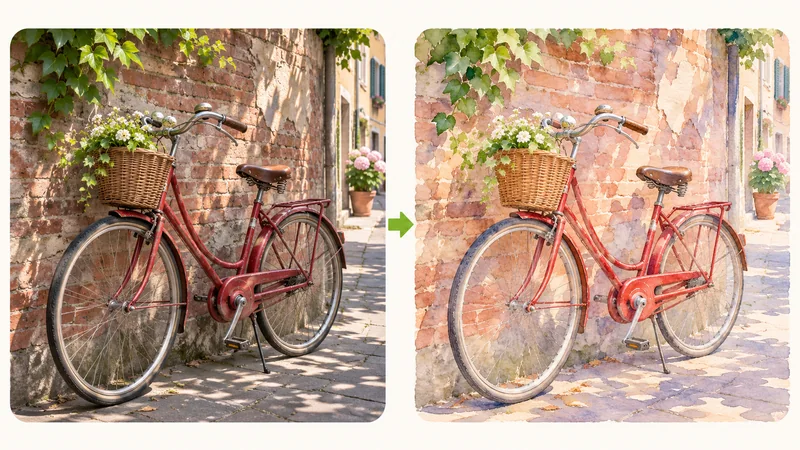
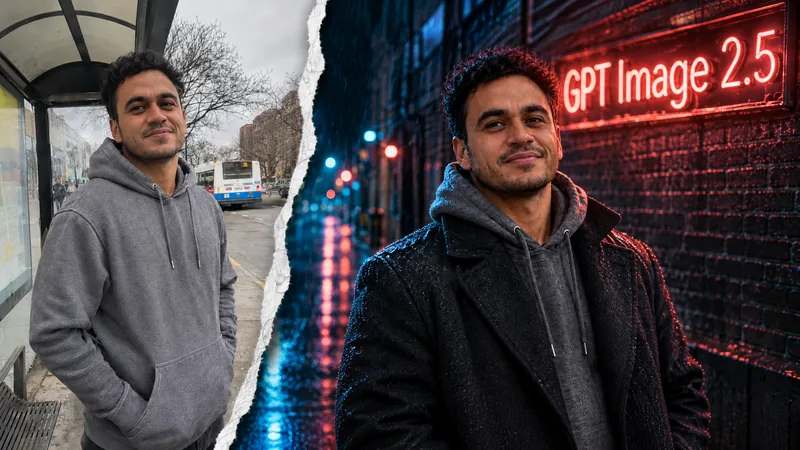
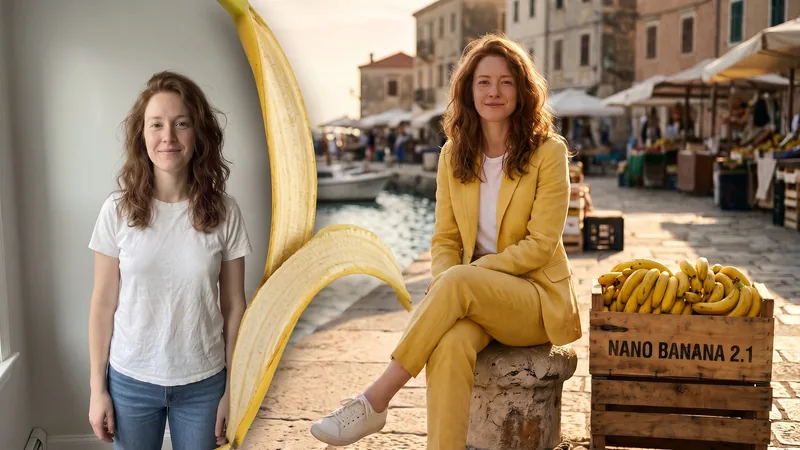
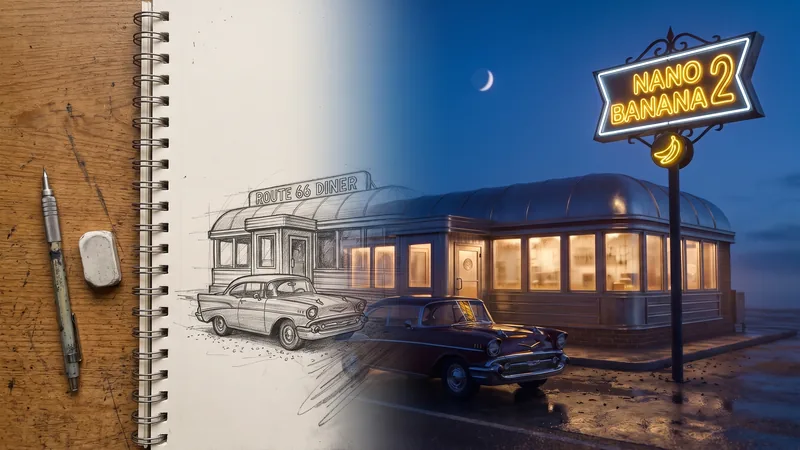
Swap a background, change the time of day, recolor an object or add a short headline by describing the change in plain words.
Pick square for a feed post, vertical for stories, or wide for a banner, or leave it on auto and let the model choose the frame.
Three everyday jobs that start from a single photo.
Start with a plain photo of a candle, a mug or a bottle and describe the room you want it in. Try a bathroom shelf, then a bedside table, and keep the version that suits the listing.
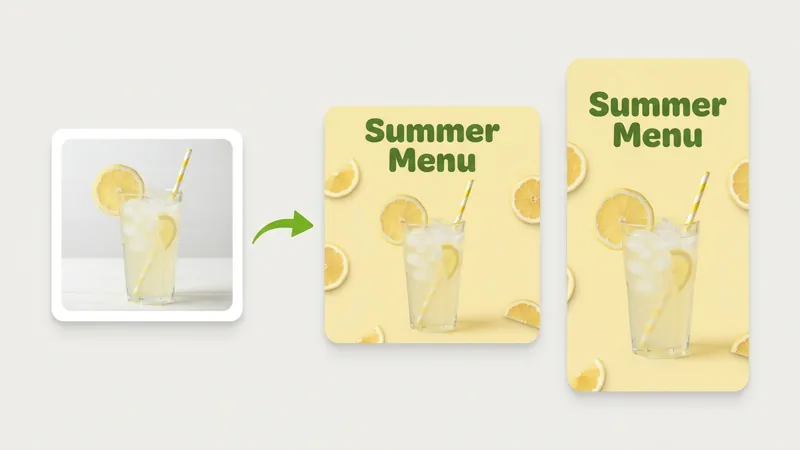
Upload one photo and ask for a square feed post, then a vertical story with the same headline. Running the formats one after another keeps the colors and wording consistent across your channels.
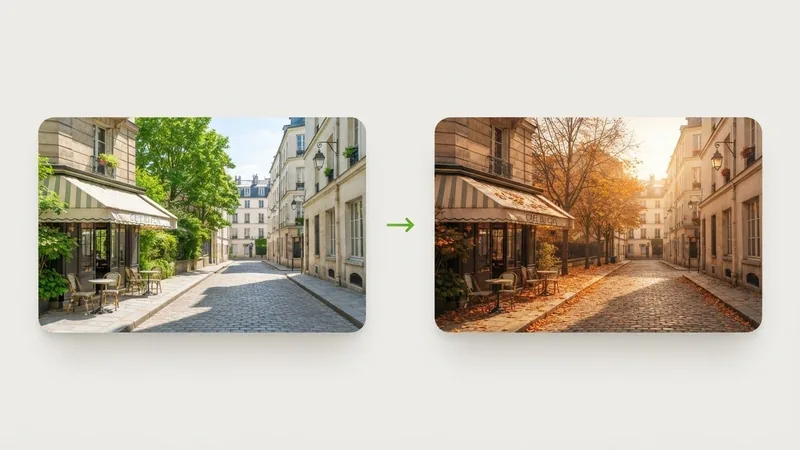
Turn a summer street into autumn, or a daytime storefront into an evening scene with the lights on. Say what should stay the same, such as the buildings and the camera angle, so only the mood changes.
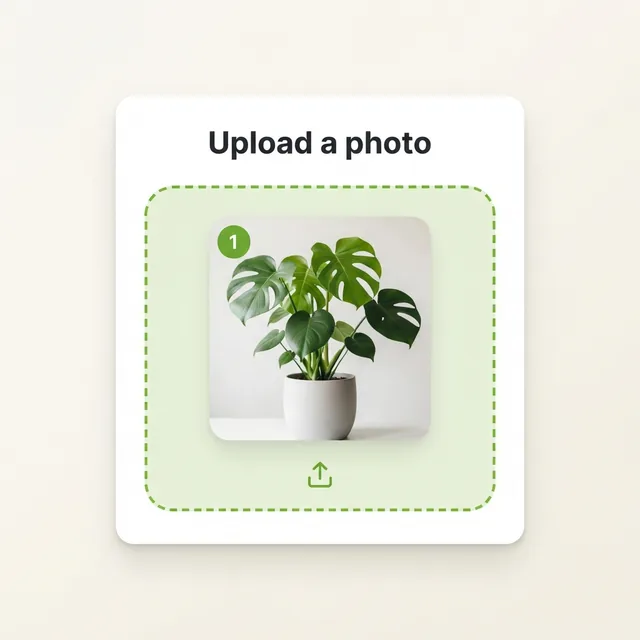
Upload a reference photo if you want to preserve an existing subject; to create from scratch, skip the upload and enter your prompt directly.
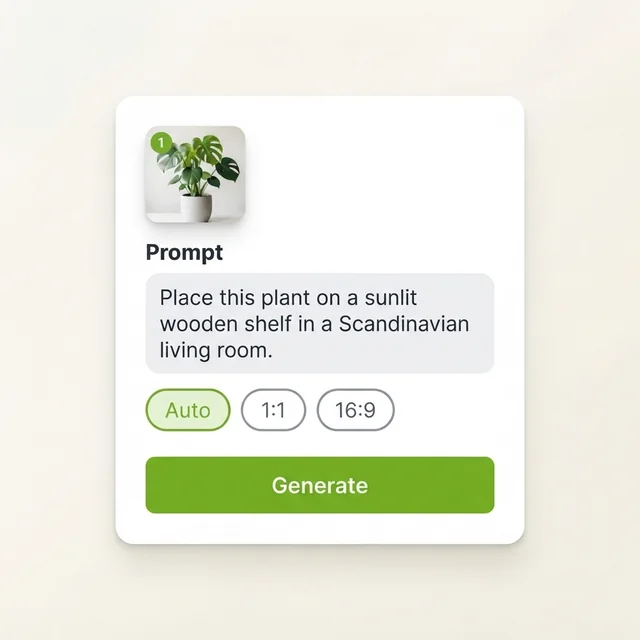
Write where the plant should be and what the light looks like, such as a sunlit wooden shelf in a Scandinavian living room. Choose a frame shape, or keep auto.
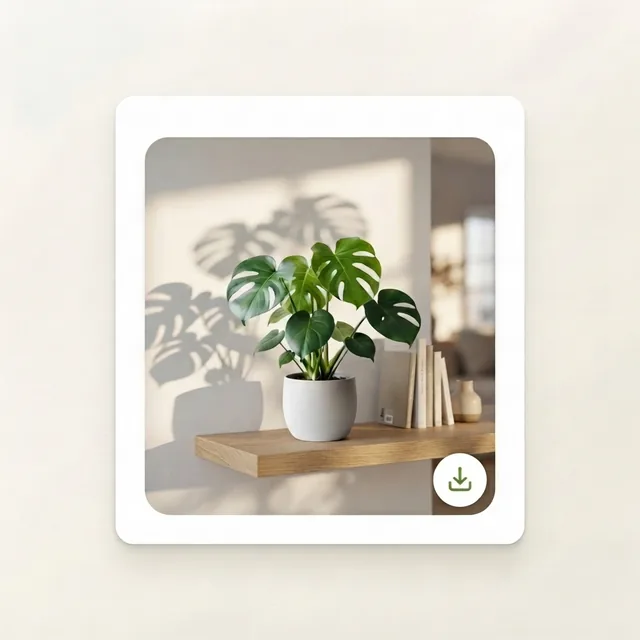
If details need tuning, adjust a keyword to rerun. Download your favorite version instantly, or switch to Nano Banana 2.1 to generate a high-res final draft.
Use Lite to explore ideas, then visit the Nano Banana 2.1 page when you need a larger final image.
Pick it when you want many tries, a quick answer to whether a prompt works, or simple edits for social posts and listings.
Switch when you need 2K or 4K, small text that must be legible, or several reference photos combined with faces and products kept exact.
Settle the wording, framing and setting on Lite, then run the same prompt on 2.1 for the image you publish.
Enter a prompt or upload a photo to compare multiple drafts in seconds and pick the perfect visual concept.
Answers regarding Lite model capabilities, differences across versions, upload guidelines, transparent pricing, and commercial licensing.