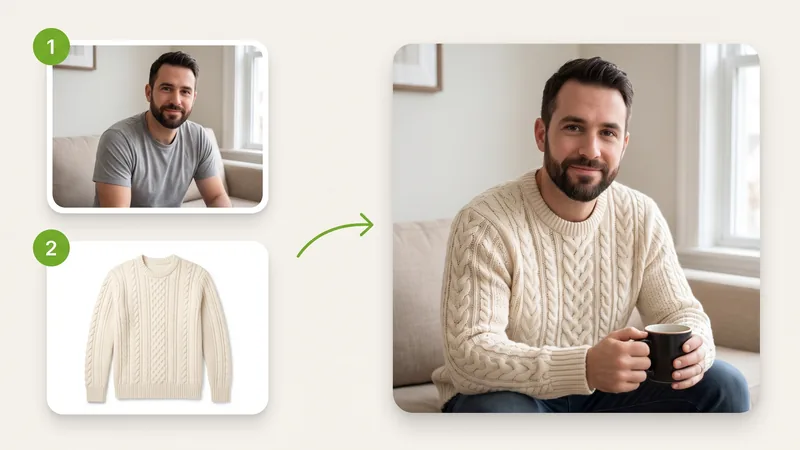
Put an outfit on a person
Upload a portrait and a product photo of a jacket, dress or pair of sneakers. The person keeps their face and pose, and the clothing keeps its color, pattern and logo, which helps you preview a look before you shoot it.
Models
Images (Optional)
Not sure what to write? Try an example:
Upload multiple reference photos of people, outfits, or products, specify each role, and instantly generate a unified high-resolution image with consistent details and legible text, up to 4K.

Listed in Google's developer docs as Gemini Nano Banana 2.1, this is the image generation and editing model Google released on October 6, 2026 as an update to Nano Banana 2. Google positions it as the more efficient counterpart to Nano Banana Pro, with better image quality, clearer text and steadier character consistency than the version before it. Its strength is working from several reference photos at once: hand it a person, an outfit, a product and a location in separate images, and it returns one picture that keeps all of them recognizable. On this page you can write a prompt on its own, or upload your photos and describe how they fit together, then download the result.
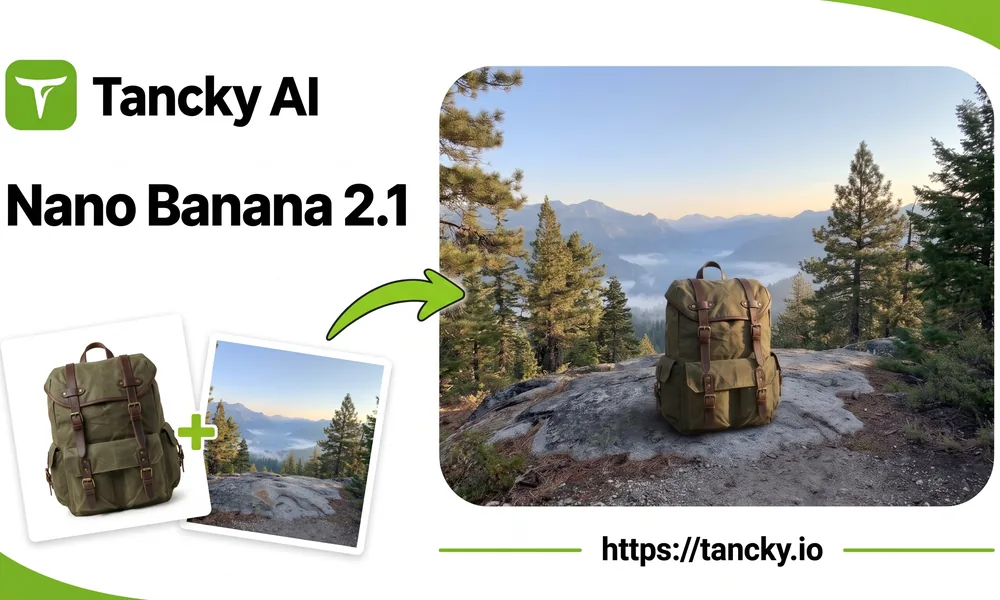
Combining several photos used to go wrong in familiar ways: a face that drifts after the second edit, a logo that comes back misspelled, a product that changes shape. This update works on exactly those weak spots.
Upload as many as ten photos in one request and give each a role in the prompt, such as image 1 for the person and image 2 for the jacket.
People, characters and products keep their features from one scene to the next, so a series of images still shows the same person or the same item.
Headlines, labels and short captions come out more legible, and posters or explainer graphics hold their layout better. Put the exact words in quotes for the best results.
Overall image fidelity is significantly sharper, delivering seamless transitions and crisp panoramas in 2K and 4K without edge artifacts.
Three jobs that depend on the model reading several photos at once.
Upload a portrait and a product photo of a jacket, dress or pair of sneakers. The person keeps their face and pose, and the clothing keeps its color, pattern and logo, which helps you preview a look before you shoot it.
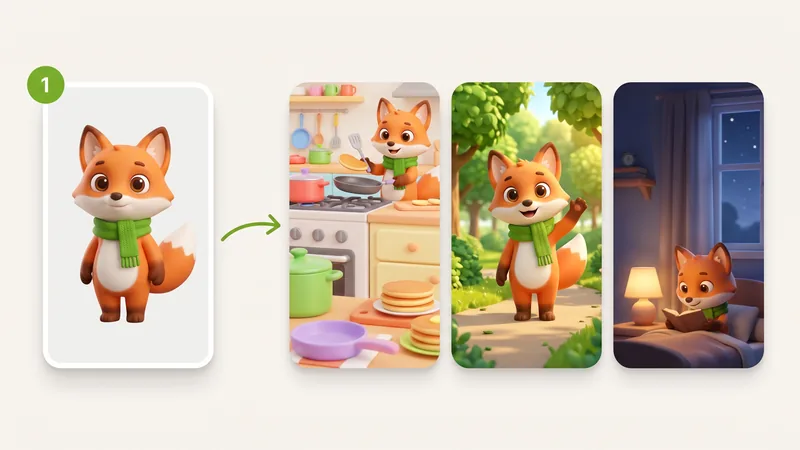
Start from one image of a character or mascot, then ask for new settings one at a time. Each result keeps the same face, outfit and proportions, so the set works as a storyboard, a comic or a series of social posts.
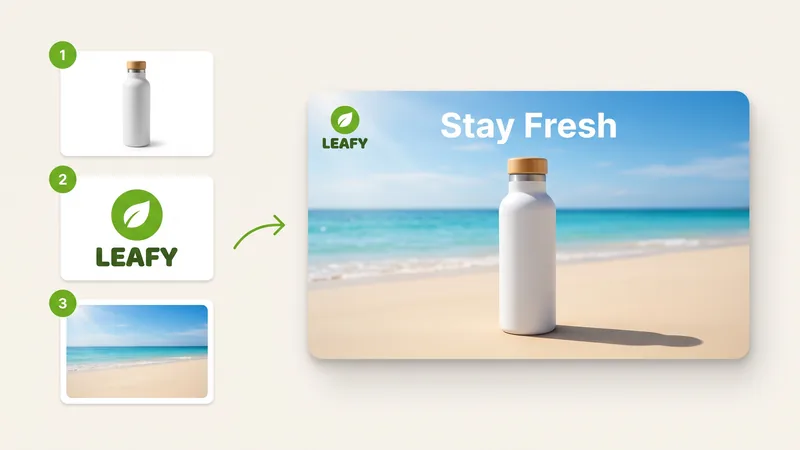
Combine a product shot, your logo and a photo of the setting you want. The result places the product in that setting, puts the logo where you asked and adds a short headline in clean lettering.
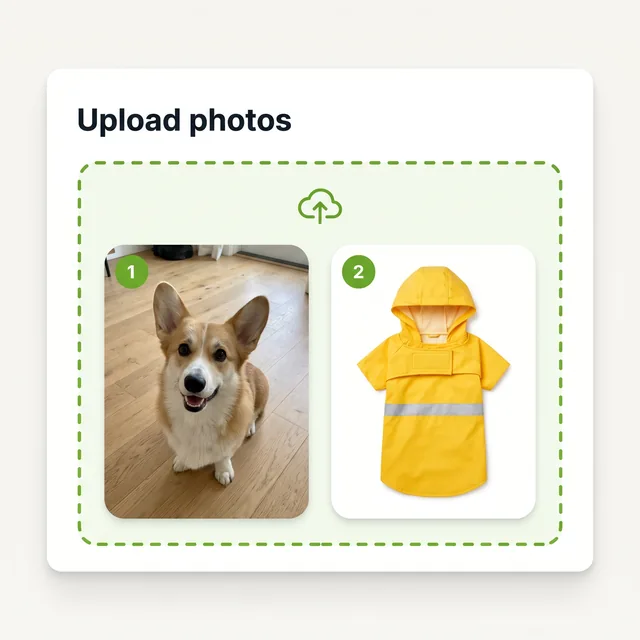
Add a photo of your dog and a product photo of a yellow raincoat. The order matters: the first photo becomes image 1, the second image 2, and so on.
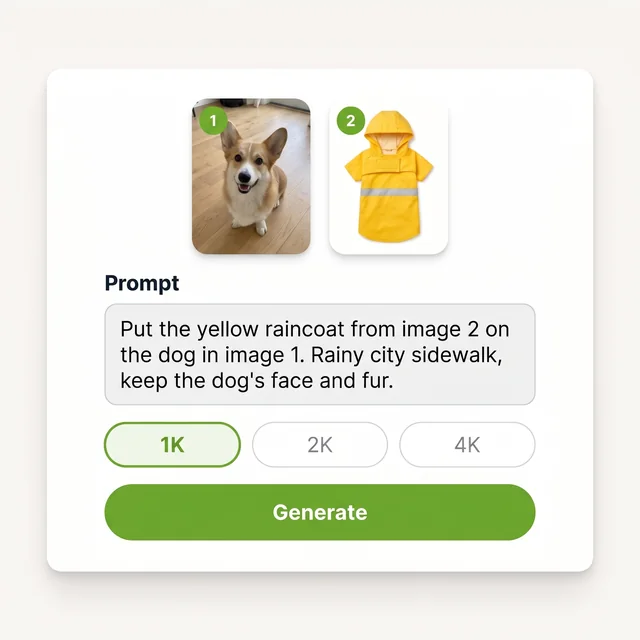
Write that the raincoat from image 2 goes on the dog in image 1, then describe the scene, such as a rainy city sidewalk. Pick a resolution: 1K is enough to check the idea, 2K or 4K for the version you keep.
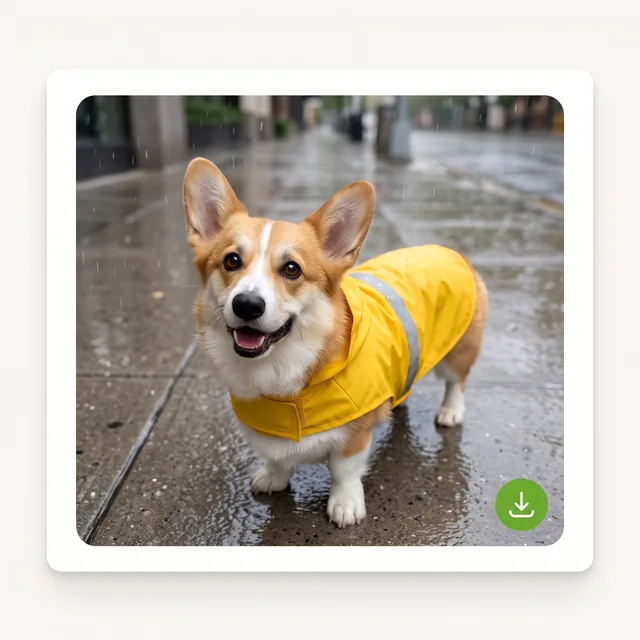
Check that the dog's face and the raincoat's color and strap match your photos. If something drifted, name it in the prompt and run it again, then download the version you like.
Anyone who already has the right photos and needs them combined into a new image.
Show one product in several settings, or put clothing on a model, without booking a new shoot for every listing.
Keep a recurring character recognizable across storyboards, comics, thumbnails and posts.
Turn a product shot, a logo and a mood photo into campaign drafts in different formats for review.
Upload reference photos of people, products, and scenes, describe your vision, and generate a cohesive high-resolution image with consistent features.
Answers about what changed, how it compares with other Nano Banana versions, reference photos, credits and commercial use.