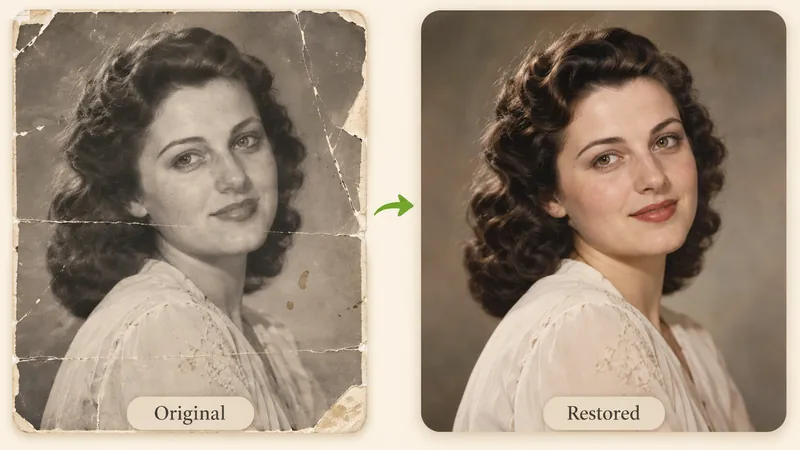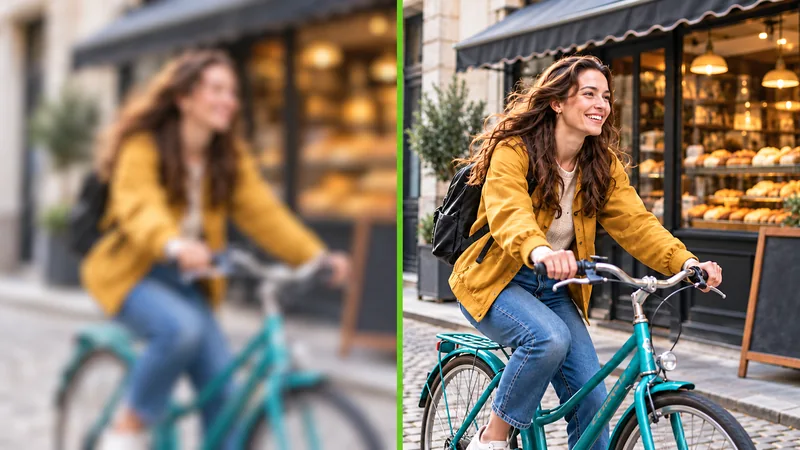
Add Color to Old Family Photos
Revitalize heirloom albums of parents and grandparents. Share vibrant snapshots in family chats or print physical copies for unforgettable reunions.
Black and White Photos 0/1
Turn black and white photos into lifelike, natural color in seconds, with authentic skin tones and the option to name any colors you remember.

See how intelligent colorization brings back subtle facial tones, distinct fabric shades, and atmospheric depth without color bleeding or oversaturation.
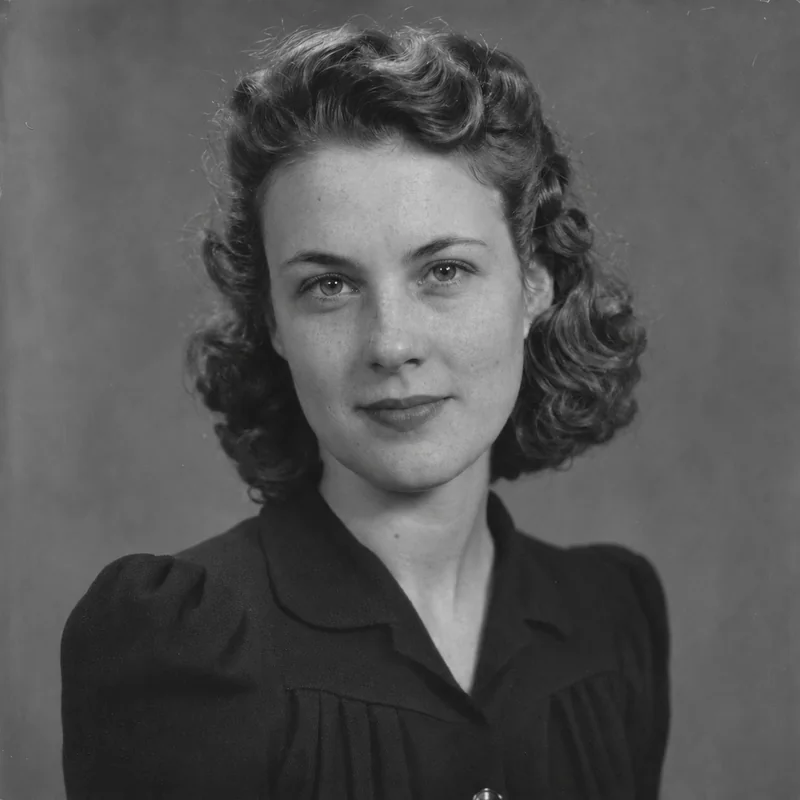
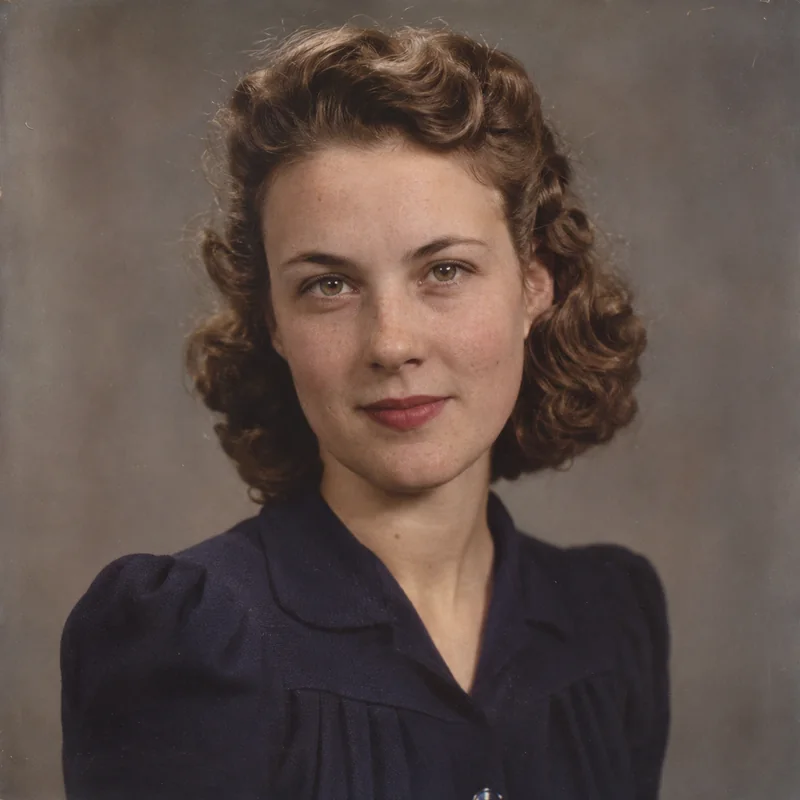
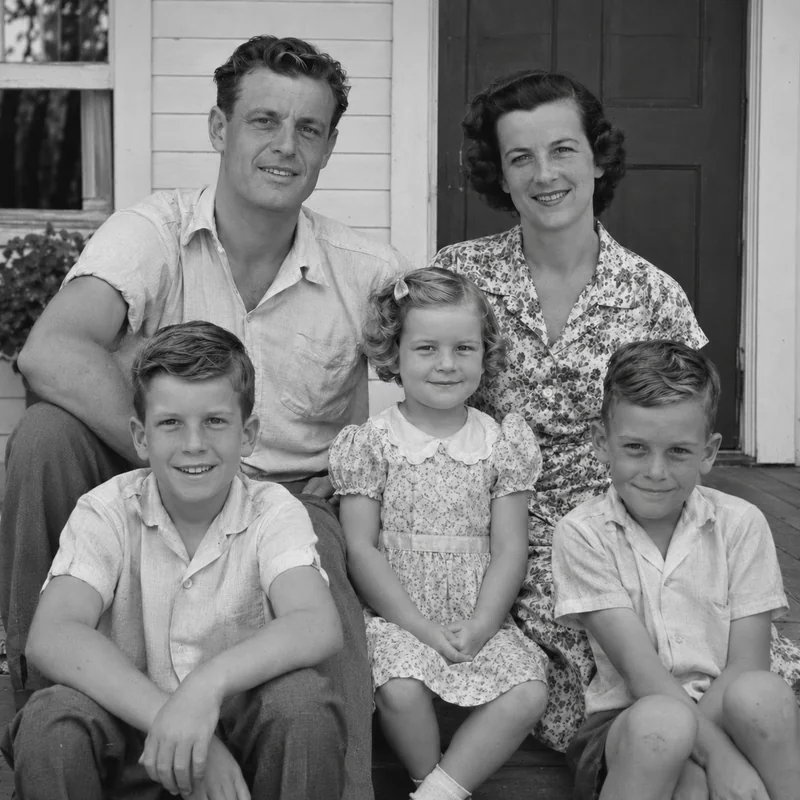
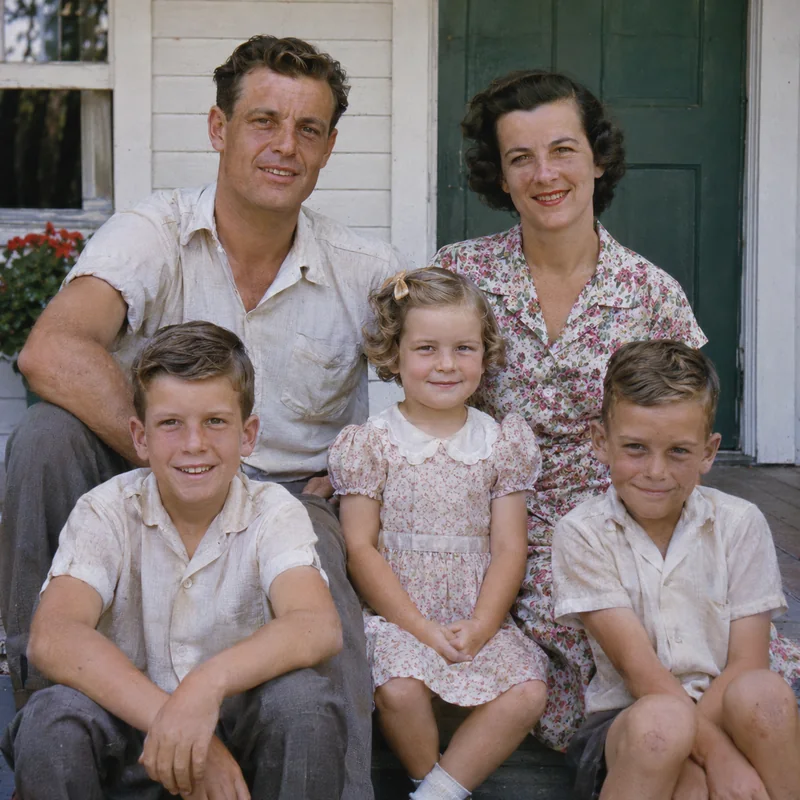
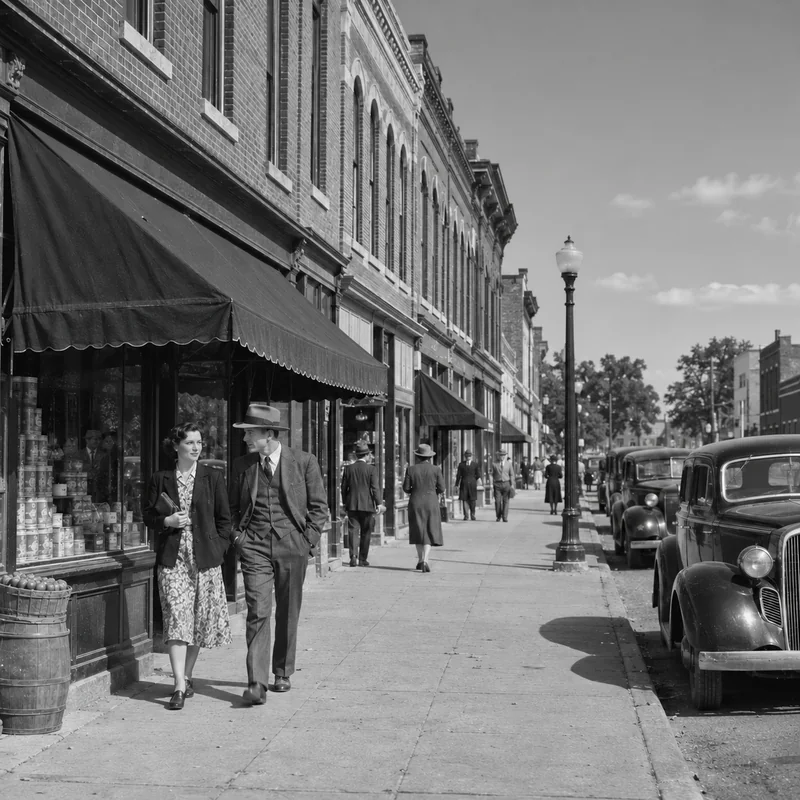
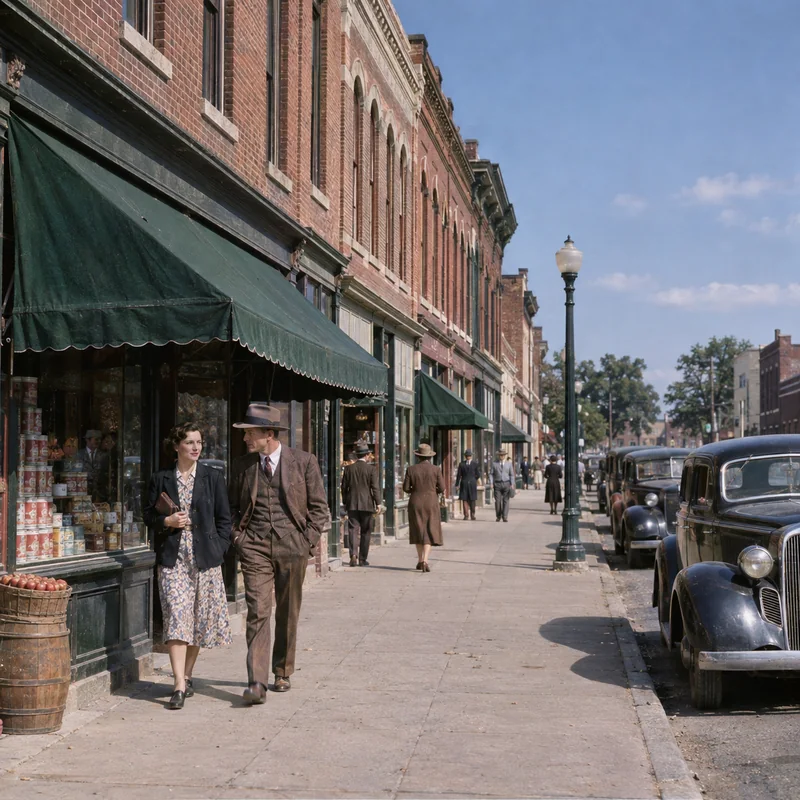
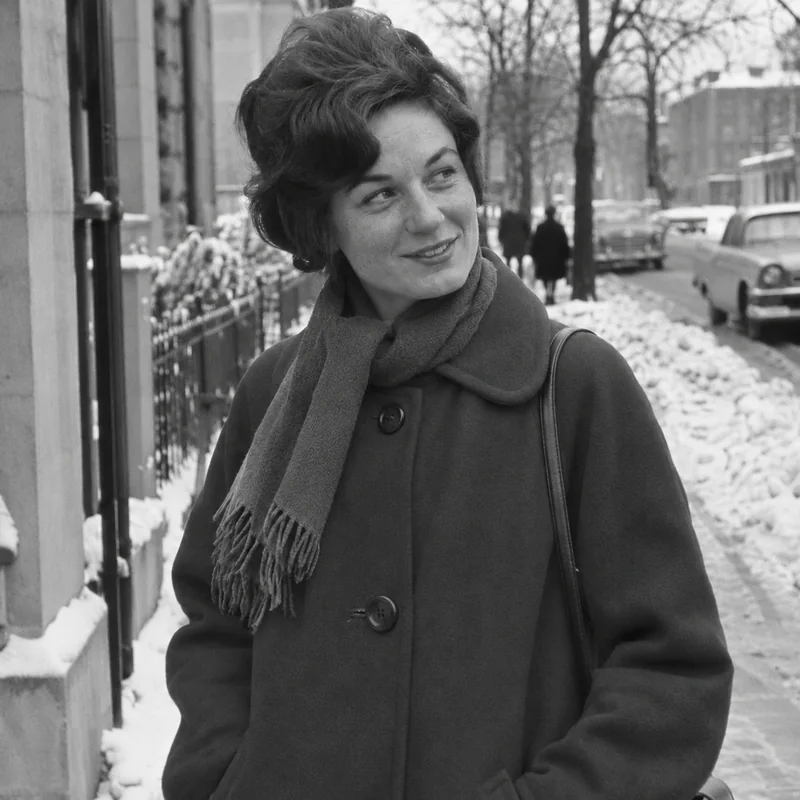
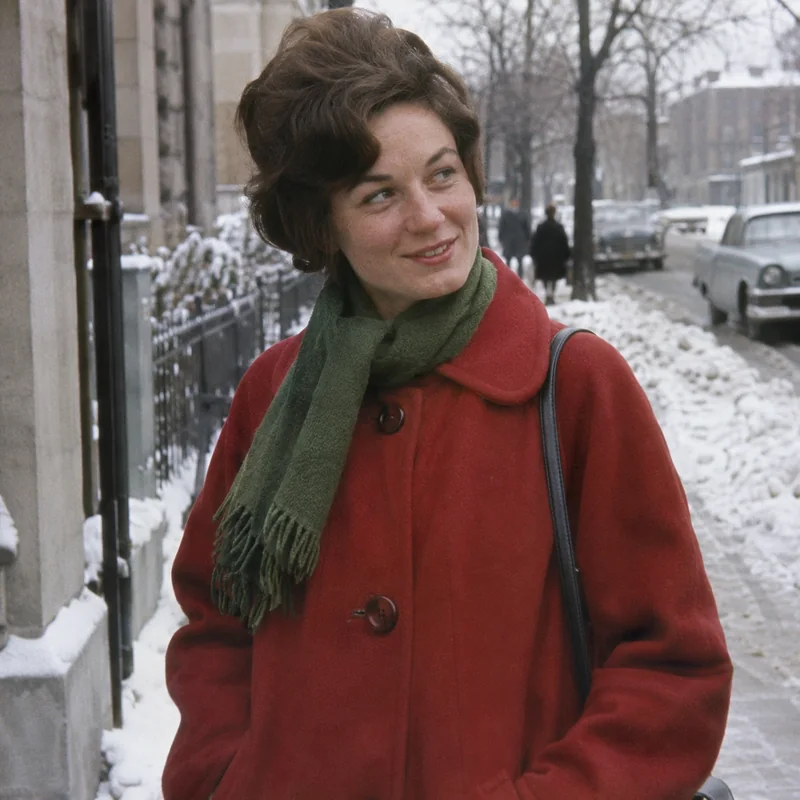
Facial features, hair textures, and dark clothing receive balanced individual tones, transforming flat monochrome into warm, dimensional presence.
Black and white photographs capture luminance and shadows, but historical colors were lost the moment the shutter closed. Traditional manual colorization requires hours of laborious hand-tinting, while generic filters often produce waxy, unrealistic skin. An AI photo colorizer bridges this divide by recognizing materials, such as skin, hair, textiles, foliage, and masonry, to intelligently predict plausible, period-accurate shades. Crucially, our solution lets you input 'Colors You Remember'. Your family memories guide key garments and eyes, while advanced AI fills remaining elements with balanced, realistic hues without altering original facial identities or composition.
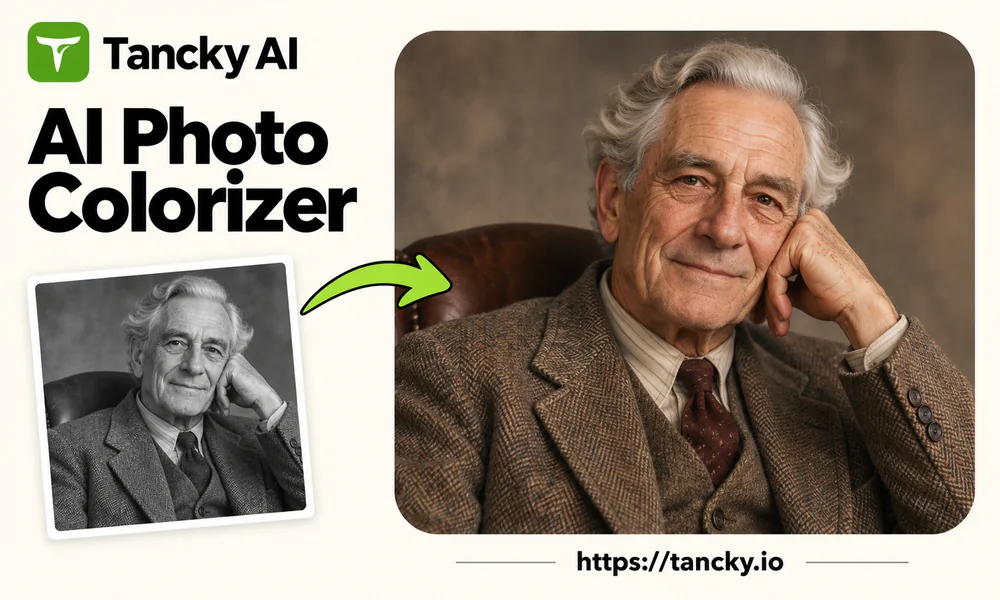

Upload a flatbed scanner image or a well-lit phone snapshot of your print. Fully supports black and white, sepia, and aged yellowed photos.
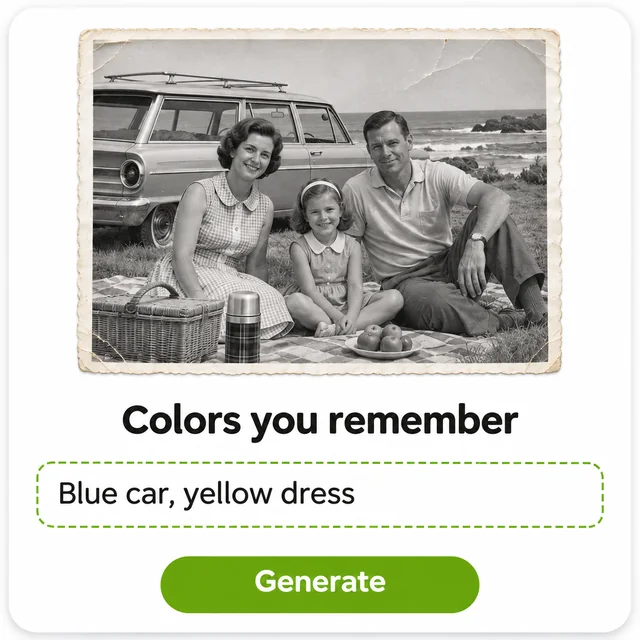
Type memorable details like eye color, car paint, or a wedding dress. Leave blank and our smart model automatically selects authentic natural tones.
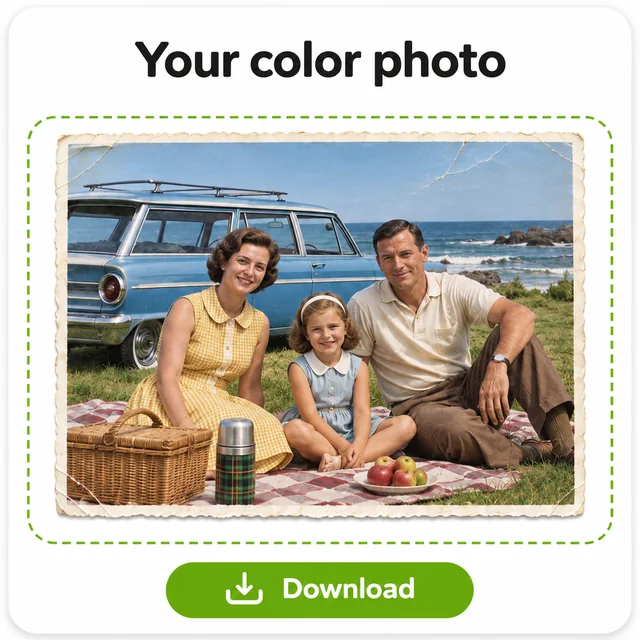
Inspect the vibrant colorized photo beside your original scan, adjust color notes if needed, and save your high-resolution keepsake instantly.
Color bridges generations. Discover how breathing life into vintage monochrome images reconnects families, enriches history, and honors loved ones.
Revitalize heirloom albums of parents and grandparents. Share vibrant snapshots in family chats or print physical copies for unforgettable reunions.
Pair vibrant color versions alongside original scans in your genealogy trees and family scrapbooks, preserving authentic historical records.
Transform wedding day portraits or pictures of a first family home into touching milestone gifts that move parents and grandparents to tears.
Specify signature eye colors, cherished uniforms, or favorite dresses to create comforting tribute portraits that look just as everyone remembers.
Help local museums, educators, and historical societies showcase bustling main streets and architecture as vibrant living communities.
No app to install, it works in your phone or desktop browser. Snap a photo of an album print, colorize it immediately, and save it to your camera roll.
Our AI photo colorizer delivers remarkable results on clean inputs. Follow these professional tips to maximize clarity and historical fidelity.
Phrases like 'navy blue suit, burgundy tie, blonde hair' provide clear targets. Specific object-color pairings guide the model with surgical precision.
Use spatial references like 'girl sitting on left in yellow dress' so that customized colors map accurately to each subject in family groups.
Choose scans with balanced contrast preserving details in highlights and shadows. Overexposed glare or pitch-black shadows leave fewer clues.
Military medals, small crests, and embroidered text may shift subtly. Compare your result side-by-side with the original scan to ensure precision.
Create a free account to colorize your first black and white photos. Witness treasured moments return to lifelike color in seconds.
Everything you need to know about our online AI photo colorizer and memory color restoration.