Models

Images (Optional)

Prompt
0/4096

Not sure what to write? Try an example:

Nano Banana Pro

Powered by Google's flagship Gemini 3 Pro Image model. Relight and re-angle shots with studio precision, render dense labeled diagrams, and composite multiple subjects into one cohesive scene at up to 4K.

Cinematic yellow hydroplane racing across turquoise water beneath bold Nano Banana Pro lettering.

What Is Google Nano Banana Pro (Gemini 3 Pro Image)?

Nano Banana Pro is Google's designated model name for Gemini 3 Pro Image, built on the advanced Gemini 3 Pro architecture. Google engineered it specifically for complex compositions and studio-grade visual assets where premium quality is essential. While the faster Flash series handles quick everyday edits, Pro excels in professional photographic direction, dense informational layouts, and multi-reference consistency: it follows precise photographic instructions for lighting setups, camera perspectives, and depth of field; it renders crisp on-image typography for technical diagrams and multi-item menus; and it seamlessly combines multiple people and products while preserving exact facial identity and fine textures. Generate directly in your browser from text prompts or up to four reference photos, and export high-resolution assets at up to 4K.

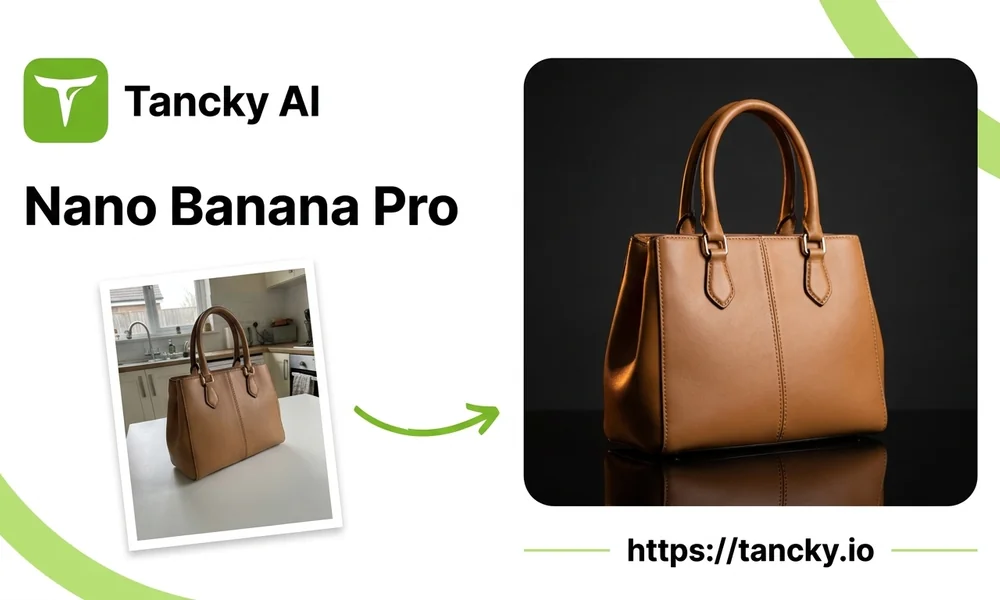
A plain phone photo of a tan leather handbag on a kitchen table next to the same handbag in a dark studio shot with a warm rim light and a glossy reflection, with the Tancky AI logo, the title Nano Banana Pro and the site address.
Core Capabilities

Nano Banana Pro: Built for Complex Compositions

Where lighter models soften fine details or compromise coherence, Nano Banana Pro delivers uncompromising studio fidelity.

Relight shots without a reshoot

Reconstruct lighting to studio standards: add warm rim lights, soft key lamps, or shift daylight to golden hour while locking product shape, texture, and colors.

Camera angle, depth of field and color grading

Direct top-down flat lays, eye-level views, or dramatic low angles with custom focal planes and unified cinematic color grading across your campaign assets.

Dense typography and labeled technical diagrams

Leverage industry-leading on-image typography to produce clean part-labeled diagrams, multi-course menus, and editorial layouts with crisp lettering.

High-fidelity multi-subject composition

Upload separate portraits and product photos to bring them together into one cohesive scene with matching perspective, realistic lighting, and preserved likenesses.

Prompt Examples

Nano Banana Pro Prompts and Results

Three prompts that use the Pro model's control over light, layout and multiple references. Copy the wording and swap in your own subject.

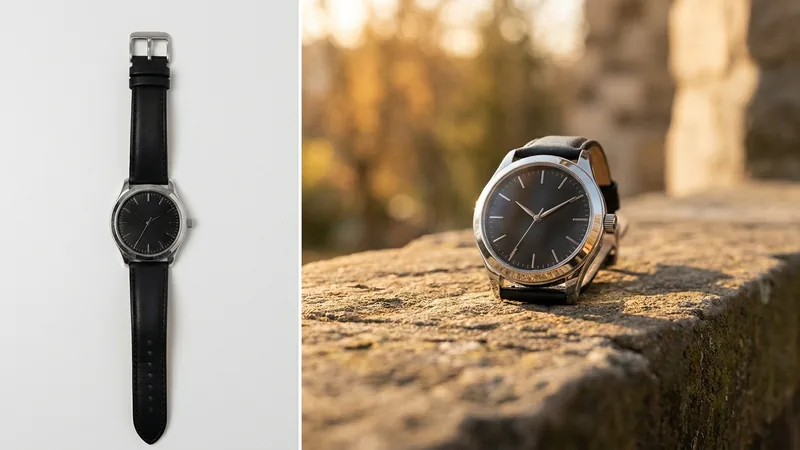
A steel wristwatch with a black dial lying flat on a white table next to the same watch on a stone ledge in warm golden-hour light with a blurred background.

Relight a product shot for golden hour

Prompt: "Relight this watch for golden hour on a stone ledge, low camera angle, warm light from the right, shallow depth of field." The case, strap and dial markings stay as they were while the light, shadows and background change, so one studio photo can serve several campaign moods.
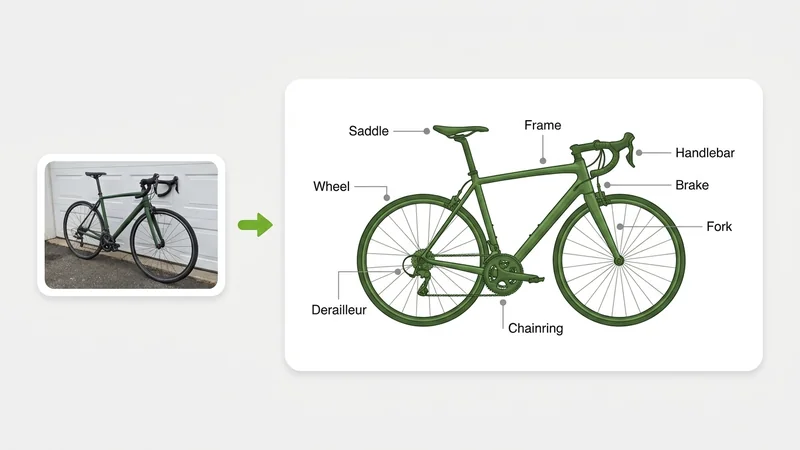

A phone photo of a green road bike against a garage door next to a diagram of the same bike labeling Saddle, Frame, Handlebar, Brake, Fork, Wheel, Derailleur and Chainring.

Label the parts of a product

Prompt: "Create a clean technical diagram of this road bike on a white background with eight labeled parts: Saddle, Frame, Fork, Handlebar, Brake, Chainring, Derailleur, Wheel. Thin leader lines, sans-serif labels." Keep each label to one or two words and list them in the order you want them read.

Portraits of three colleagues and a photo of a bright office, combined into one waist-up photo of the three talking and laughing together by the office window.

Combine separate portraits into one team photo

Upload three portraits and a photo of your office, then write: "Place the three people from images 1 to 3 standing together in the office from image 4, relaxed smiles, natural window light, waist-up framing." Numbering each image in the prompt tells the model which reference plays which role.

Getting Started

How to Use Nano Banana Pro Free Online

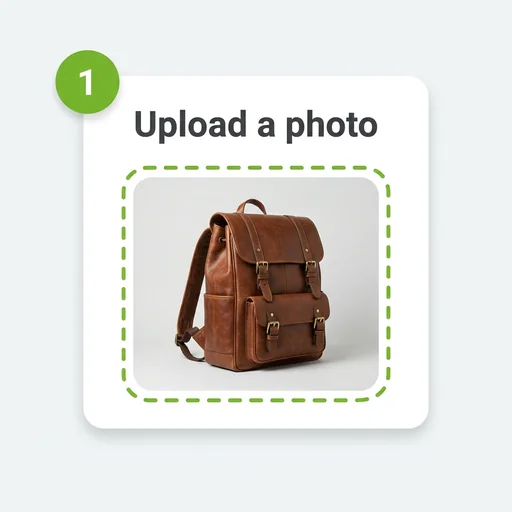
  1. A brown leather backpack on a plain gray background in the upload area, marked as step 1.
    Step 01

    1. Add a reference photo or skip it

    Upload a product shot, a portrait or a rough layout you want to build on. You can add up to four images, or leave the upload empty and describe the whole scene in words.

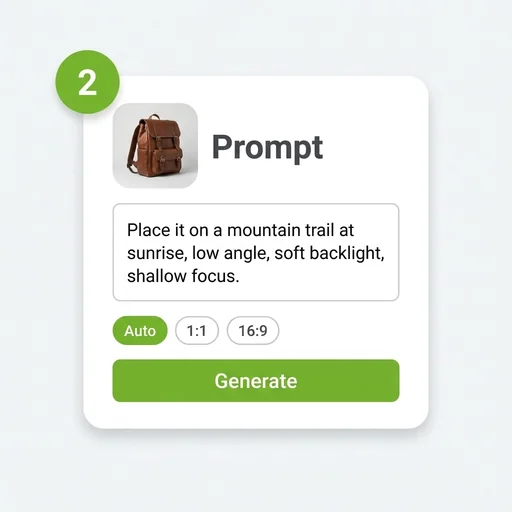
  2. The backpack thumbnail above the prompt Place it on a mountain trail at sunrise, low angle, soft backlight, shallow focus, with a Generate button.
    Step 02

    2. Direct it like a photo shoot

    Say what the subject is, where it is, and how it is lit and framed, for example "on a mountain trail at sunrise, low angle, soft backlight, shallow focus". Pick an aspect ratio and a resolution. 1K is enough to check the idea.

  3. The same leather backpack on a rocky mountain trail at sunrise, lit from behind with a soft glow, with a download button in the corner.
    Step 03

    3. Adjust one detail, then render at full size

    If the light or the angle is off, change that one phrase and run the prompt again. When the draft looks right, generate it at 2K or 4K and download it.

Model Comparison

Nano Banana Pro vs Nano Banana 2: Which to Choose

Select the right model based on your project requirements for rendering fidelity, turnaround speed, and iteration cost.

Pro: For Final Commercial Deliverables

Google's recommended choice for complex compositions, brand campaign finals, dense technical diagrams, and cohesive group portraits with high first-pass accuracy.

Nano Banana 2: Fast Drafts with Clear Typography

Brings Pro-level text rendering and subject consistency to a fast Flash architecture, supporting ultra-wide formats ideal for posters and rapid layout iteration.

Nano Banana 2.1: Multi-Reference Everyday Edits

An efficient counterpart to Pro with lower credit usage, optimized for virtual try-on outfits, multi-photo collages, and everyday e-commerce visuals.

Studio Lighting Control · Technical Diagrams · Automatic Credit Refunds

Render 4K Studio Quality Images with Nano Banana Pro

Upload reference photos or describe your concept to gain total control over light and perspective, exporting final assets at up to 4K.

Nano Banana Pro FAQ

Answers on free access, credit cost, choosing between Pro and Nano Banana 2, reference photos and commercial use.