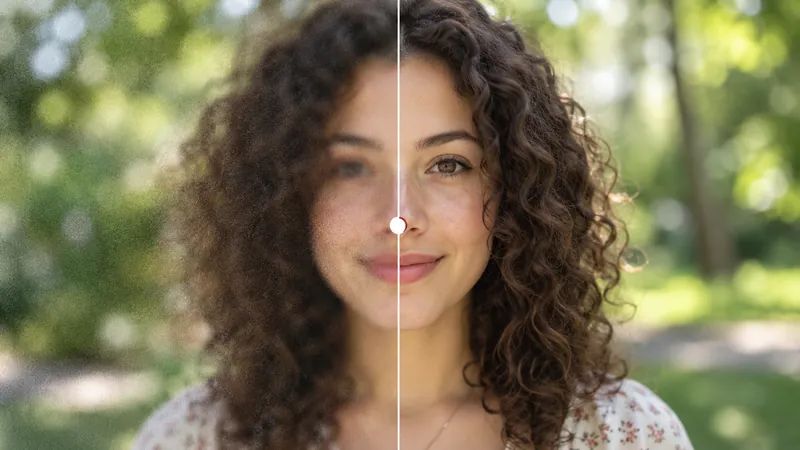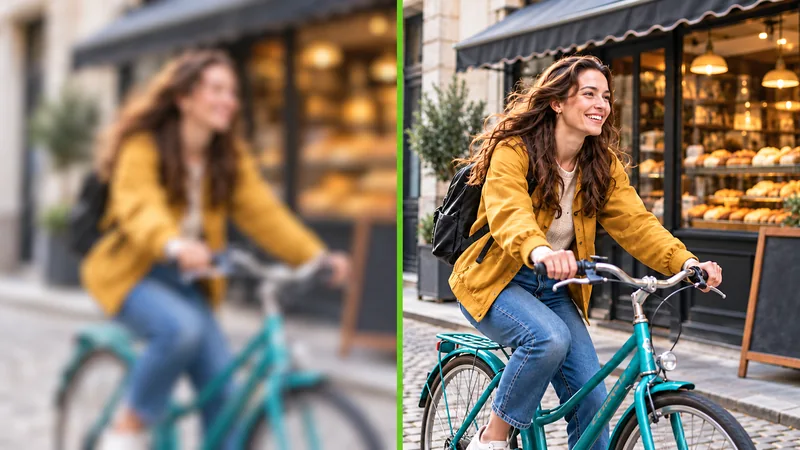
Restore Old Damaged Photos
Erase physical cracks, water stains, adhesive tape marks, and surface peeling. Intelligently mends torn sections for a clean, uniform finish.
Old Photos 0/1
Bring treasured family memories back to life. Upload any creased, scratched, or faded print to automatically mend damage, enhance facial clarity, and revive authentic textures in seconds.

Inspect side-by-side comparisons of four common kinds of print damage restored in a single pass without manual editing.
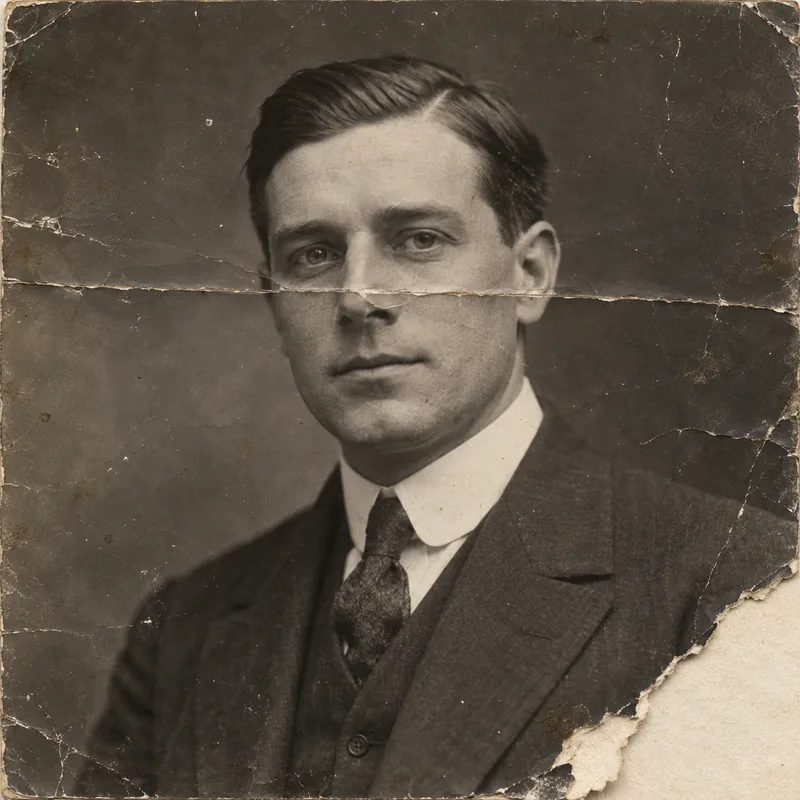
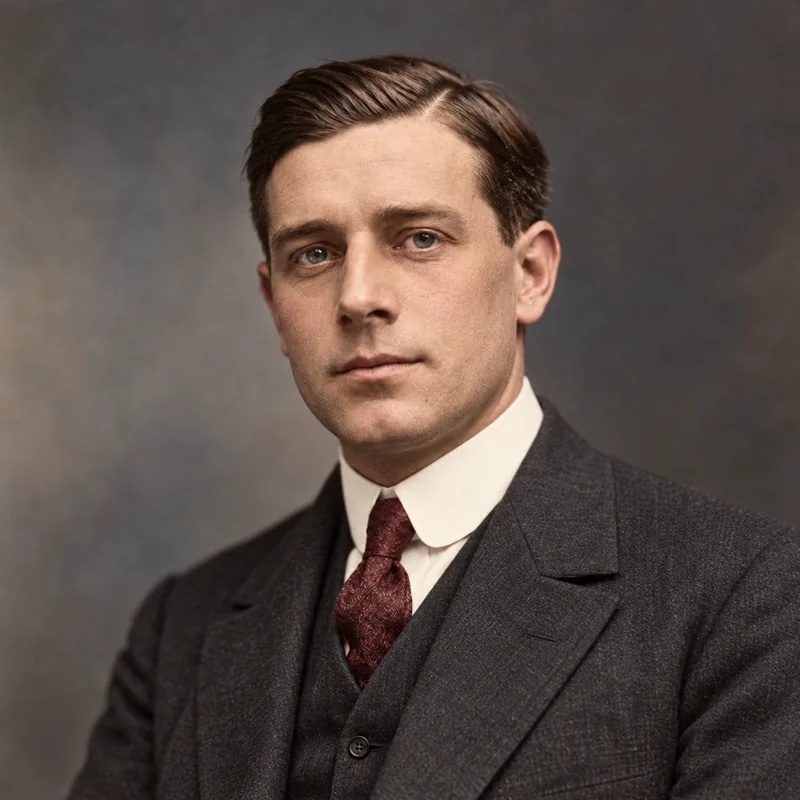
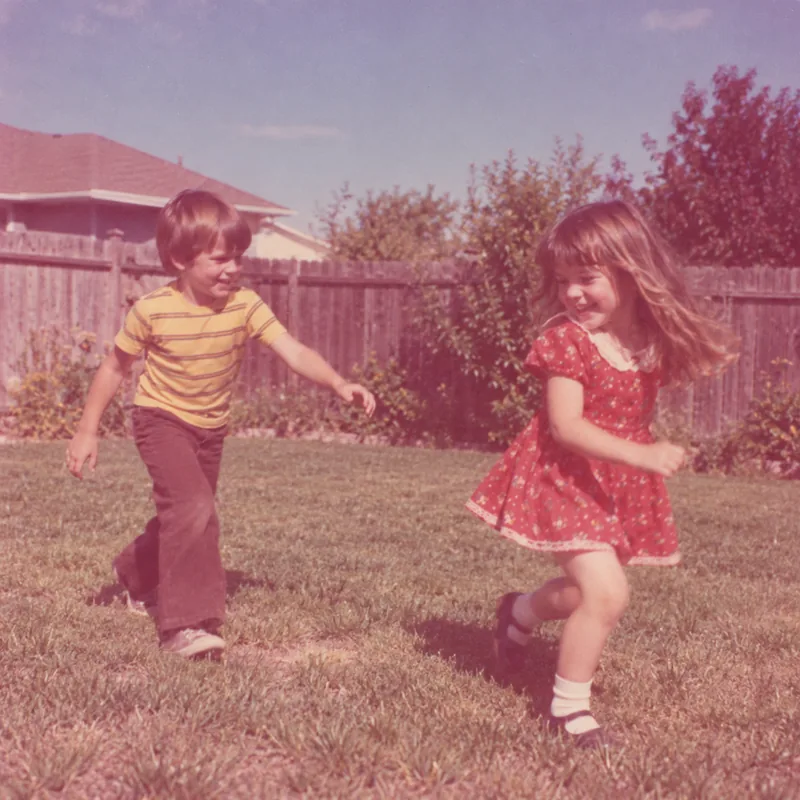
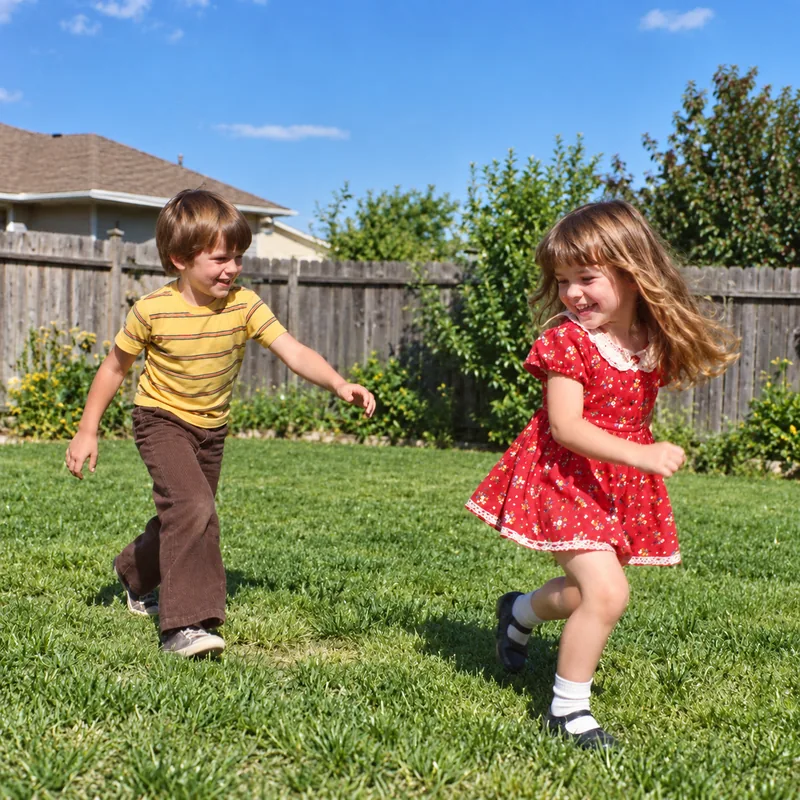
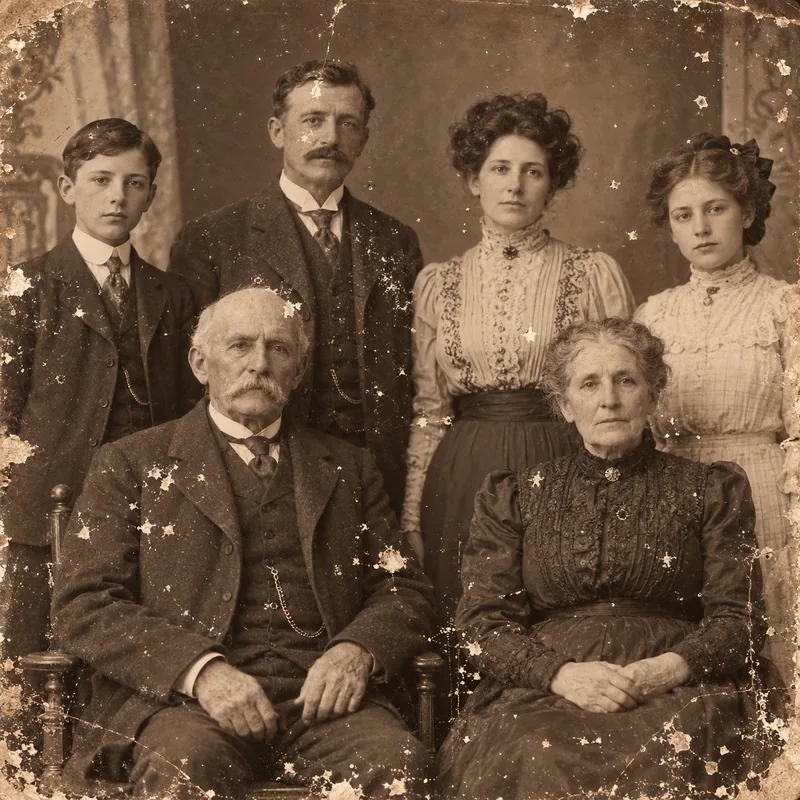
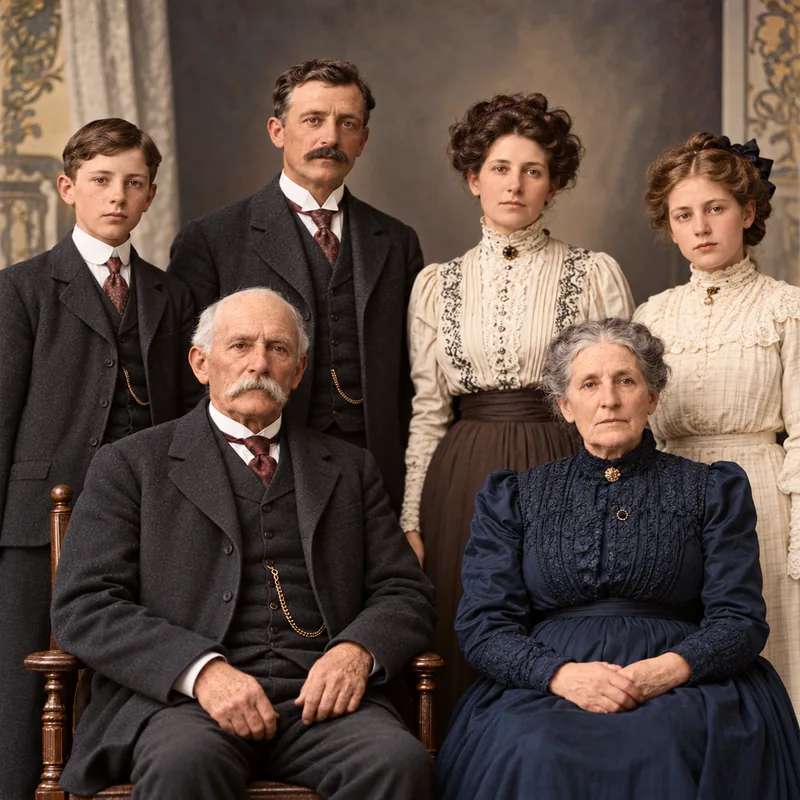
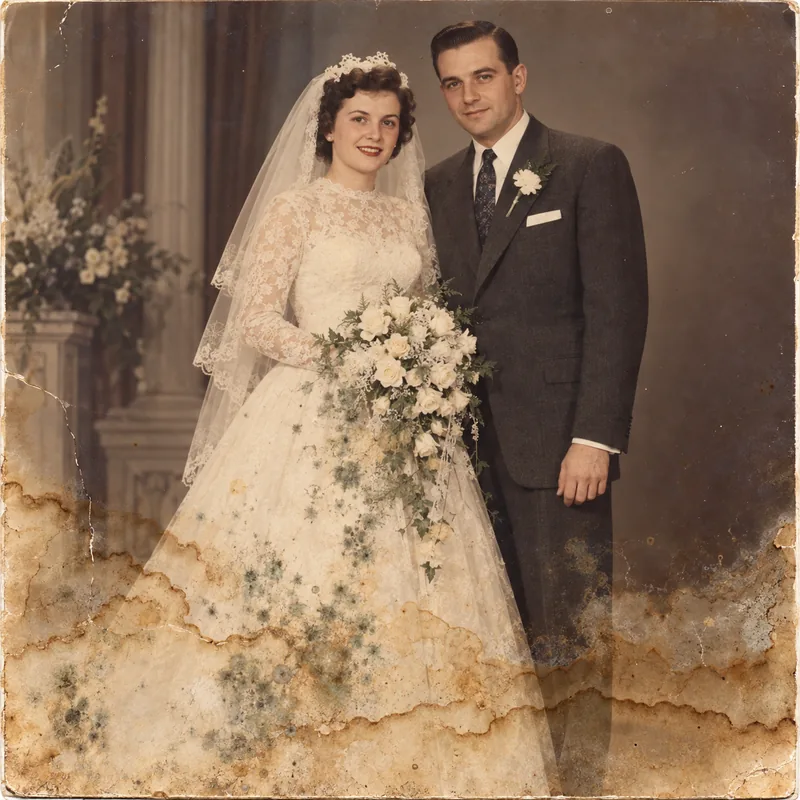
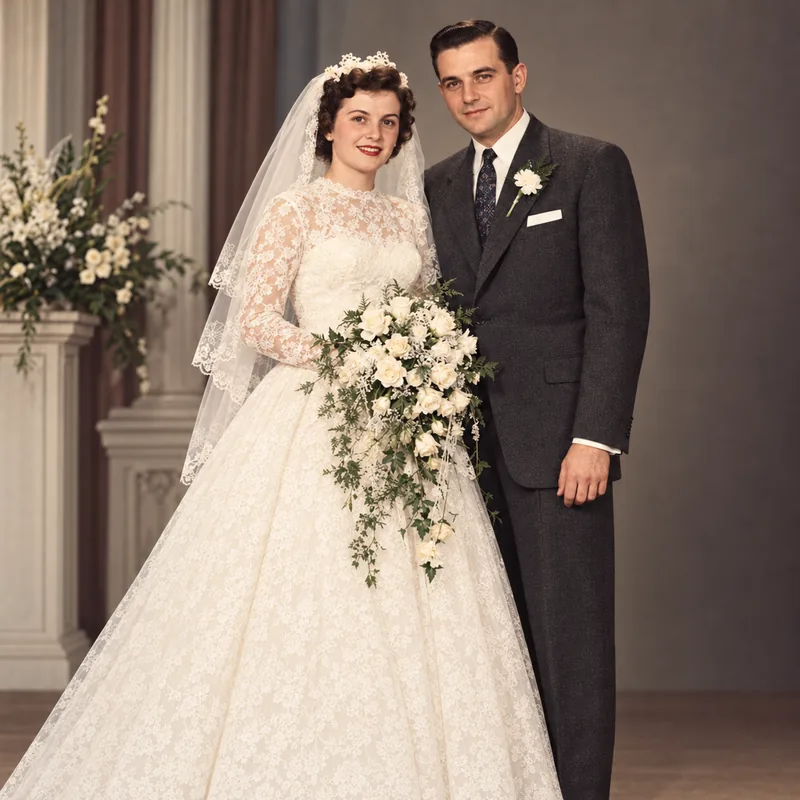
Deep folding lines across facial features and missing corner fragments are smoothly mended, blending seamlessly with surrounding texture.
Old photo restoration repairs the physical damage accumulated over decades, including dust, surface scratches, folding creases, water stains, mold marks, and faded contrast. Traditional manual retouching requires hours of delicate cloning and pixel-level painting by a specialist. Our dedicated AI restoration completes this comprehensive process in seconds. By analyzing surrounding context, the intelligent restoration model removes surface blemishes and reconstructs soft facial features while faithfully preserving personal identity, original expressions, and composition. The result gives treasured family archives the clarity and preservation they deserve.
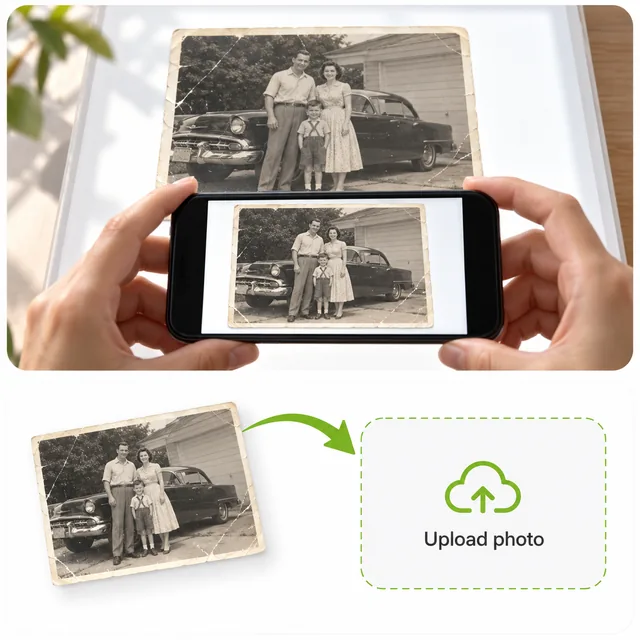
Upload a flatbed scan or a straight-on phone capture taken in soft, even daylight. Supports JPG, PNG, and WebP formats up to 16 MB.
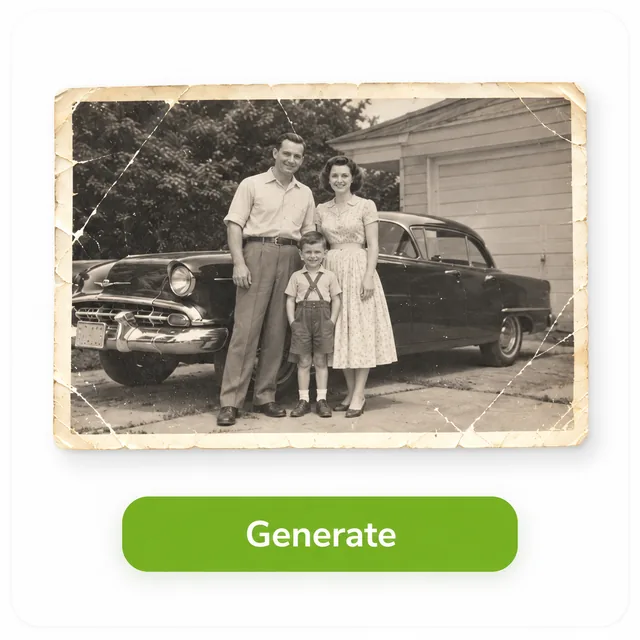
Click Generate to start processing. The AI automatically mends scratches, reconstructs facial clarity, and balances contrast without complicated manual settings.

Compare the restored portrait directly with your original image, inspect fine details, and download your clean, high-resolution photo instantly.
From damaged vintage albums to faded snapshots, explore how our AI restoration brings your precious family archive back to life.
Erase physical cracks, water stains, adhesive tape marks, and surface peeling. Intelligently mends torn sections for a clean, uniform finish.
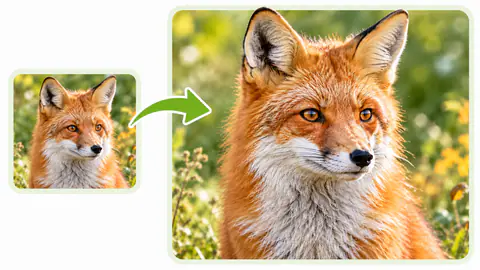
Sharpen motion blur, lens softness, and degraded resolution. Enhances eye reflections, hair texture, and fine clothing weaves with natural fidelity.
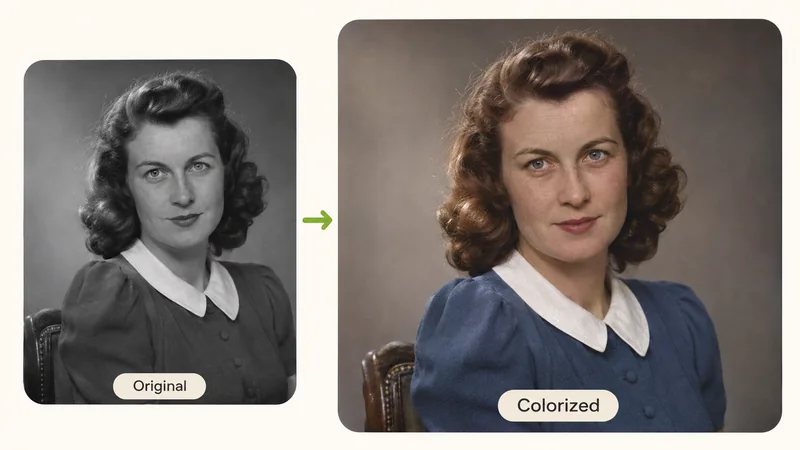
Correct aging tone shifts, eliminate dull haze, and revive original clarity. Restores clean highlights and balanced tonal depth across the entire scene.
Digitalize generations of heirloom photos for genealogy records, family reunions, and commemorative albums. Every face in large groups remains distinct.
Create dignified, high-definition portraits suitable for memorial ceremonies, remembrance programs, and elegant framed tributes.
Complete the entire restoration workflow right in your mobile browser. Snap a photo of an album page and save the restored result immediately.
Follow these straightforward capture practices to provide the cleanest source input for our AI restoration engine.
Place prints on a flat surface away from harsh direct light. Remove photos from glass frames when possible to avoid reflection hotspots.
When scanning multi-photo album pages, crop closely to the single picture you want to restore. This allocates maximum pixel resolution to facial details.
Our model works diligently to respect vintage text, uniform badges, and handwritten dates. Always review fine inscriptions alongside your original file.
Whenever available, choose larger prints, original negatives, or uncompressed scans over compressed mobile screenshots for the most detailed output.
Sign up for free, upload your vintage print, and watch scratches, tears, and fading vanish in seconds.
Common questions about restoring old photos online.