Unwanted Tourists & Photobombers
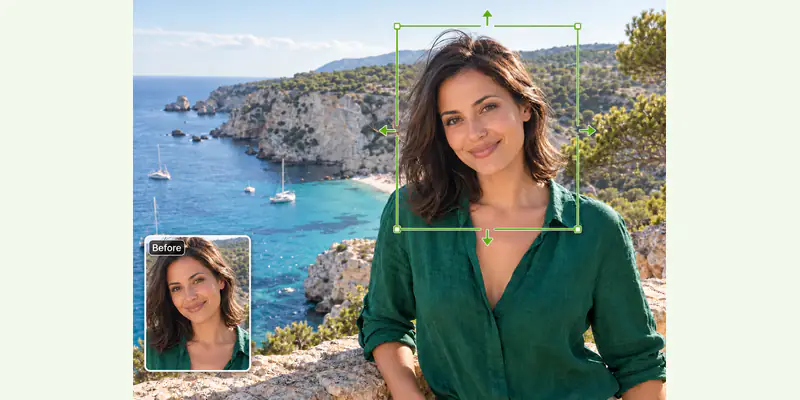
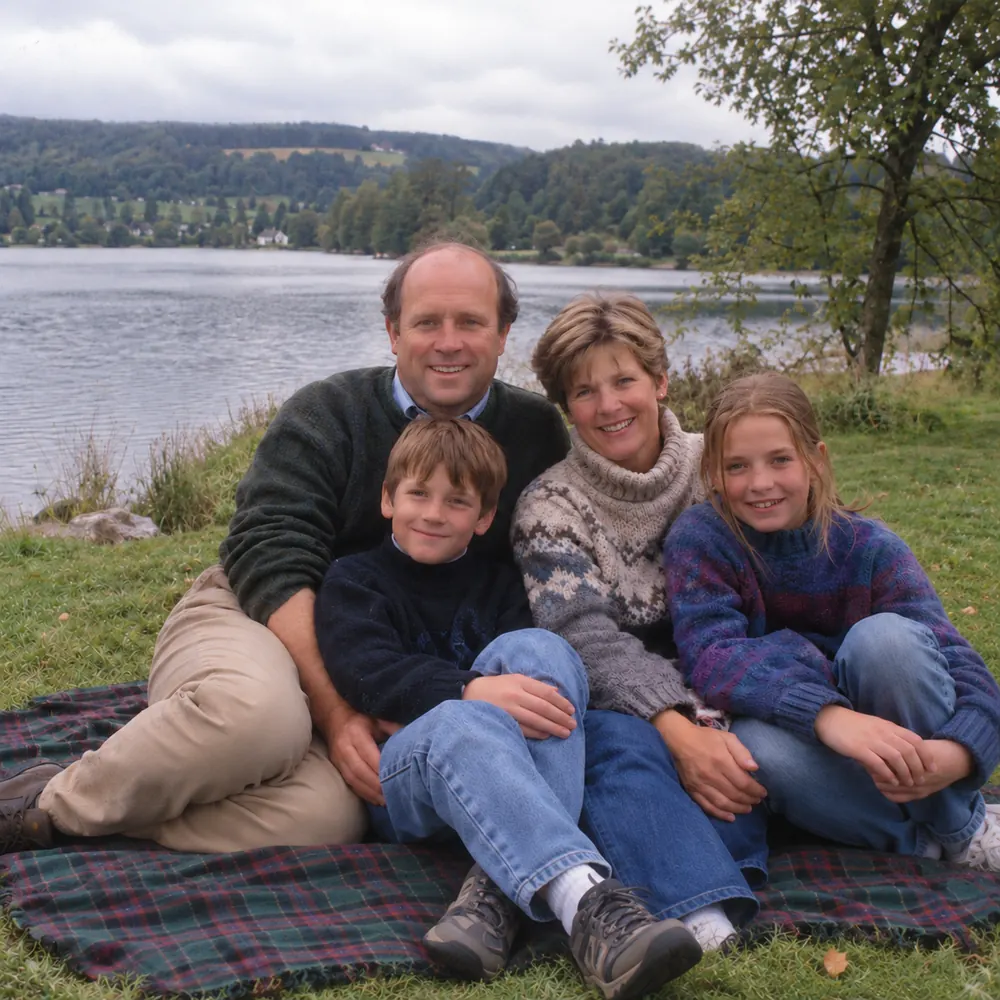
Clear background crowds, accidental walkers, or unwanted figures from vacation photos so the spotlight stays solely on you.
Images 0/1
Mode
Best for people and large objects.
Tired of photobombers and messy distractions ruining your best shots? Brush over any unwanted person, object, or text, and watch our AI reconstruct the natural background with pixel-perfect clarity. No messy smudges, no watermark on export.


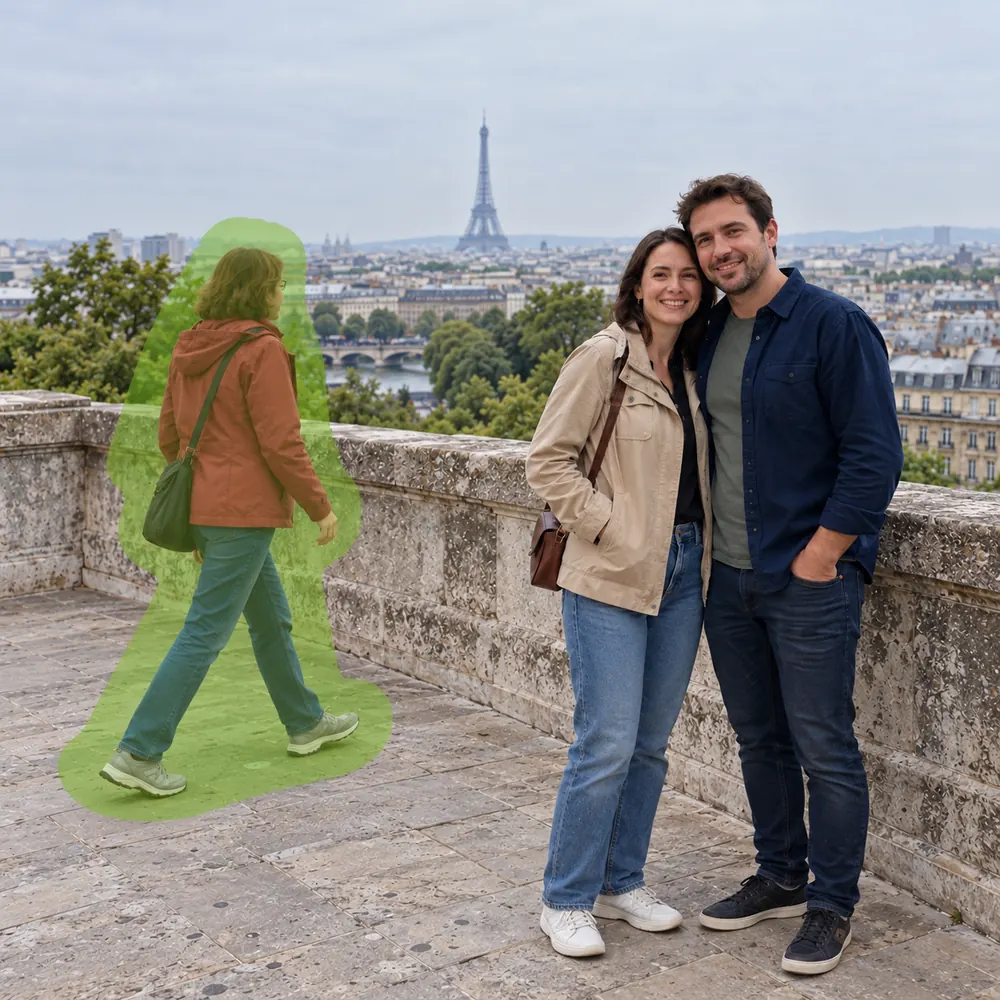
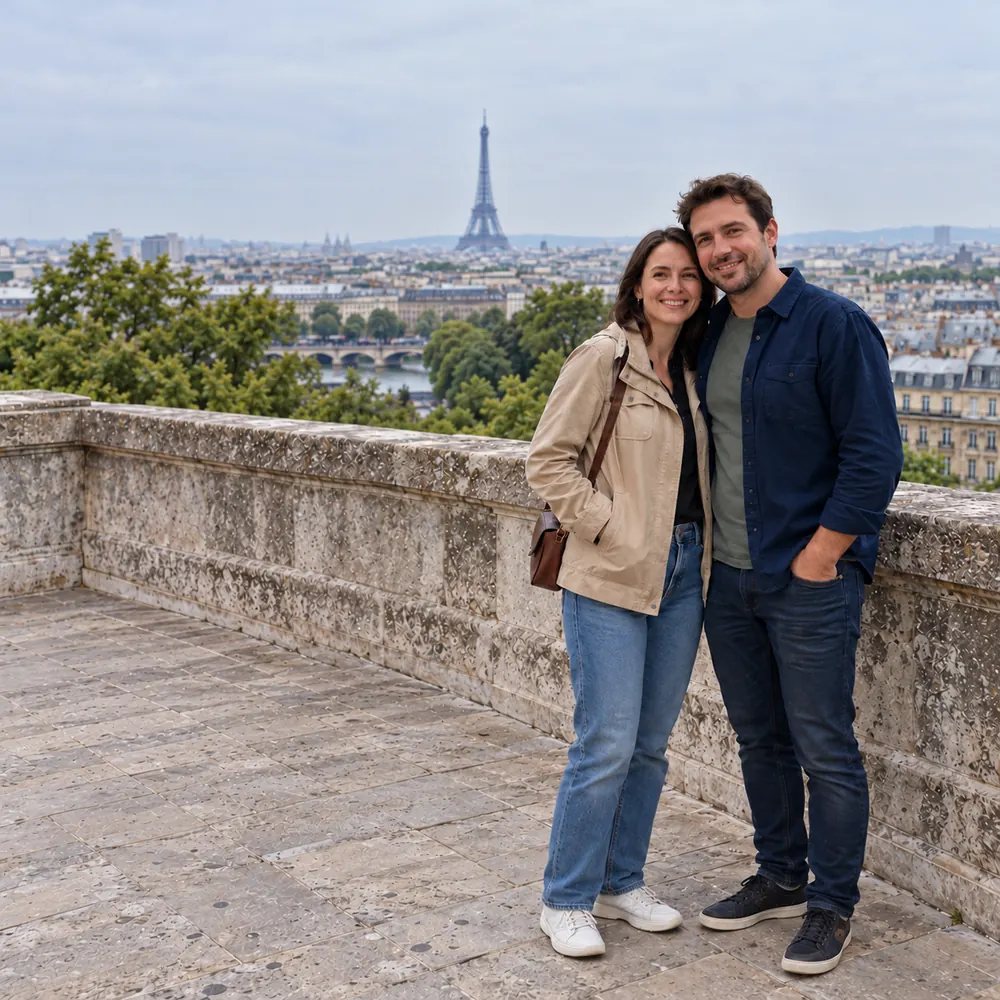

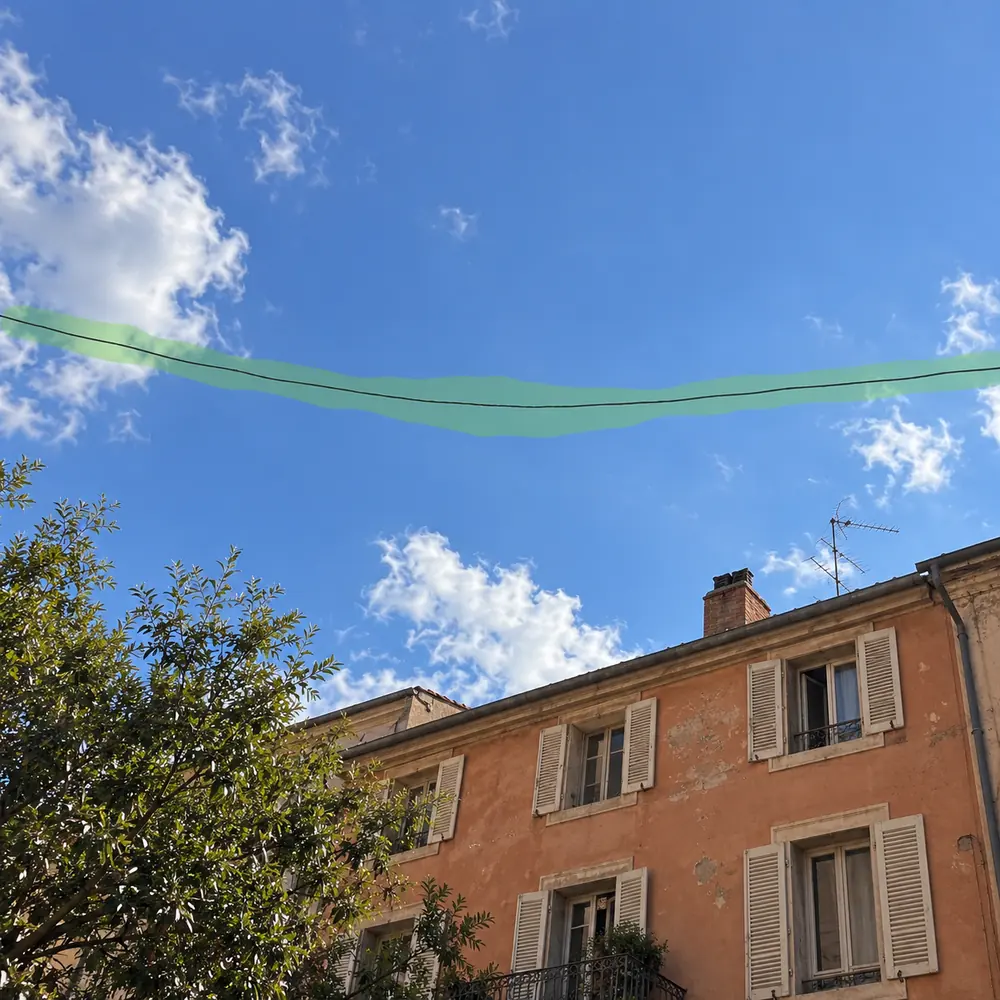
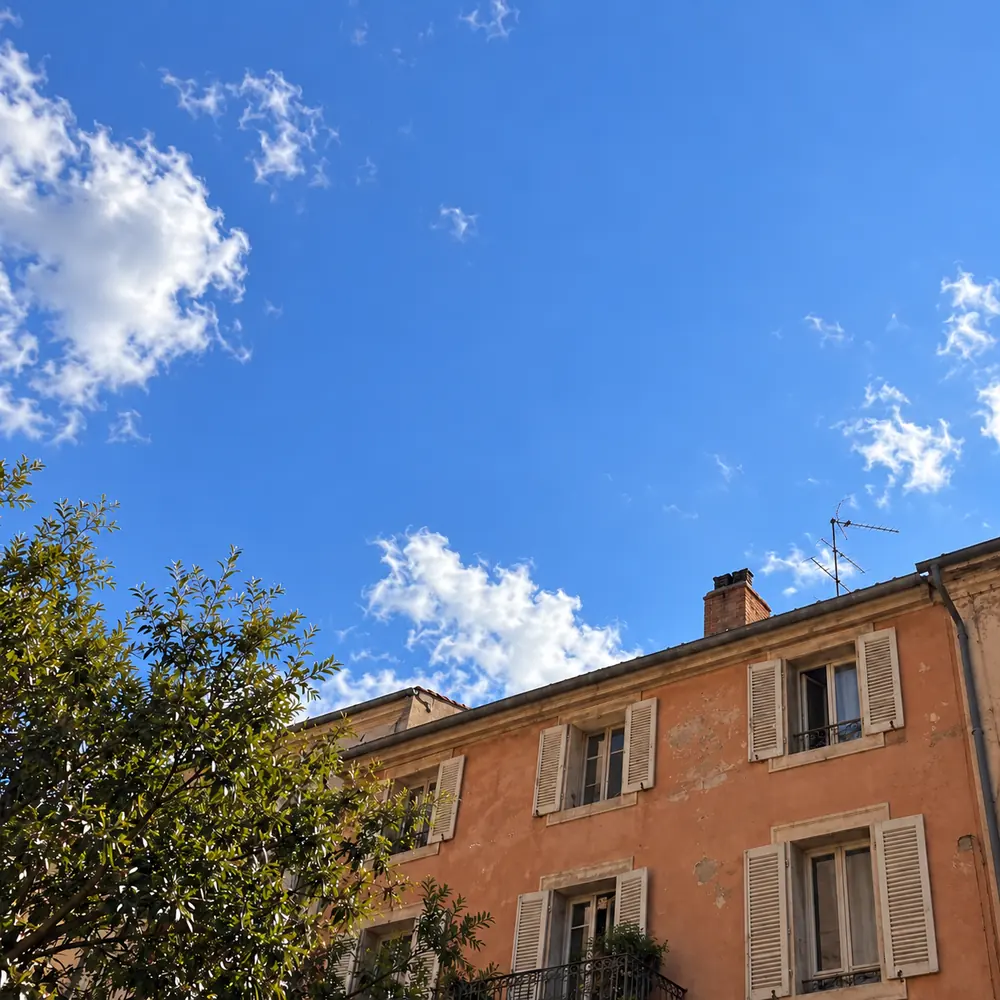
Strangers wandering through your viewpoint snapshot? Cover the person and their ground shadow in a single stroke, and the original streetscape reappears as if they never walked by.
Traditional photo retouching relying on manual clone stamps is tedious, takes steep Photoshop skills, and almost always leaves telltale repeating smudges and blurry seams. Our online tool approaches photo cleanup differently: powered by deep visual context understanding, it doesn't just cut out unwanted items—it accurately infers what originally belonged behind them. By synthesizing matching lighting angles, organic textures, and perspective lines from surrounding pixels, it seamlessly fills vacant areas with natural elements—whether that is gentle ocean waves, sandy shores, brick walls, or cloud-swept skies. What once took twenty minutes of painstaking manual masking now finishes in a few seconds, directly inside your browser.
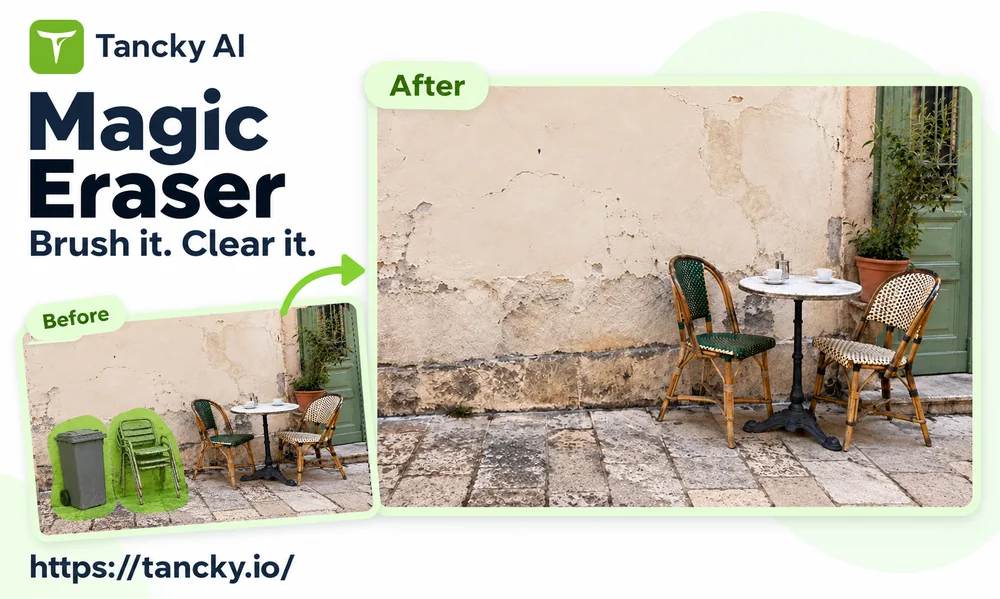
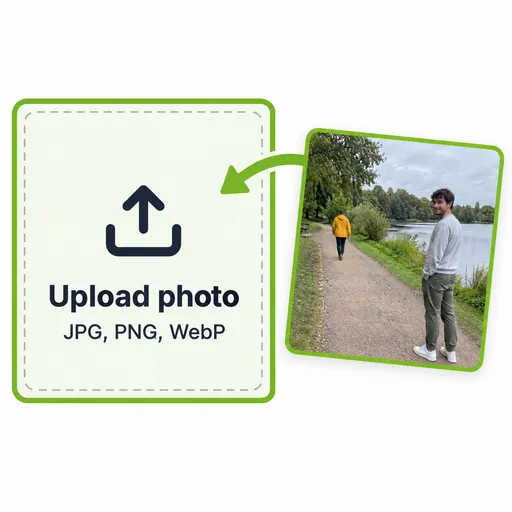
Drag and drop any high-resolution JPG, PNG, or WebP photo into the workspace. The interactive editor launches immediately.
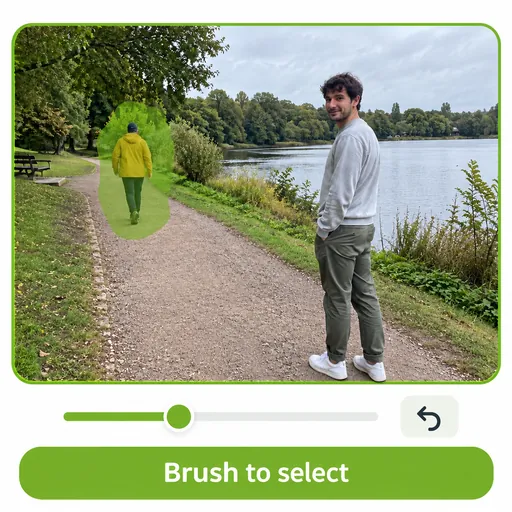
Adjust the brush size to comfortably cover unwanted objects, making sure to include cast shadows and reflections with a slight outer margin. Use pinch-to-zoom for delicate edges, or undo any stroke effortlessly.
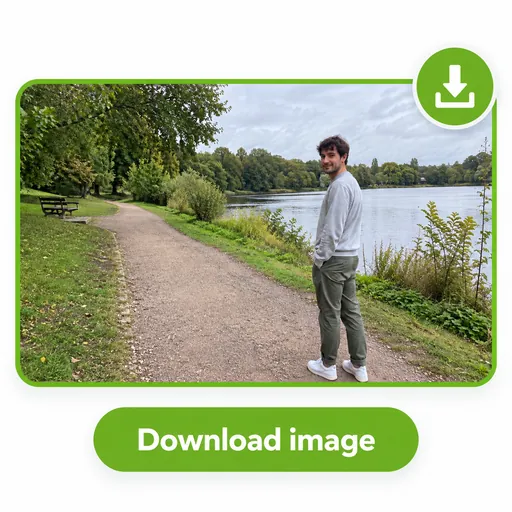
Click Generate and watch the area regenerate seamlessly in seconds. Compare the result with your original using the interactive slider, then download your watermark-free image.
From travel snapshots and social media posts to commercial product listings, clear distractions away without reshooting.
Clear background crowds, accidental walkers, or unwanted figures from vacation photos so the spotlight stays solely on you.
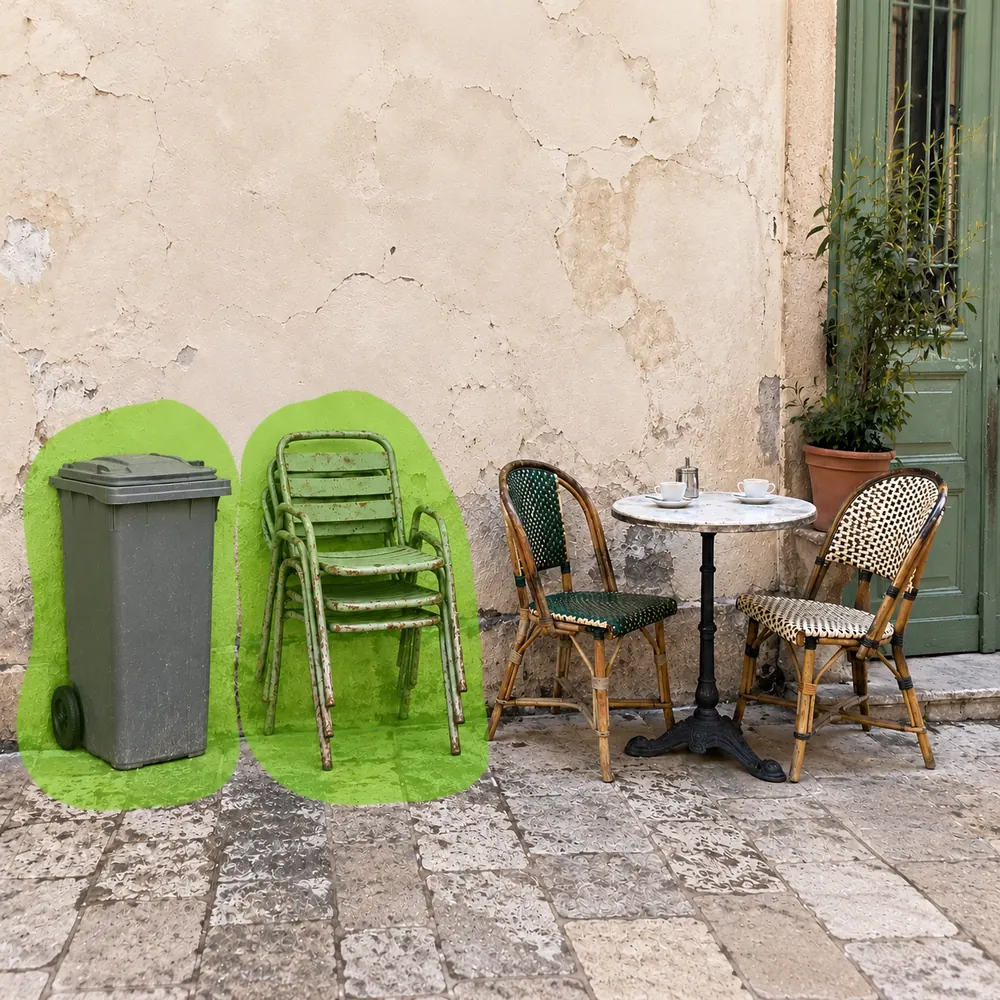
Eliminate street trash cans, stray traffic cones, parked cars, or cluttered furniture so landscapes look clean and serene.
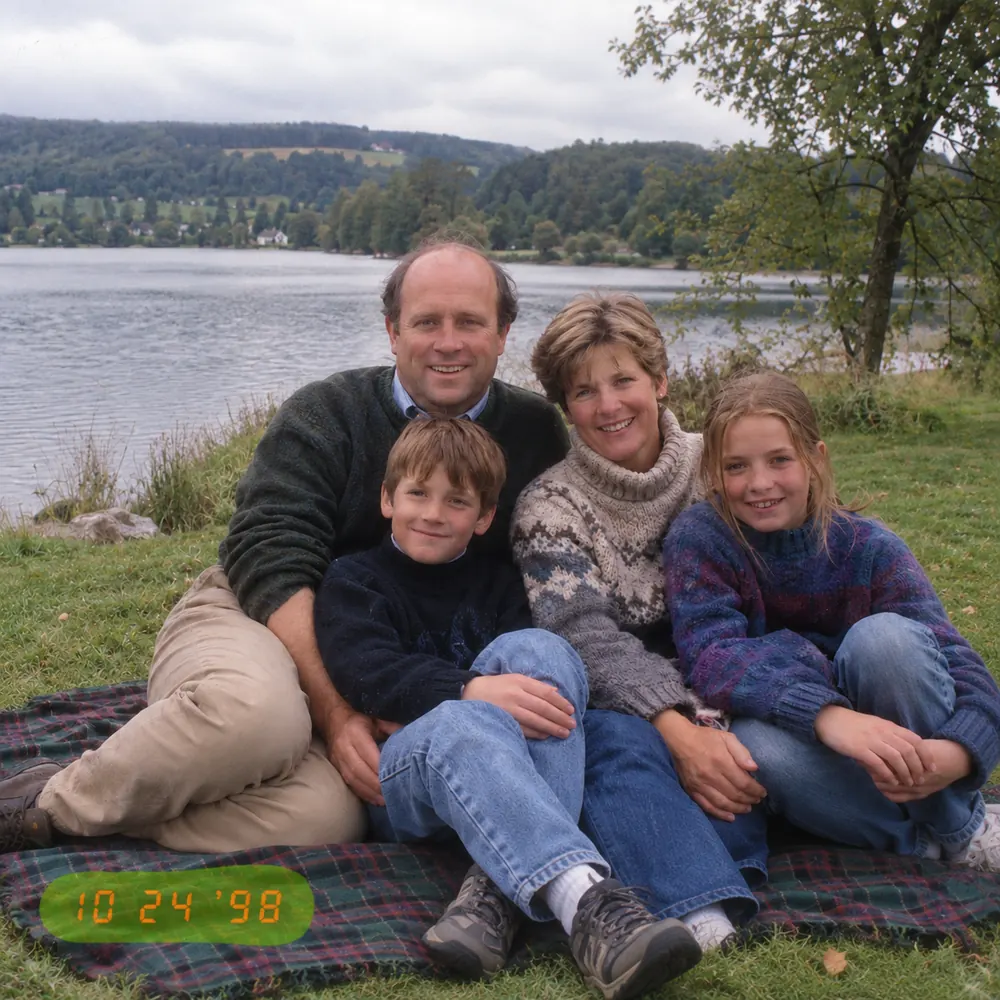
Erase bright date stamps on digitized old prints, annoying memes text, or sticker overlays on images you own the rights to edit.
Remove unsightly price tags, stand holders, dust, or studio fixture reflections so merchandise photos look catalog-ready.
Take messy telephone wires and cables out of architectural and landscape photography, letting open horizons breathe freely.
Wipe away lens dust spots, sensor dirt, wall cracks, or garment wrinkles with one quick click without smearing.
Flawless results come from precise masking. Our canvas tools give you complete, fluid control over every brush stroke.
Experiment freely with multi-step undo and redo. Every brush mark is preserved until you are ready to generate, so you can refine comfortably.
Glide easily between a wide brush to cover large figures in seconds, and an ultra-fine tip with deep zoom to follow hair strands or thin cables.
Work seamlessly whether you draw with a finger on an iPad, on a mobile browser, or with high-DPI mouse control on your desktop. Zero software installation.
The engine is focused purely on authentic scene reconstruction. It fills gaps with matching ground, flora, and sky instead of inserting random new items.
Find clear answers on credits, selecting tricky objects, quality preservation, and data privacy.
Bring flawed travel photos, portraits, and product visuals back to life. Brush over distractions and download watermark-free images in seconds.