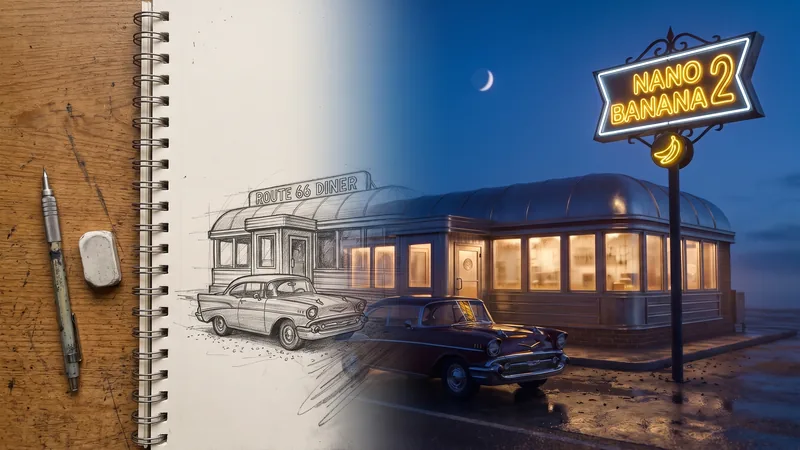
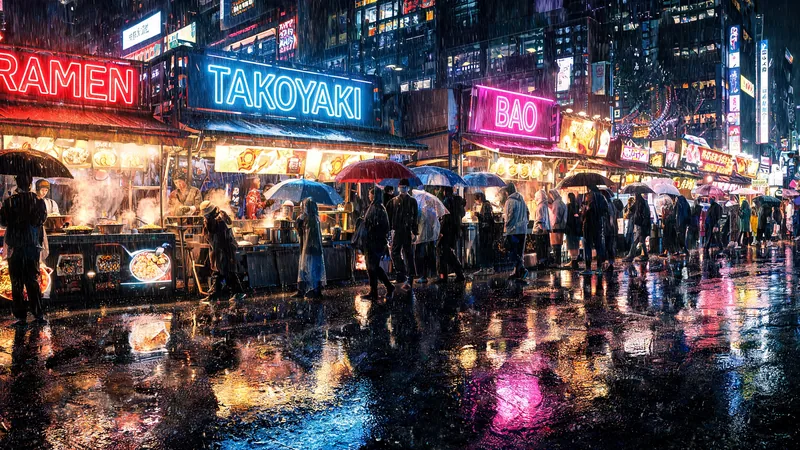
Ultrawide and 4K wallpapers
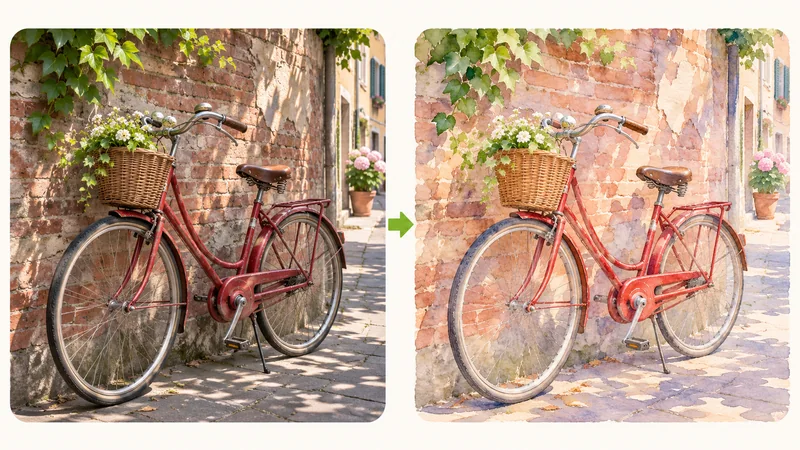
Pick 21:9 for an ultrawide monitor, 16:9 for a regular desktop or 9:16 for a phone, and generate at 4K so the image stays sharp across the whole screen.
Models
Images (Optional)
Not sure what to write? Try an example:
ByteDance's Seedream 5.0 Lite for images that need to be big: posters you print, desktop and phone wallpapers, wide website banners. Choose 2K, 3K or 4K, use wide or tall ratios, and add reference photos to build one scene from several.

Seedream 5.0 Lite is the standard release from ByteDance's Seed team in early 2026. It creates images from a text prompt or from your own photos and exports them at 2K, 3K or 4K, which is the main reason to pick it on this site. A picture made for a phone screen often looks soft once it is printed as a poster, stretched across a 4K monitor or used as a full-width website banner; starting at a larger size avoids blurry upscaling later. It also handles wide and tall ratios such as 21:9 and 1:2, and it can take several reference photos at once, so you can place a person, a product and a location into one scene. Use 2K to try ideas, then generate the final version at 4K when it is going on a wall or a big screen.
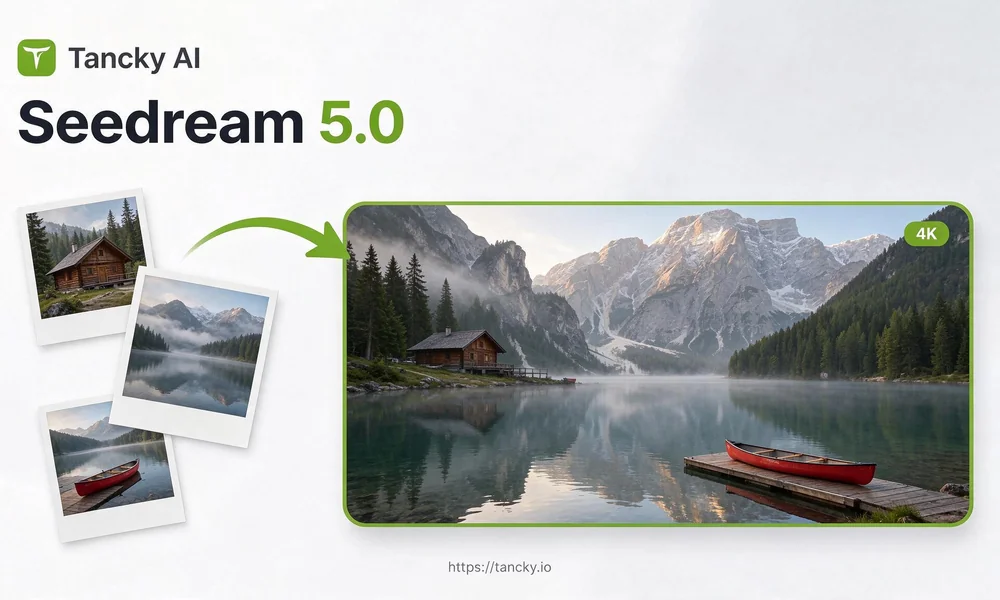
Built for workflows where resolution and aspect ratio matter as much as prompt fidelity.
Try ideas at 2K, then make the final image at 4K for prints, large screens and anything people will look at up close.
Go from square to ultrawide 21:9 or a long 1:2 vertical, so banners, wallpapers and story images need little or no cropping.
Upload a location, a person and a product, then say where each one goes. The result keeps them recognizable in one shared light.
Headlines, shop names and dates in quotes come out clean enough for posters and signs, especially at 3K and 4K.
Three jobs where a small image would fall apart: an ultrawide screen, a printed poster and a scene assembled from several photos.
Pick 21:9 for an ultrawide monitor, 16:9 for a regular desktop or 9:16 for a phone, and generate at 4K so the image stays sharp across the whole screen.
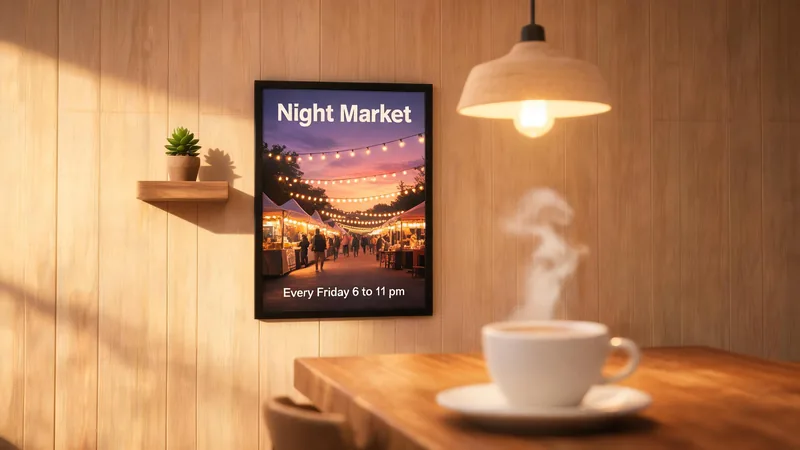
Put the title and date in quotes, choose a portrait ratio and 4K, and send the file to a print shop or office printer. Read the words at full size before you order prints.
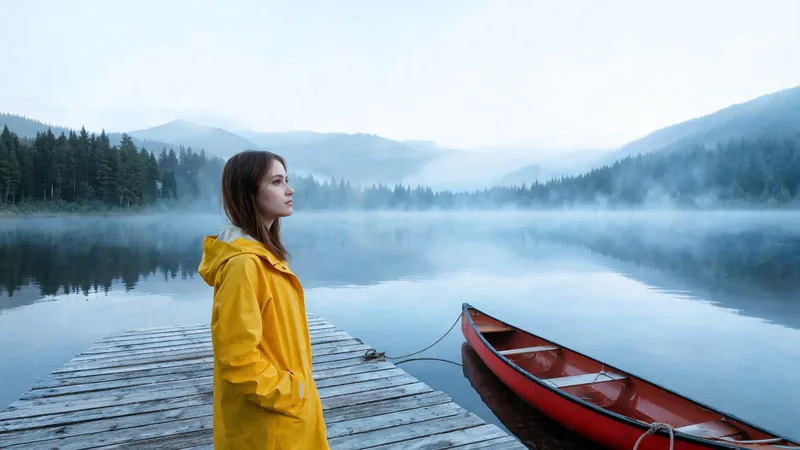
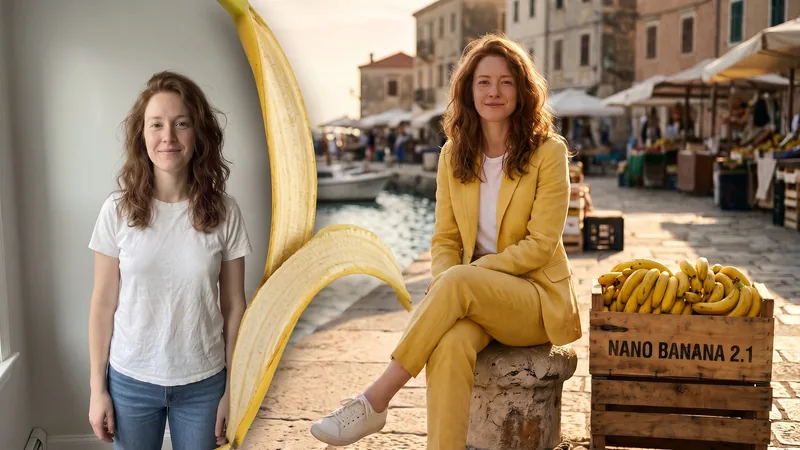
Upload the place, the person and the object separately and describe how they fit together. Useful for campaign mockups, room ideas and storyboards when no single photo has everything.
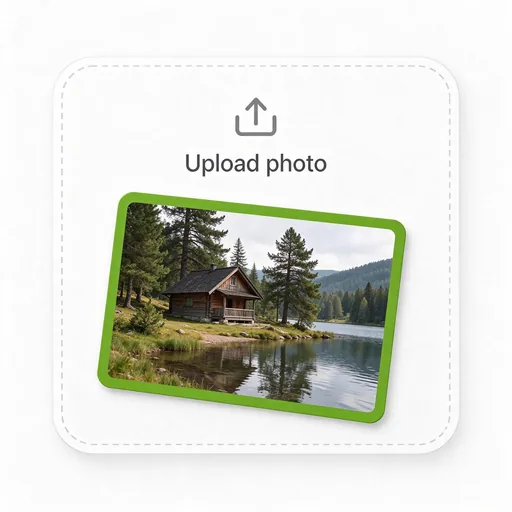
Upload the photos you want to build on, here a lakeside cabin. To create an image from words only, leave the upload area empty.
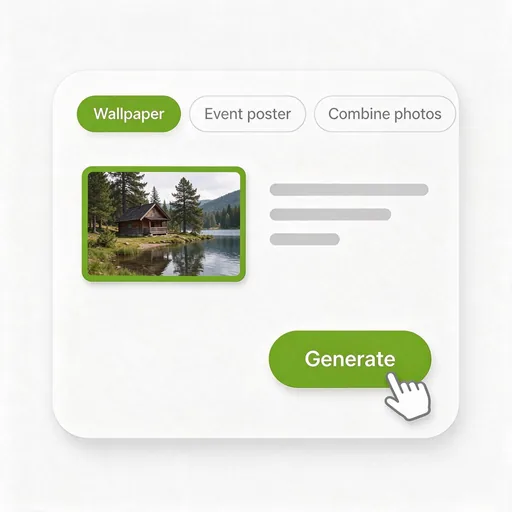
Choose a preset or write your own prompt, then set the ratio for where the image will be used and pick 2K, 3K or 4K.
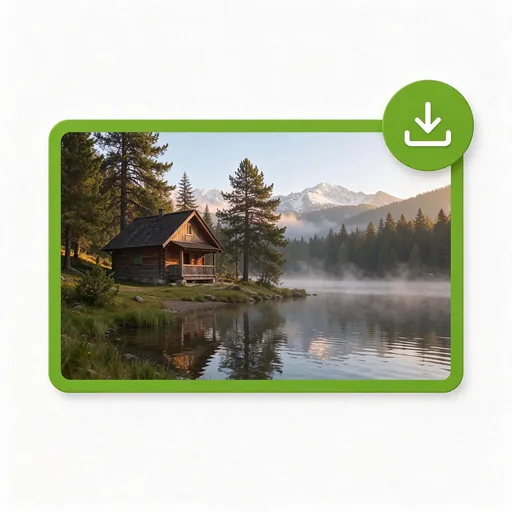
Zoom in on edges, faces and any text. When the 2K draft looks right, run the same prompt at 4K and download the large version.
People who need an image to stay sharp on paper, on big screens or after cropping into several sizes.
Make flyers, window posters and price signs at 4K so the photo and the title stay crisp at A3 size and up.
Create desktop, ultrawide and phone wallpapers in the exact shape of the screen, without stretching a smaller picture.
Generate full-width hero banners that still look sharp on high-resolution laptops and large monitors.
Start from one large lifestyle image and crop square, portrait and banner versions from it without losing detail.
Make welcome signs, backdrops and table cards that hold up when printed on large boards or fabric.
Combine the client's location, product and model photos into one draft scene before booking a real shoot.
Describe the image or upload your photos, choose the shape and size, and download a 4K file ready for print or a big screen.
Answers covering resolution choices, print output, multi-photo blending, credits, and licensing.