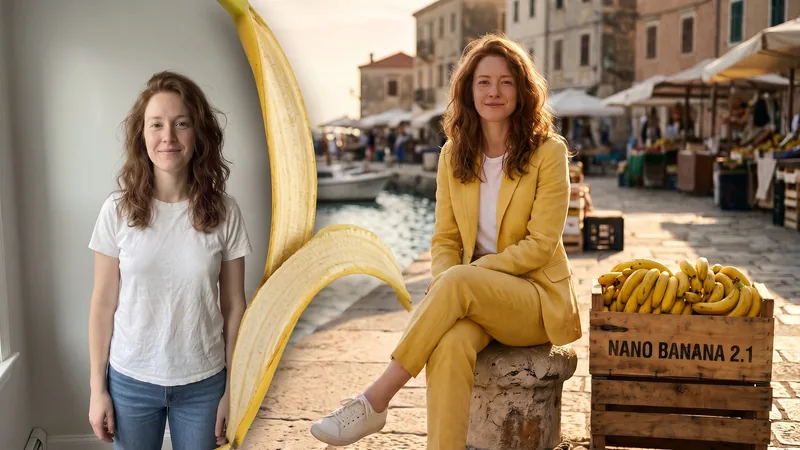
Cartoon profile picture for social channels
Create a clean cartoon profile picture for YouTube, Discord, X, or LinkedIn without sharing a raw camera photo while still looking unmistakably like yourself.
Your photo
Not sure what to write? Try an example:
Upload any portrait, selfie, couple snapshot, or pet picture to create crisp 3D animated, 2D cartoon, comic, or anime artwork online while keeping every recognizable facial feature.

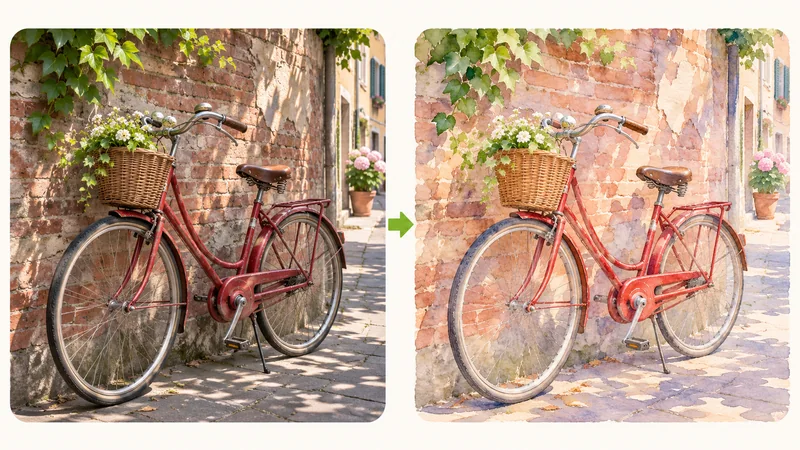
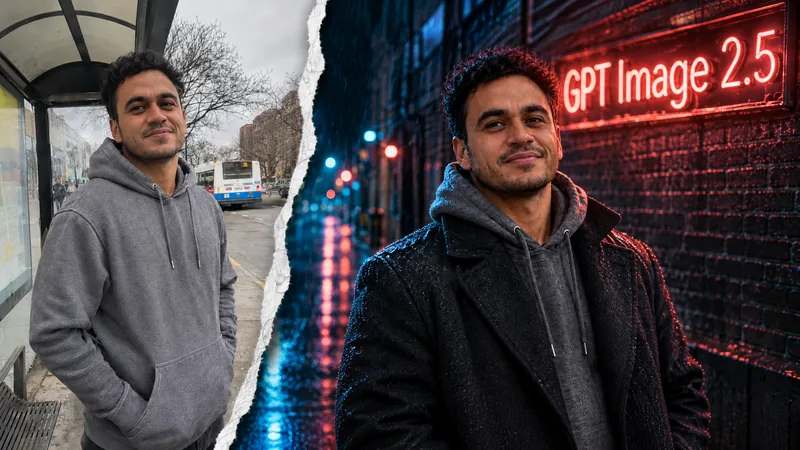
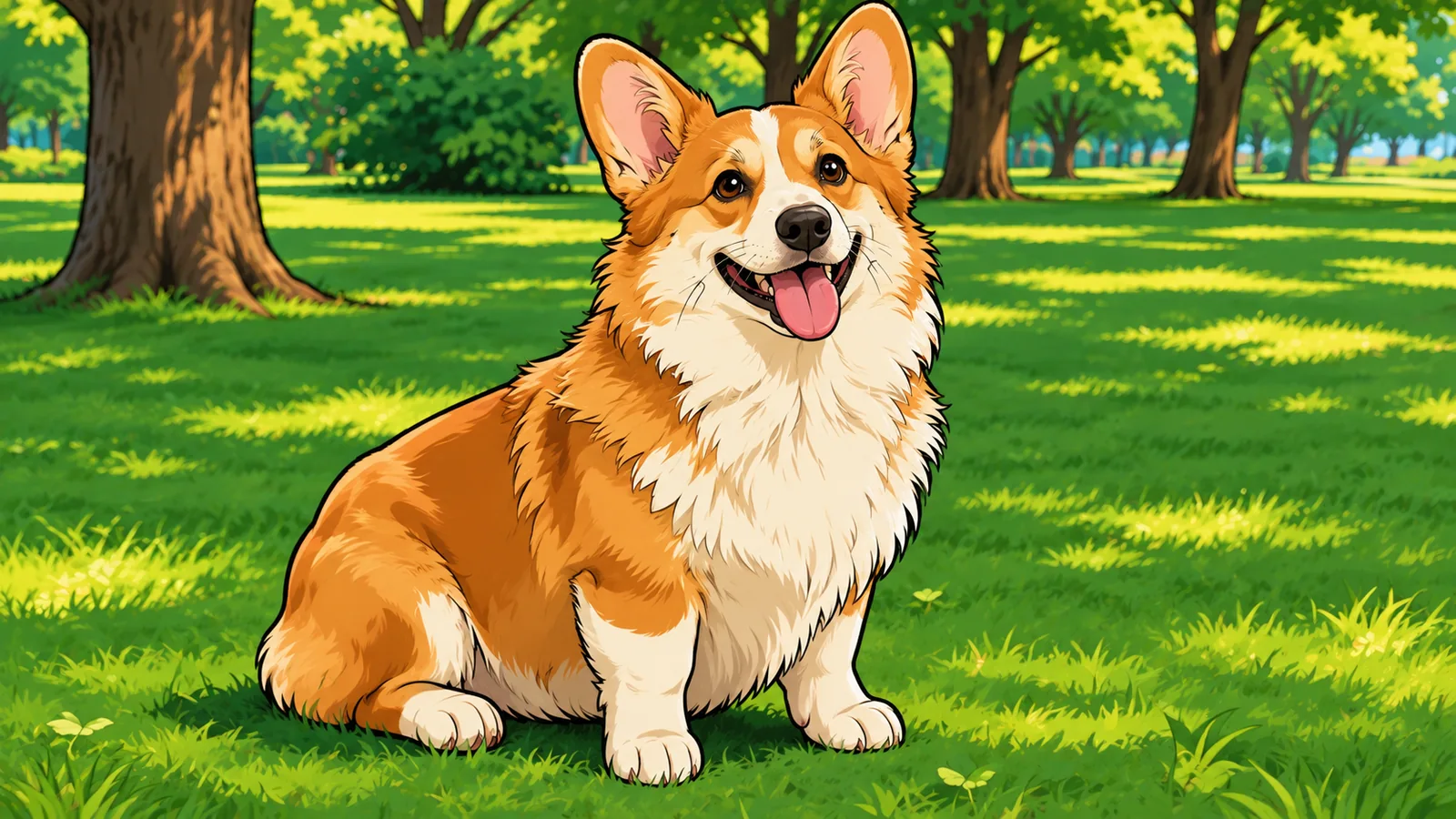
Drag the slider across four real-world cases to check how facial structure, pet coat markings, and lighting stay consistent across 3D, 2D, comic, and anime styles.
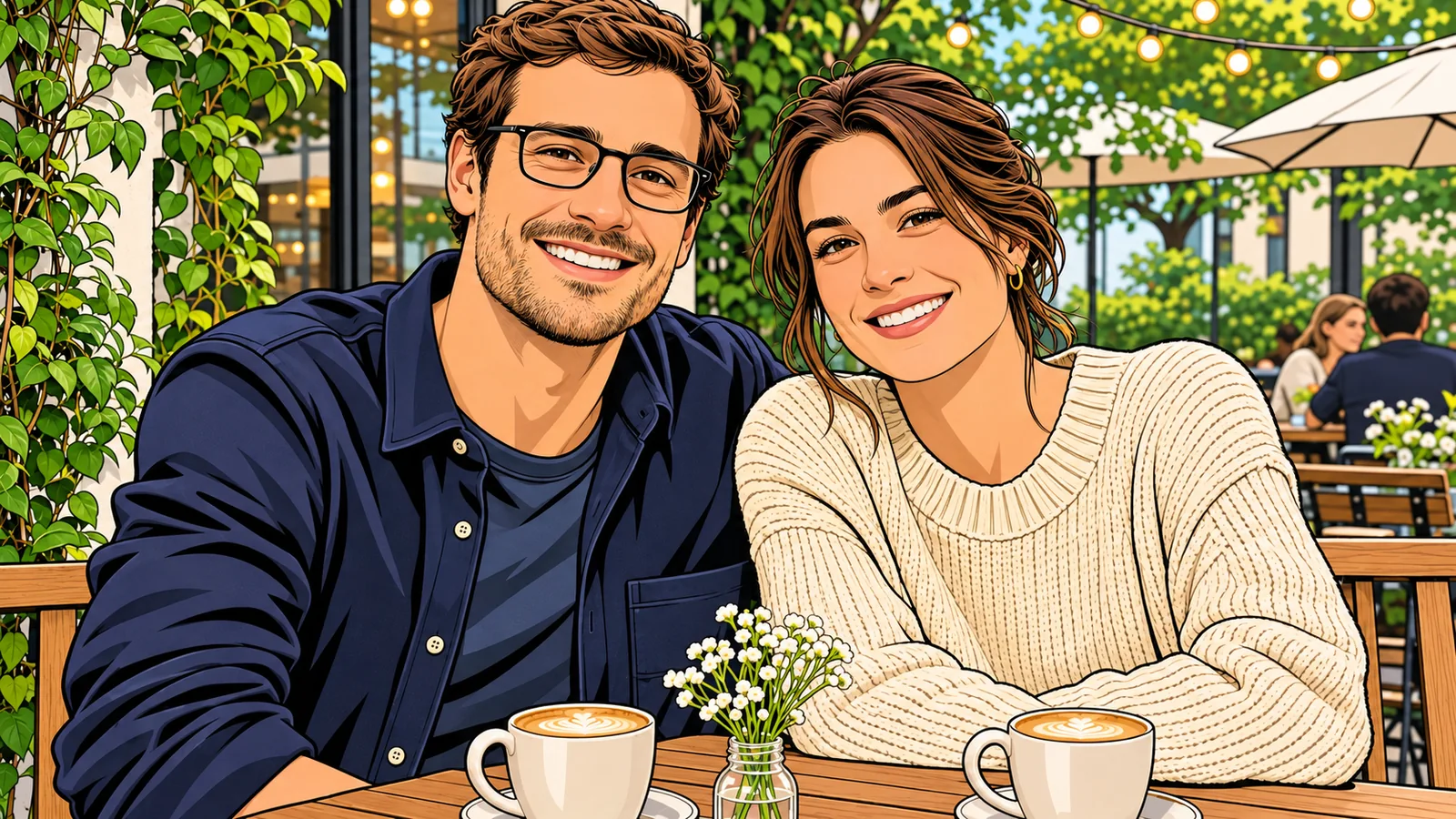
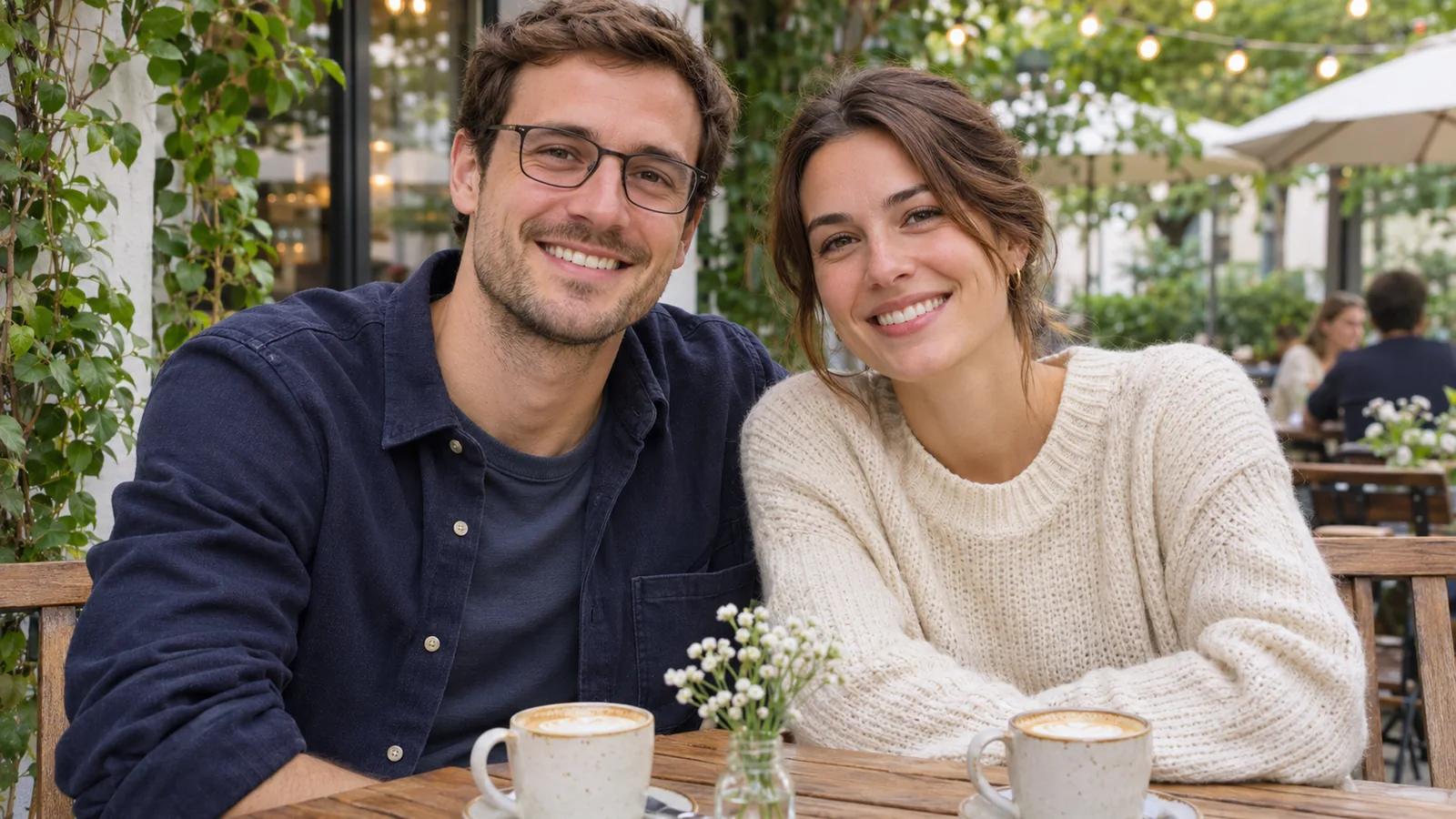
Two-person snapshots keep both faces distinct, preserving height difference, glasses, and warm café lighting in a cohesive comic illustration.
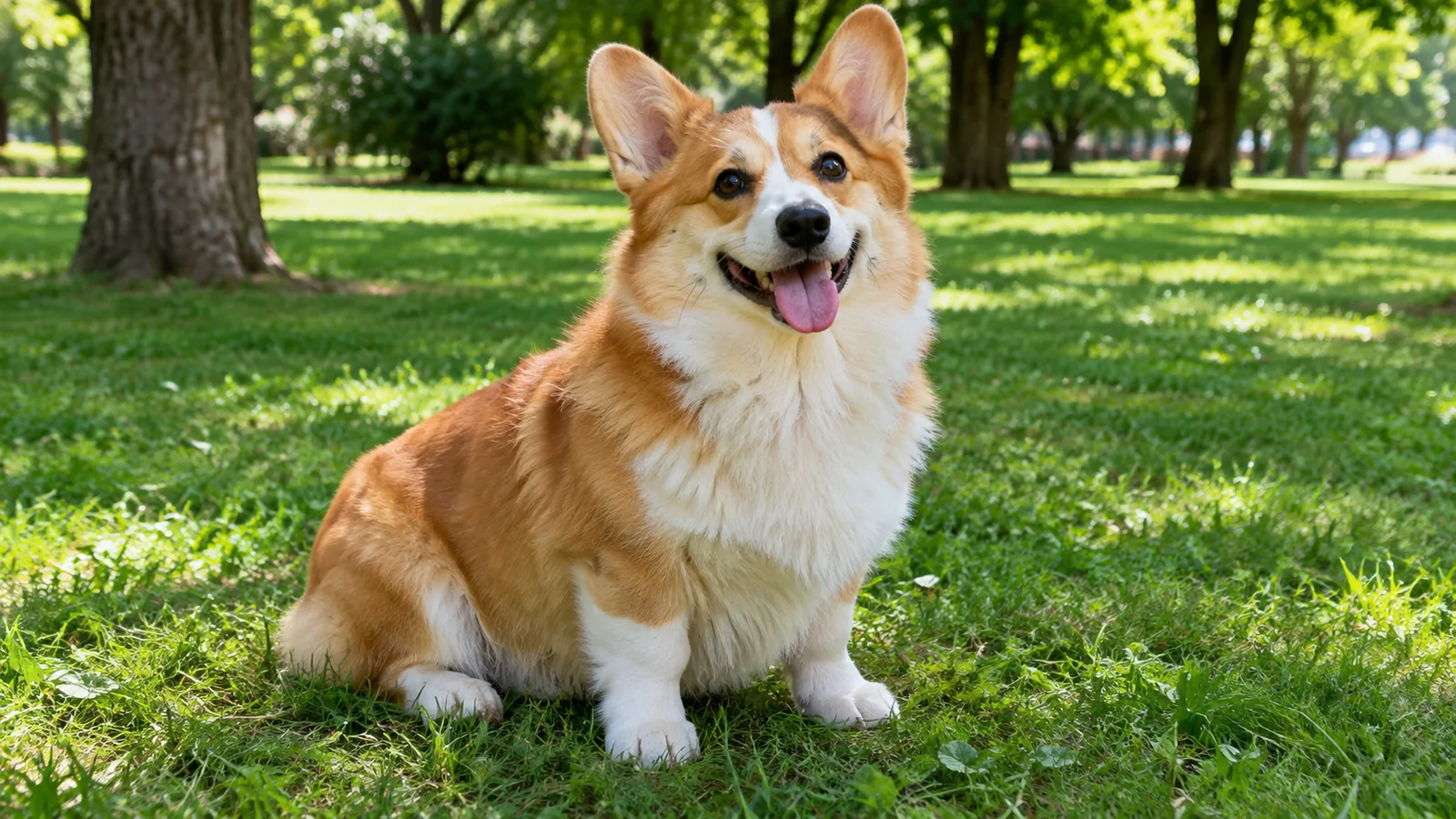
Pet cartoon styling preserves ear shape, coat markings, and playful eyes instead of turning your dog into a generic clip-art mascot.
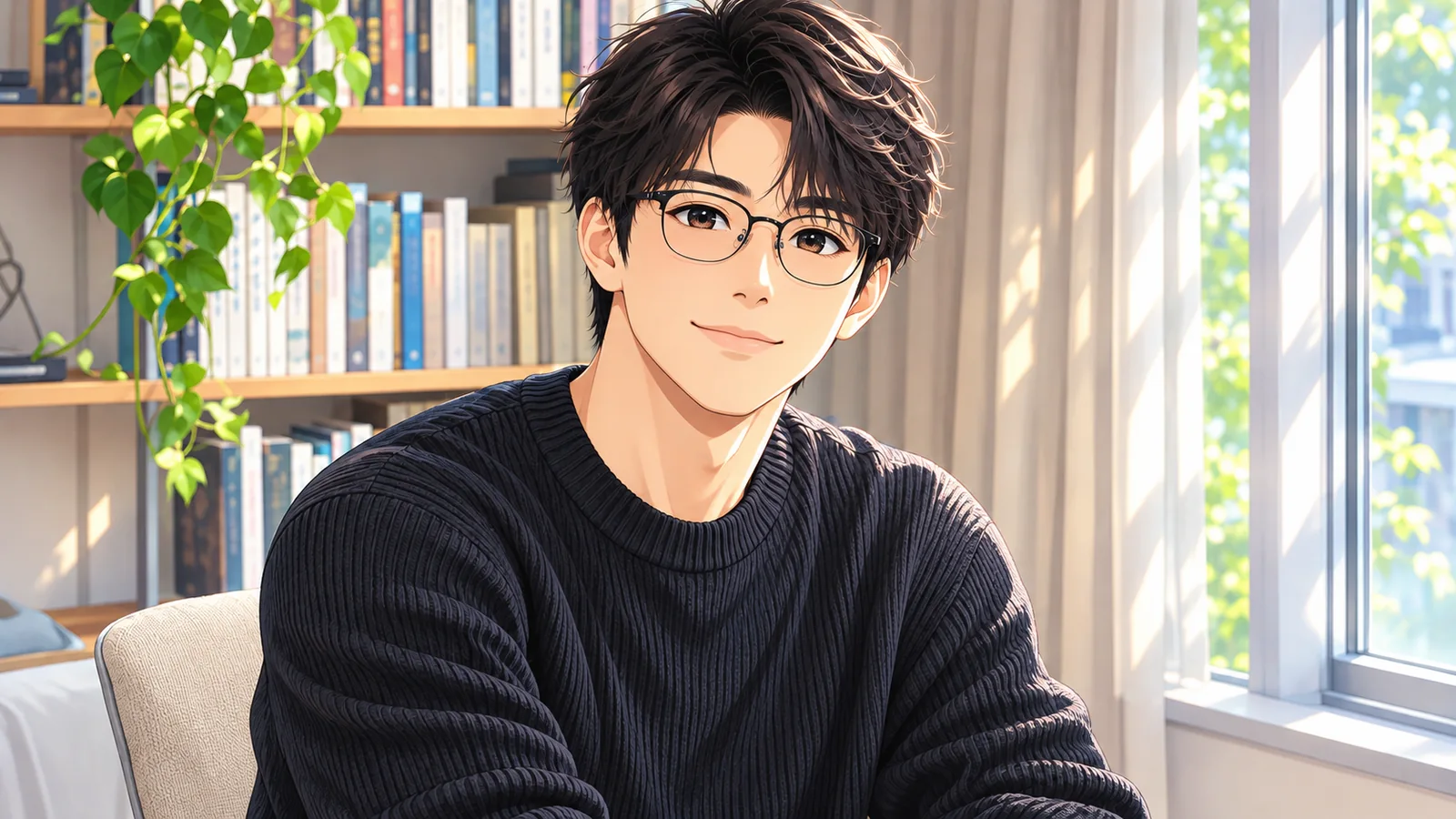
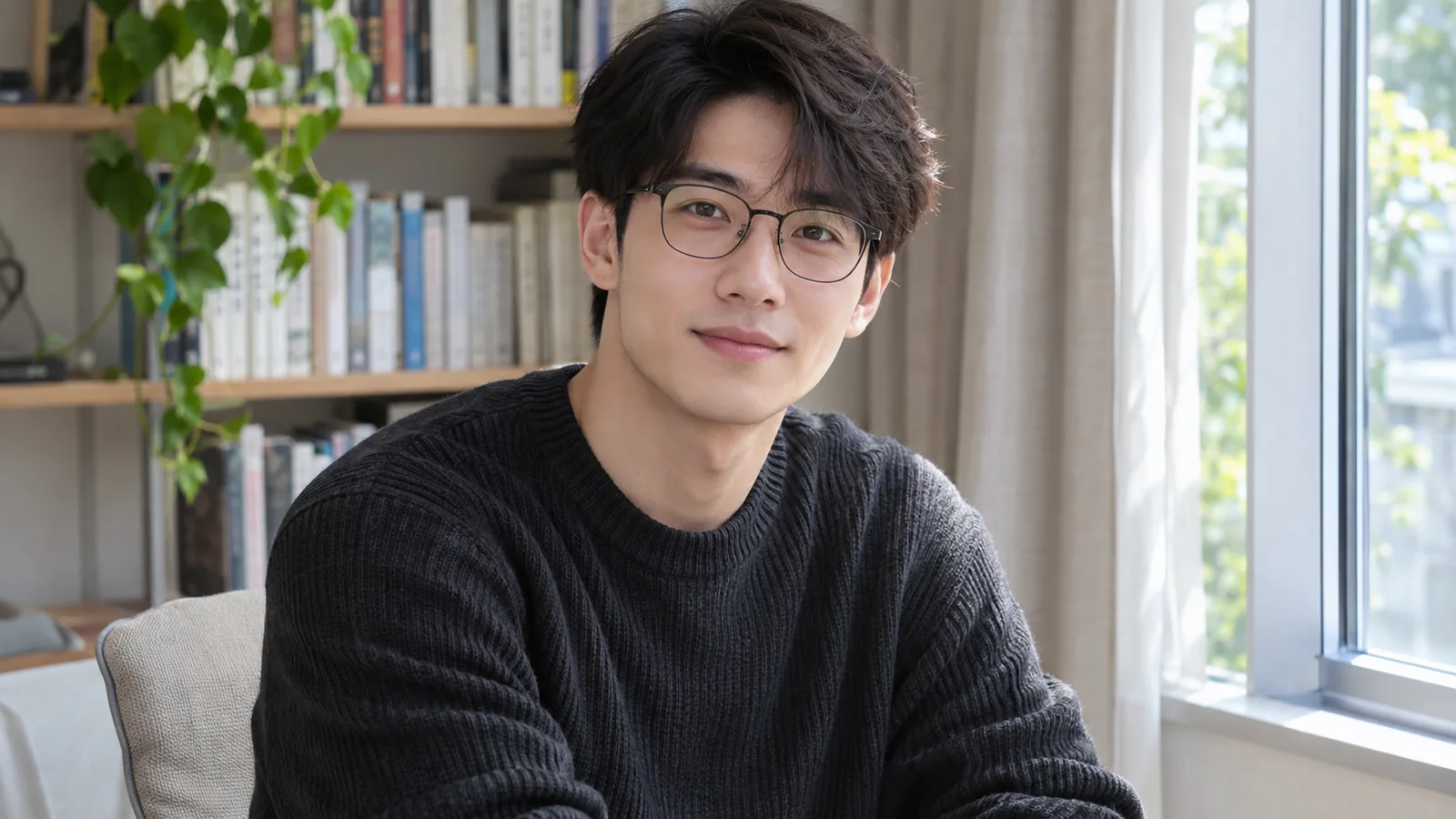
Turn indoor portraits into crisp photo to anime illustrations with clean line art, soft window highlights, and accurate hair and clothing cues.
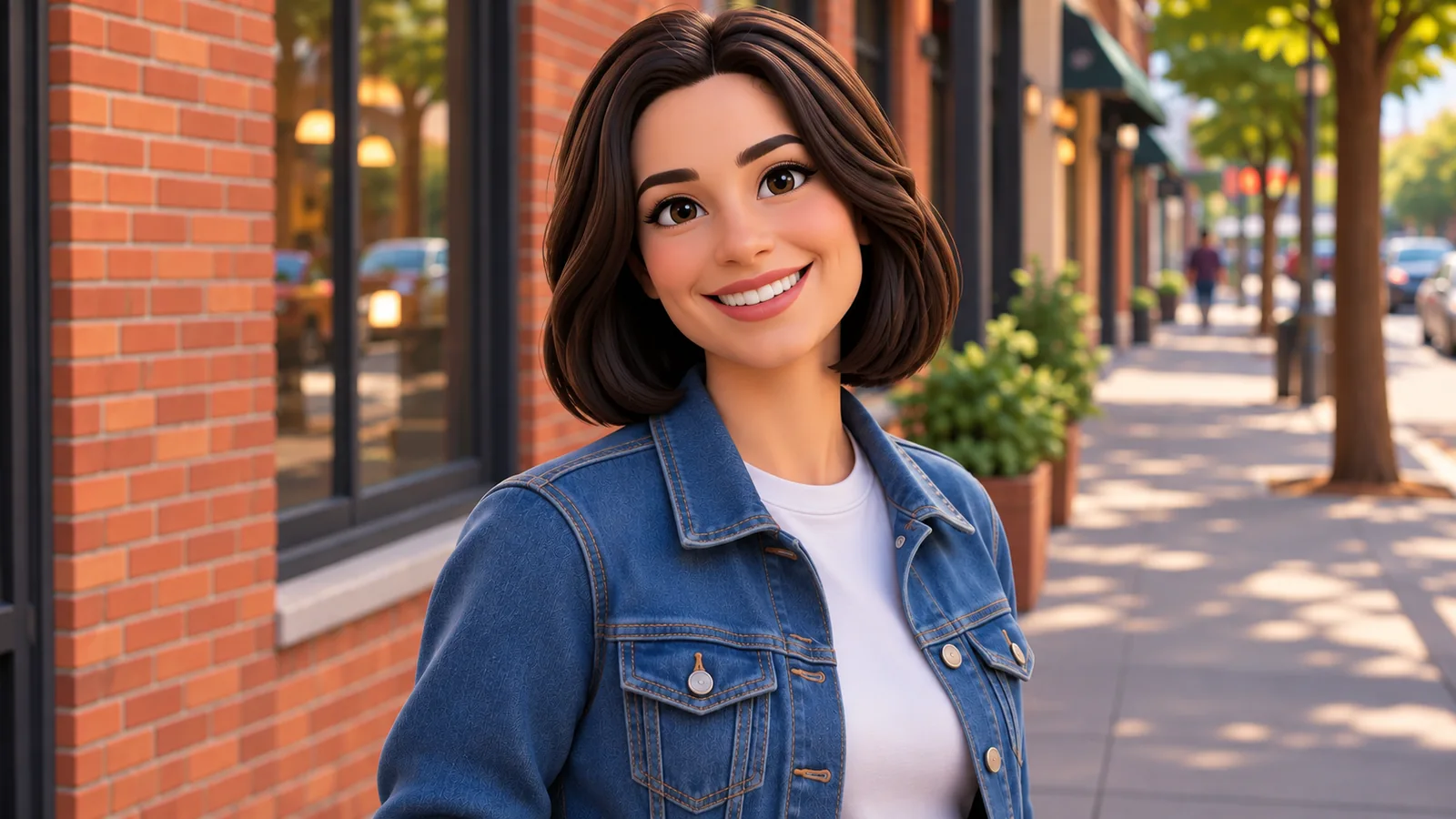
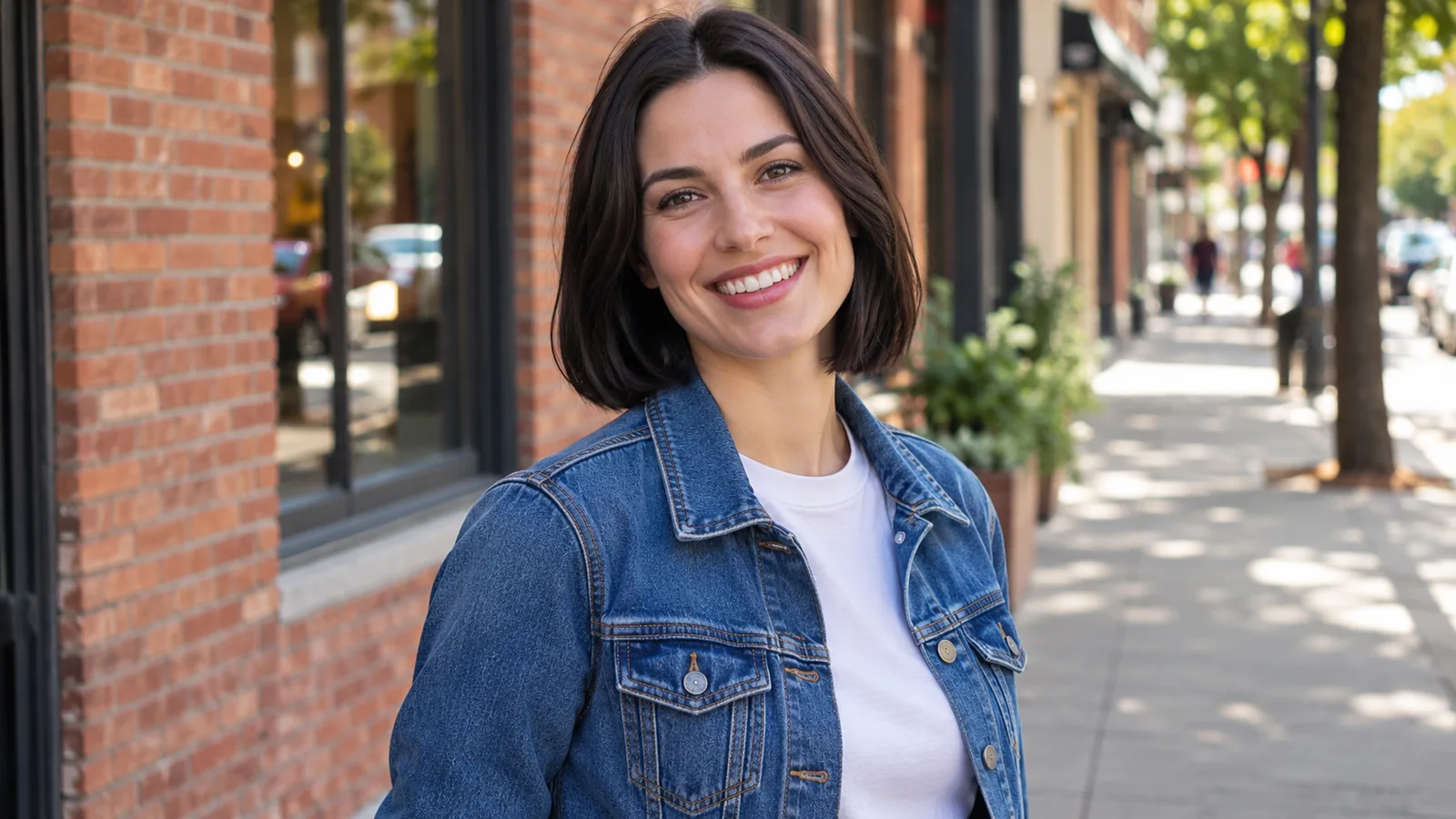
Everyday street portraits convert into soft-lit 3D animated characters while keeping hairstyle, jacket folds, and natural expression aligned.
From refreshing social channels to creating custom gifts, pick a style preset or describe the exact line work and mood you want.
Create a clean cartoon profile picture for YouTube, Discord, X, or LinkedIn without sharing a raw camera photo while still looking unmistakably like yourself.
Turn a quick phone selfie to cartoon art for messaging apps and stories. Keep your glasses, bangs, and smile intact instead of getting a generic template face.
Use portrait to cartoon styling across podcast covers, newsletters, author bios, and team pages so every headshot shares one cohesive illustrated look.
Convert your dog or cat snapshot into playful 2D or 3D art for custom stickers, phone lock screens, mug prints, and pet-lover gifts.
Build a recognizable gaming or community persona with a cartoon avatar maker from photo that lets you tweak outfits, colors, or sci-fi and fantasy props in the prompt.
Style couple trips, birthdays, or graduation shots into inked photo to comic panels or light editorial caricatures ready for cards and framed prints.
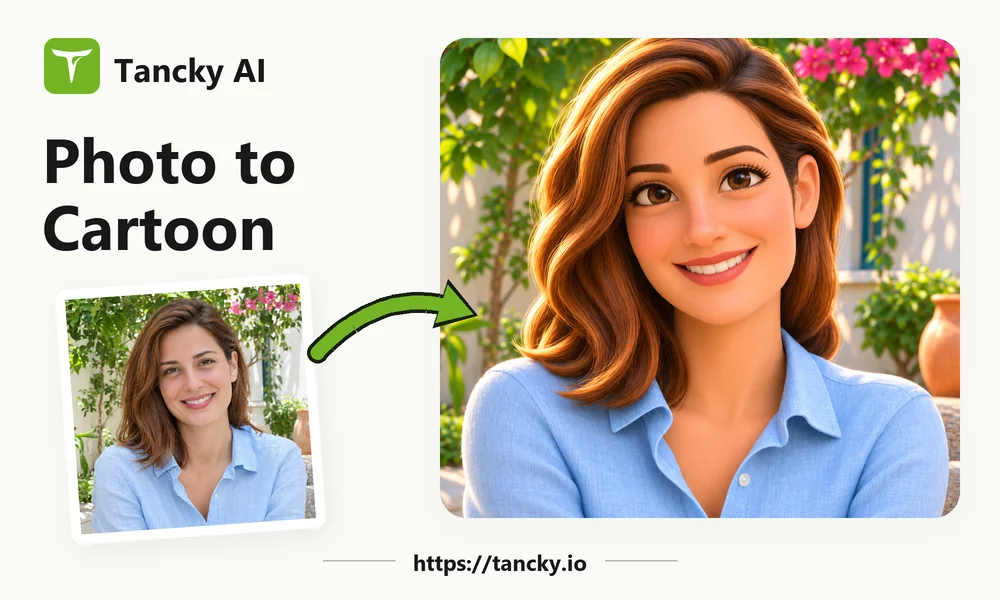
A photo to cartoon tool translates a real photograph into illustrated artwork rather than slapping a flat edge filter over pixels. Basic filter apps only blur skin and trace dark lines, which often turns shadows into muddy blotches and distorts eyes. This AI cartoonizer reads facial geometry, gaze direction, hair flow, and lighting from your uploaded picture, then redraws the whole image to cartoon in your chosen aesthetic. Whether you want sculptural 3D shading, crisp 2D cel animation, inked comic contrast, or gentle caricature charm, the redraw keeps the person or pet clearly recognizable while simplifying cluttered details into balanced artwork.
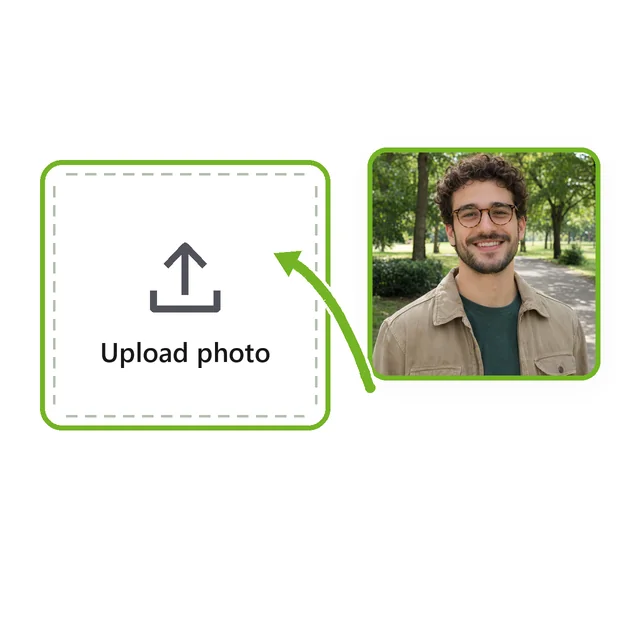
Add a portrait, selfie, couple photo, or pet shot directly from your phone or computer. Front-facing pictures with even light and unobstructed eyes give the most accurate likeness.
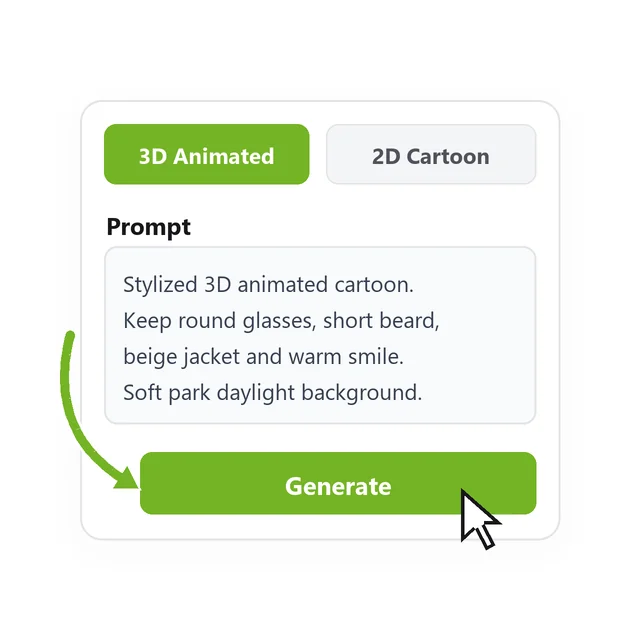
Select 3D Animated, 2D Cartoon, Comic Book, Anime Style, or Caricature. You can edit the prompt to specify flat backgrounds, watercolor ink, outfit colors, or extra props.
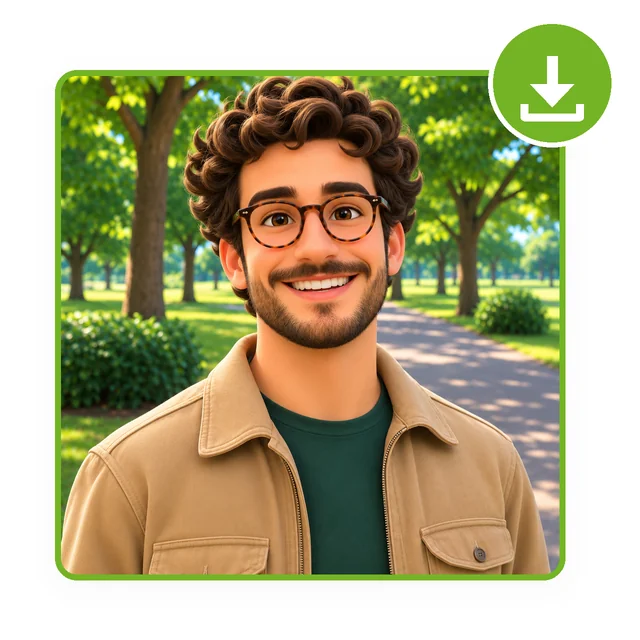
Inspect eyes, hair, glasses, and hands at full view. If the style feels too subtle or too exaggerated, tweak one line in the prompt and regenerate, then save your finished image.
Designed around the issues people hit most often with automatic cartoon filters: lost likeness, muddy shadows, and rigid presets.
Facial shape, eye spacing, smile lines, glasses, and pet fur markings anchor the redraw so the finished cartoon still looks like your subject.
Switch between 3D animation, classic 2D lines, comic book ink, anime, and caricature, or refine background simplicity and color palette directly in plain English.
Works best on well-lit chest-up or waist-up shots. For dark night photos, tiny distant faces, or heavy motion blur, cropping closer before upload improves accuracy.
Keep your original setting redrawn in matching cartoon art, or ask in the prompt for a flat pastel backdrop ready for social avatars, thumbnails, and stickers.
Upload a favorite portrait, selfie, or pet photo and preview multiple illustrated styles right in your browser with no app install.
Practical answers on preserving likeness, choosing cartoon styles, customizing backgrounds, converting pets, and trial credits.